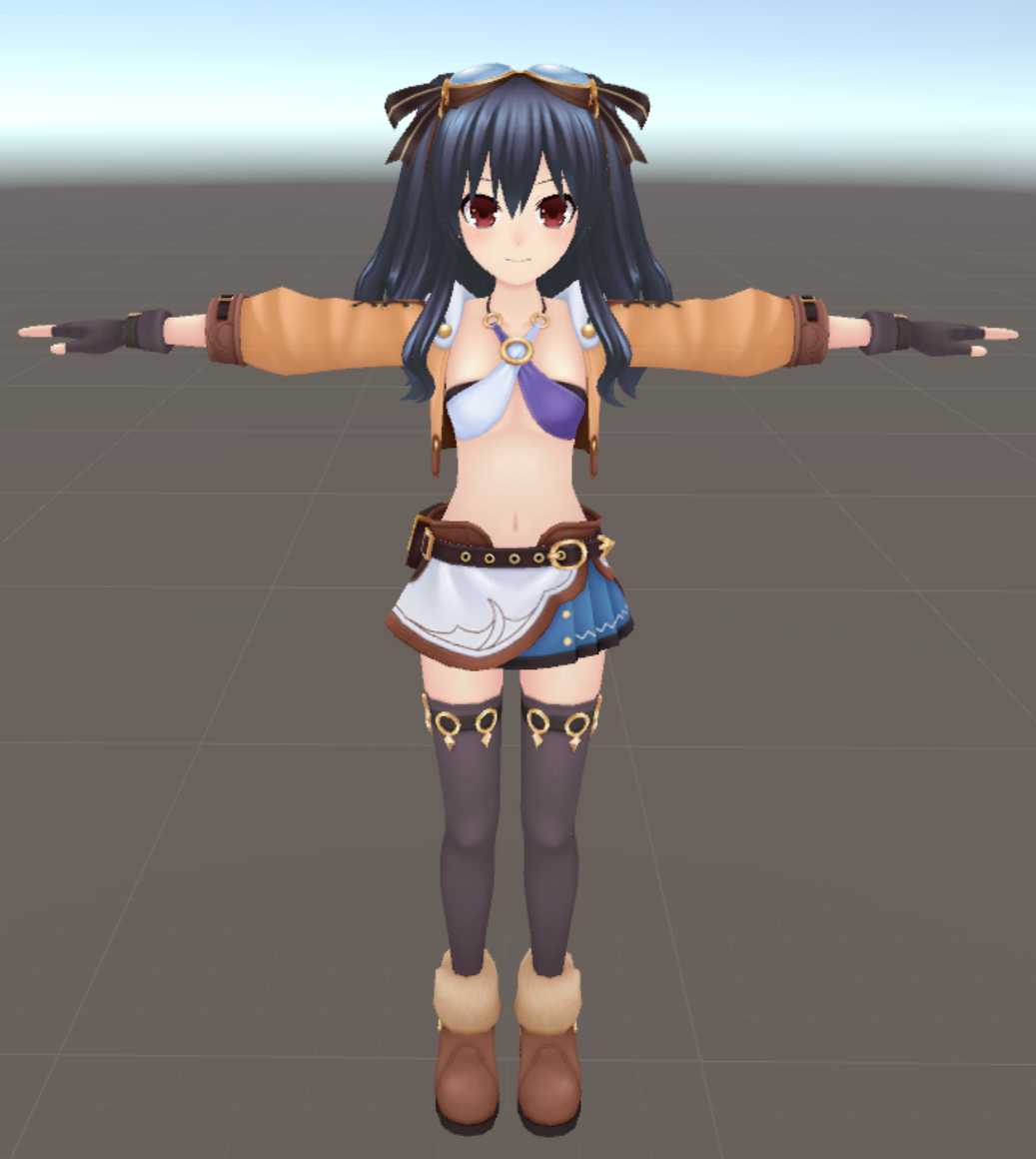
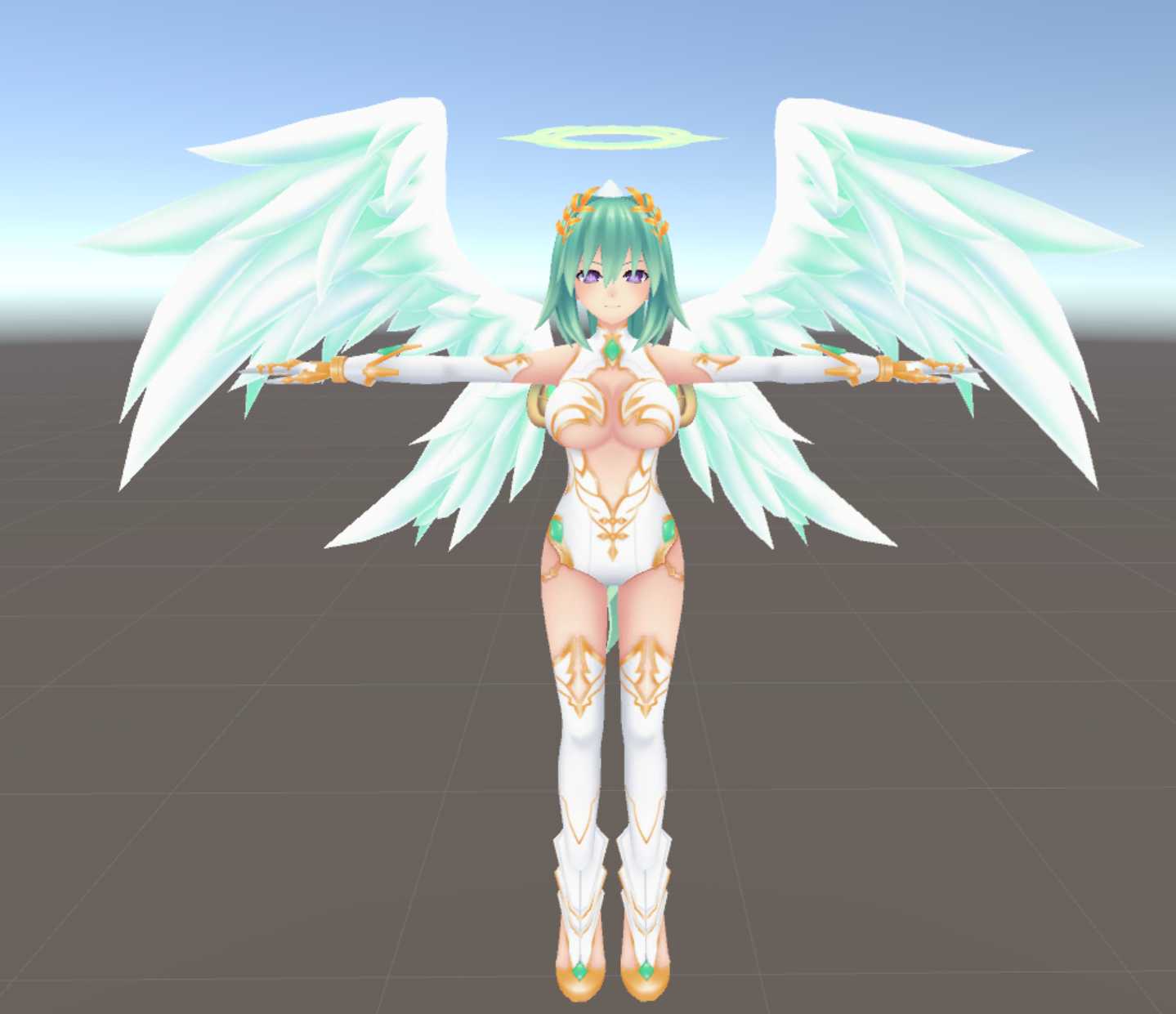
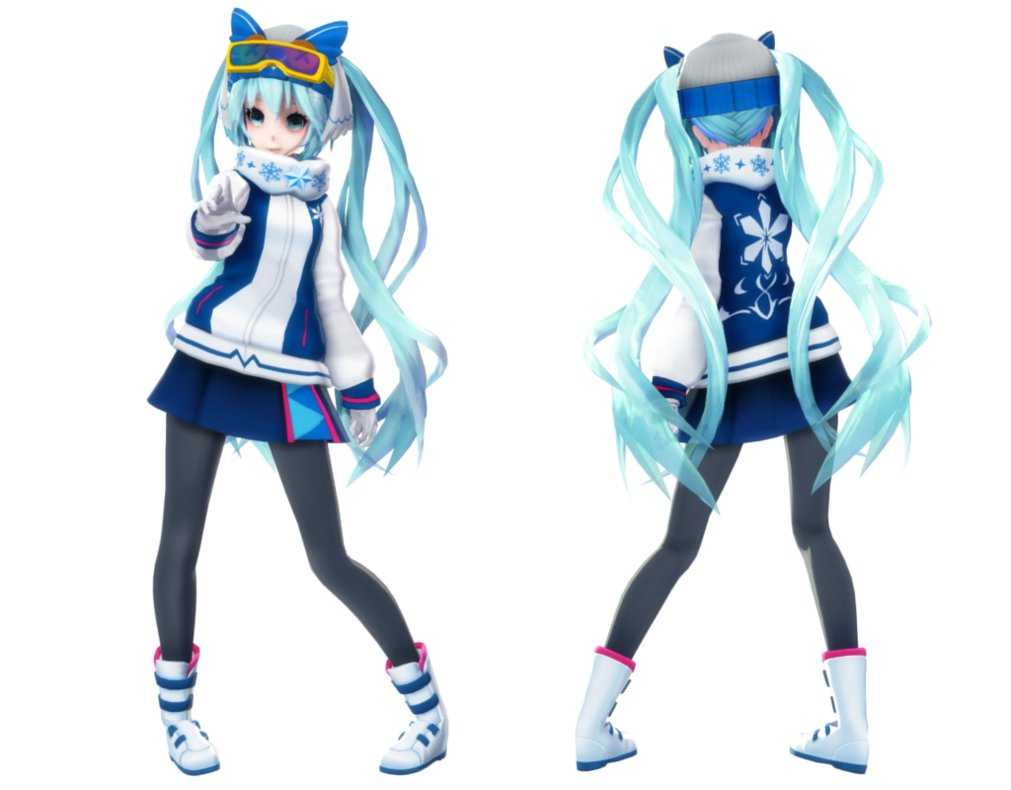
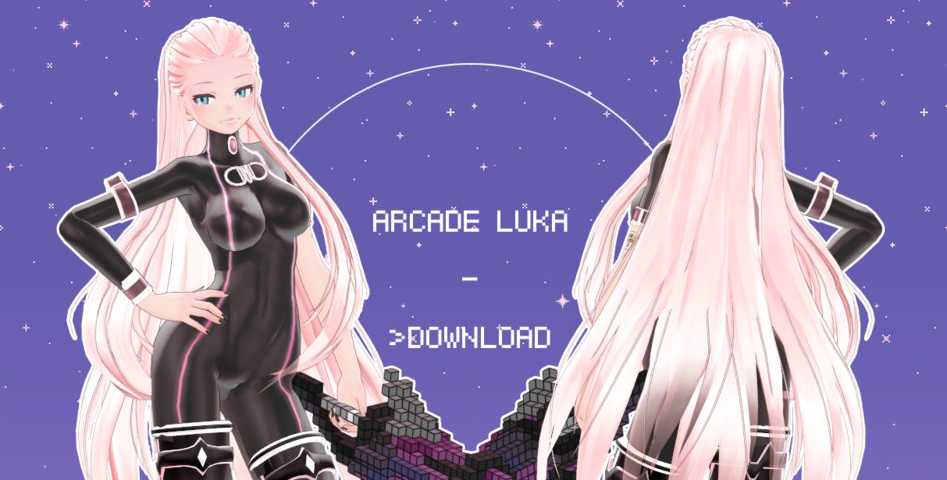
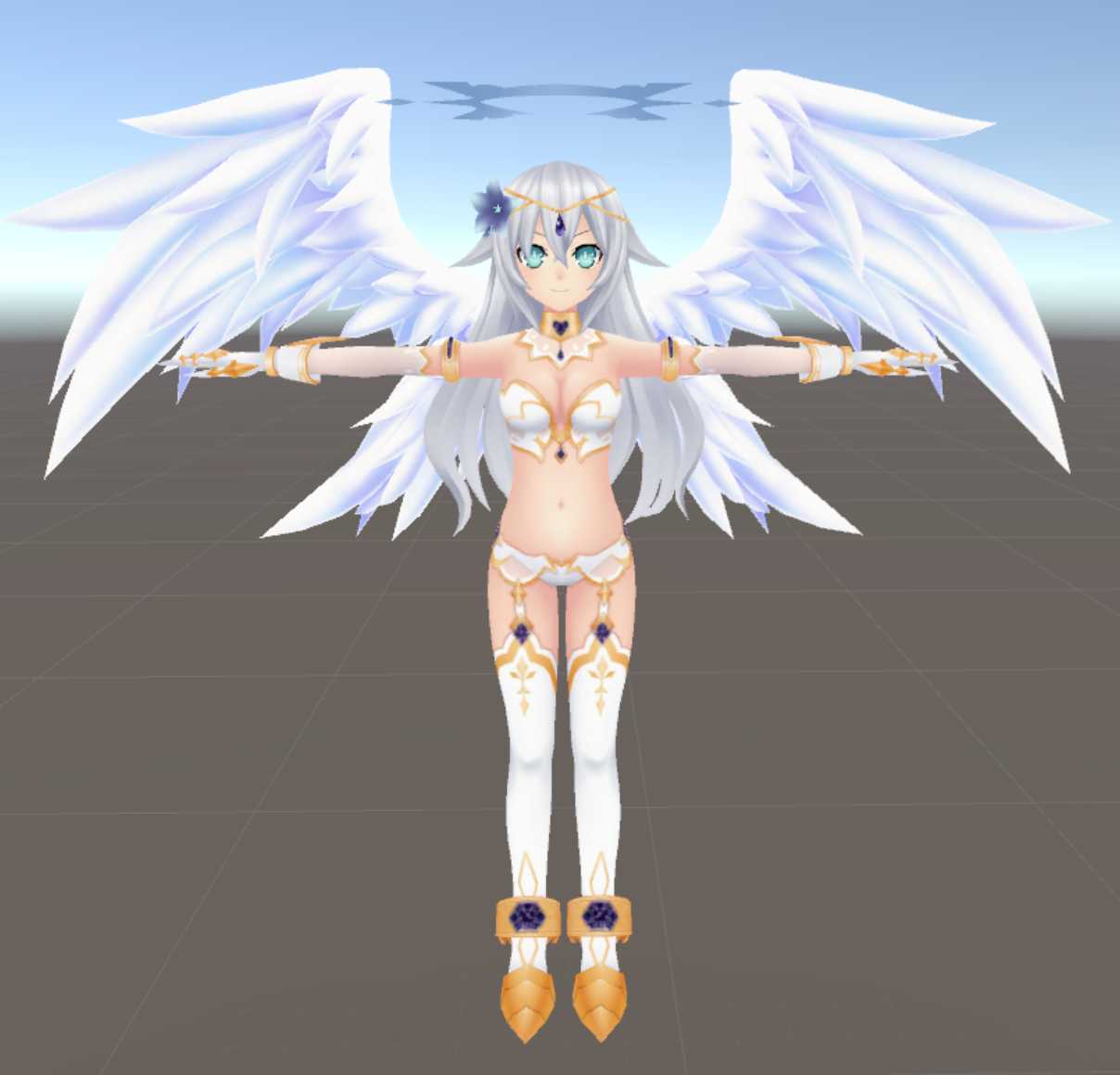
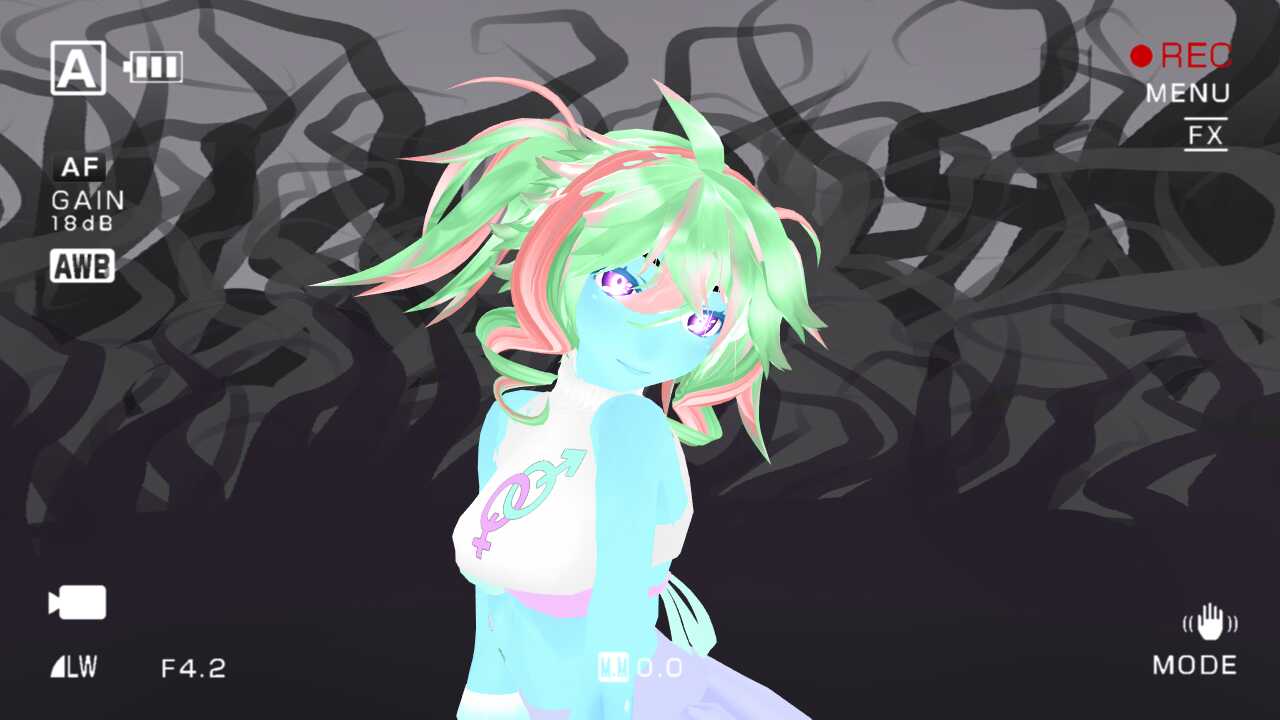
Download
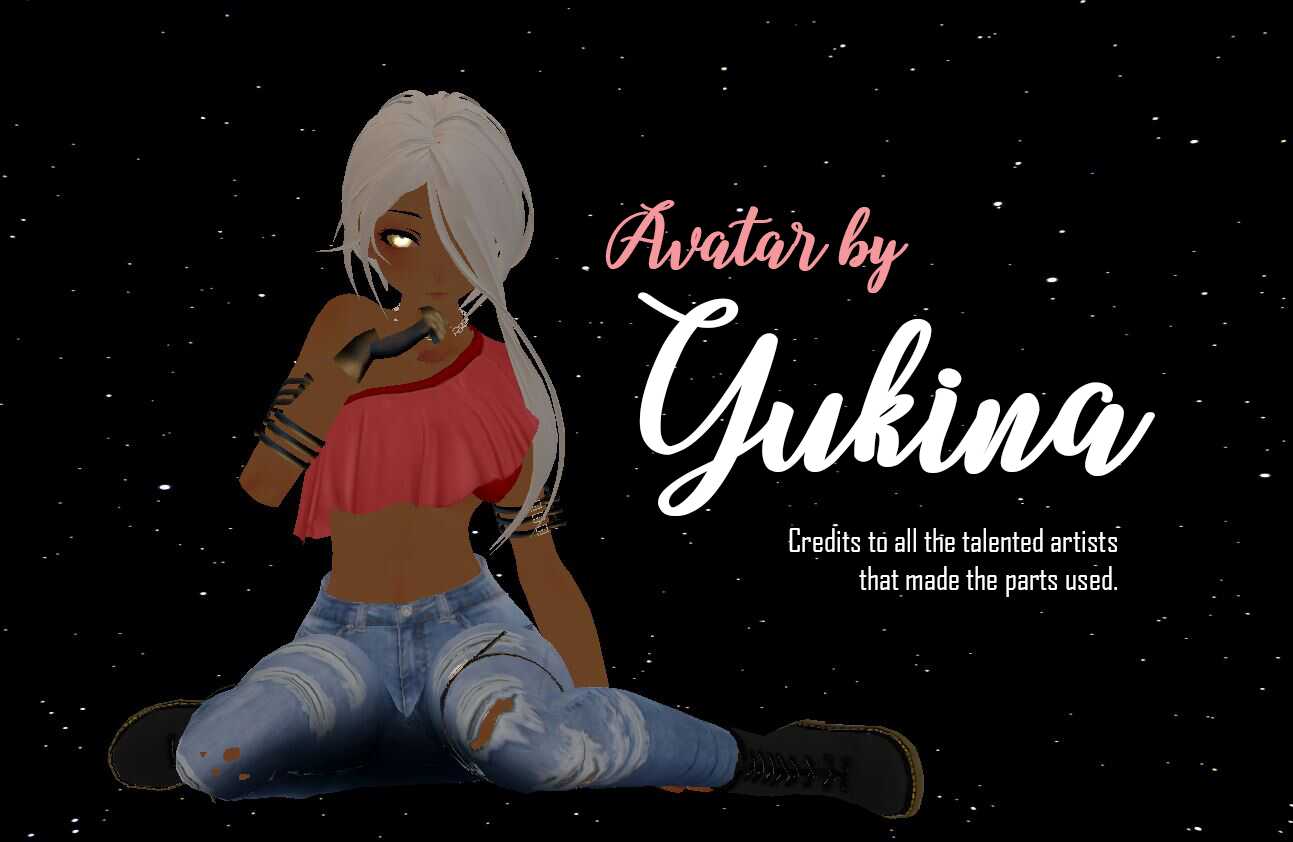
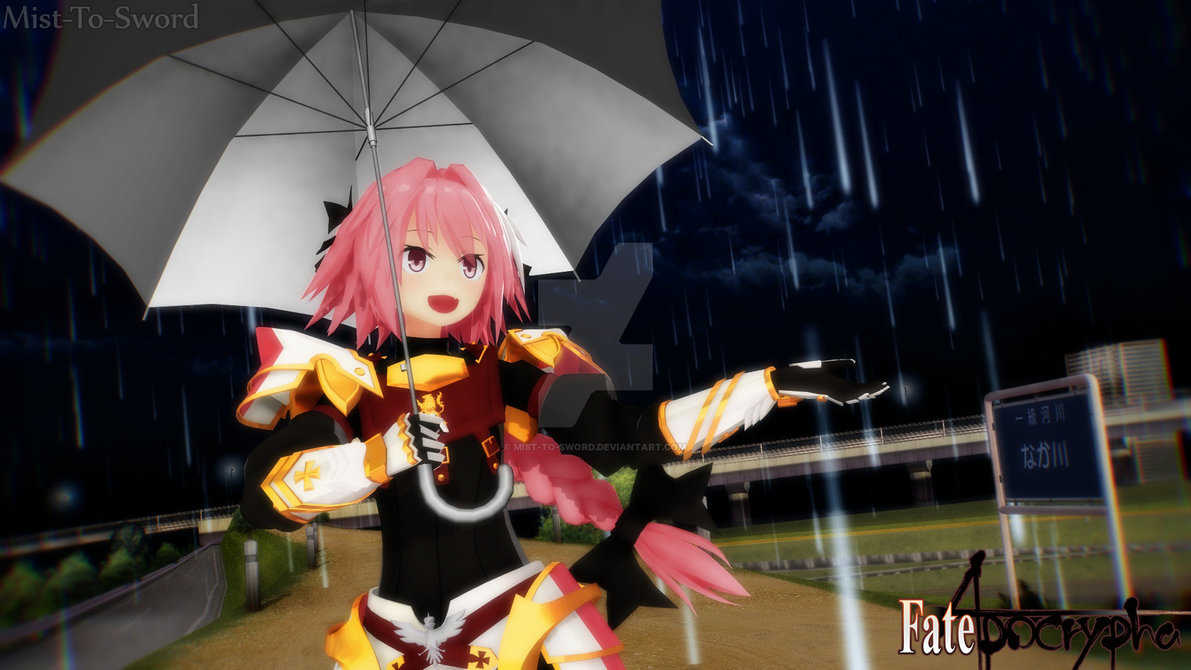
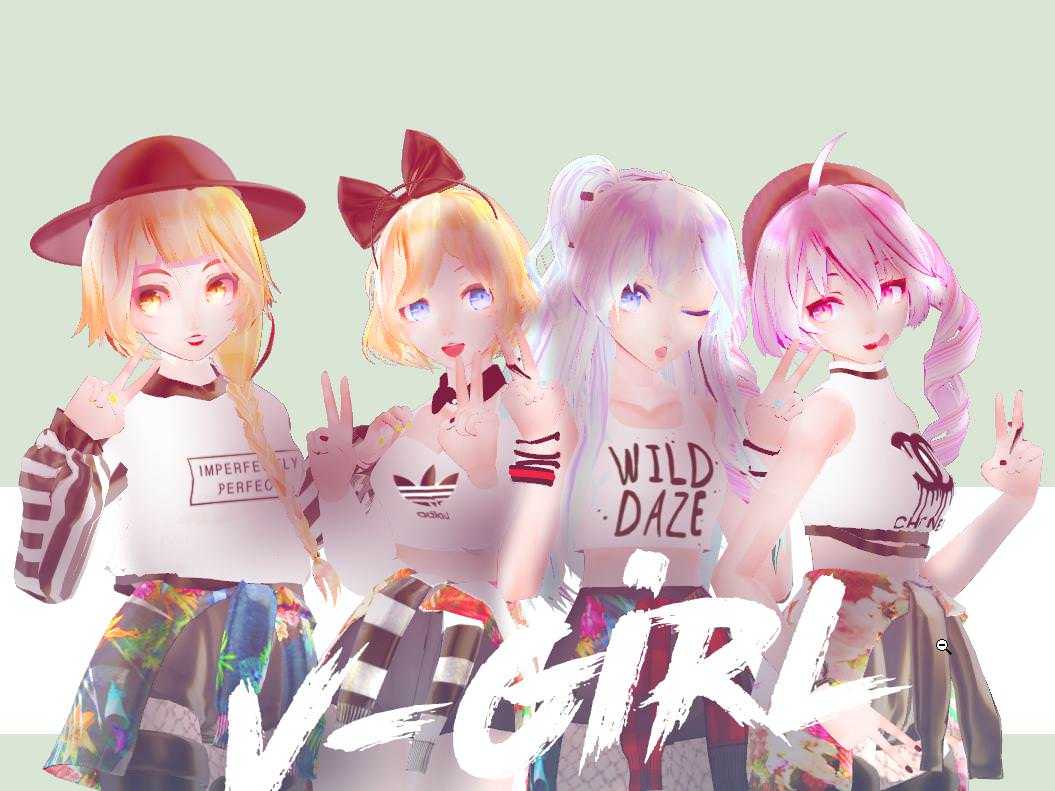
You can upload this avatar to VRChat See tutorial

468 Total Downloads

9.6K Total Views

Asset Type VRChat Avatars

File Type Zip

Description


Setup:
1 - Create a new Unity Project via VRChat Creator Companion ( Recommended ).
2 - Make sure VRC SDK (Base & Avatars) run the latest version (3.7.1).
3 - Import HallowChanV4.Unitypackaged.
5 - Drag NomniHallowChan Scene into Hierarchy window and everything should be there. Enjoy!

  • Model information:
  • Polygons count: 140166△
  • Bones: 321
  • Eye tracking movement: (Left Eye; Right Eye)
  • Auto Detect mouth movement
  • LilToon Shader 1.3.7 -> Body, Face, Hair, Outfit.
  • Poiyomi: Eyes / Accessories
  • Using VRC SDK3.
  • Other informations:
  • Use at your own risk.
  • There are no restrictions on its use for R-18, R-18G, etc...
  • We are not responsible for any trouble caused by its use.
  • DO NOT RESELL, the product meant for everyone to use.

Plugs:
Gumroad: https://yuyue.gumroad.com/
Twitter: https://twitter.com/YueLing60899724
Booth: https://yuumaandyueling.booth.pm
instagram: https://www.instagram.com/yuu.yue/

Comments
Log in to leave a comment.

No comments yet... start a discussion to get things started... or join our discord to get help from the community.

File Tree

Loading file tree...

Recommended Items

Based on this asset
Tutorials

Join the VRCMods creator network

Create a free account to skip ad checks, comment, save favorites, follow creators, and get notified about new uploads.