Find something specific or jump into a category.
2.5K Total Downloads
49.3K Total Views
Asset Type VRChat Avatars
File Type Unity Package
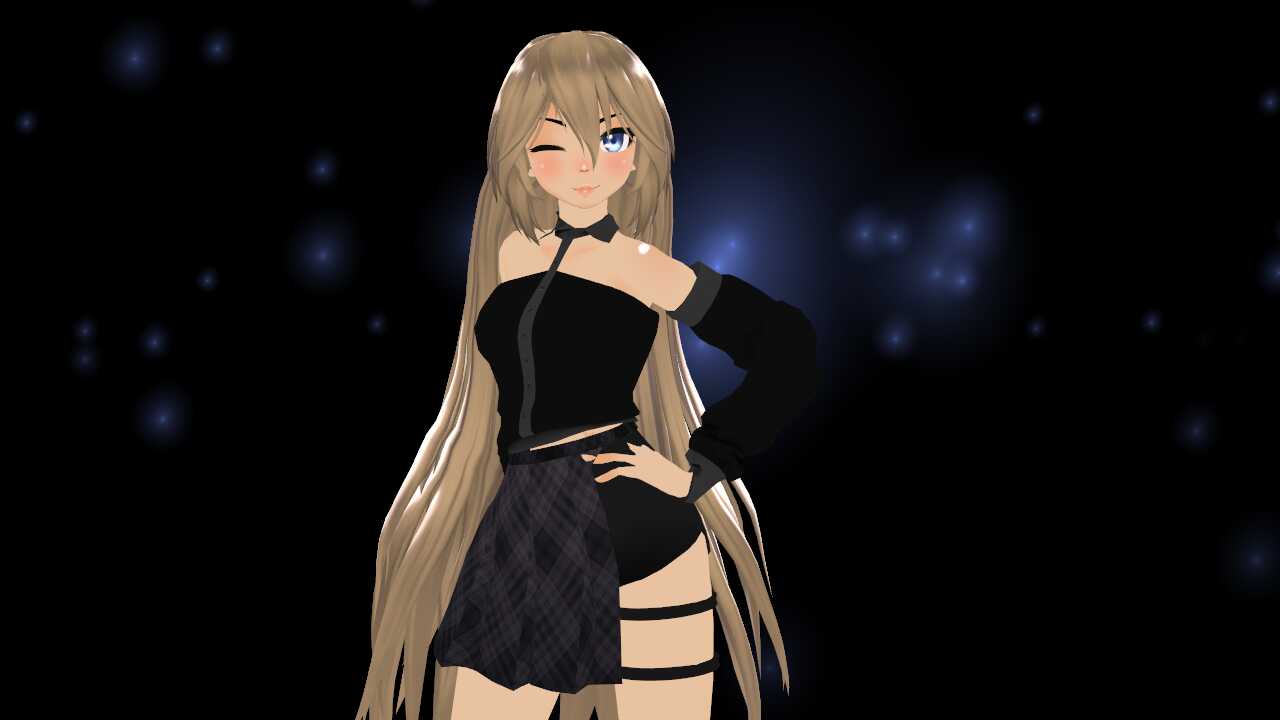
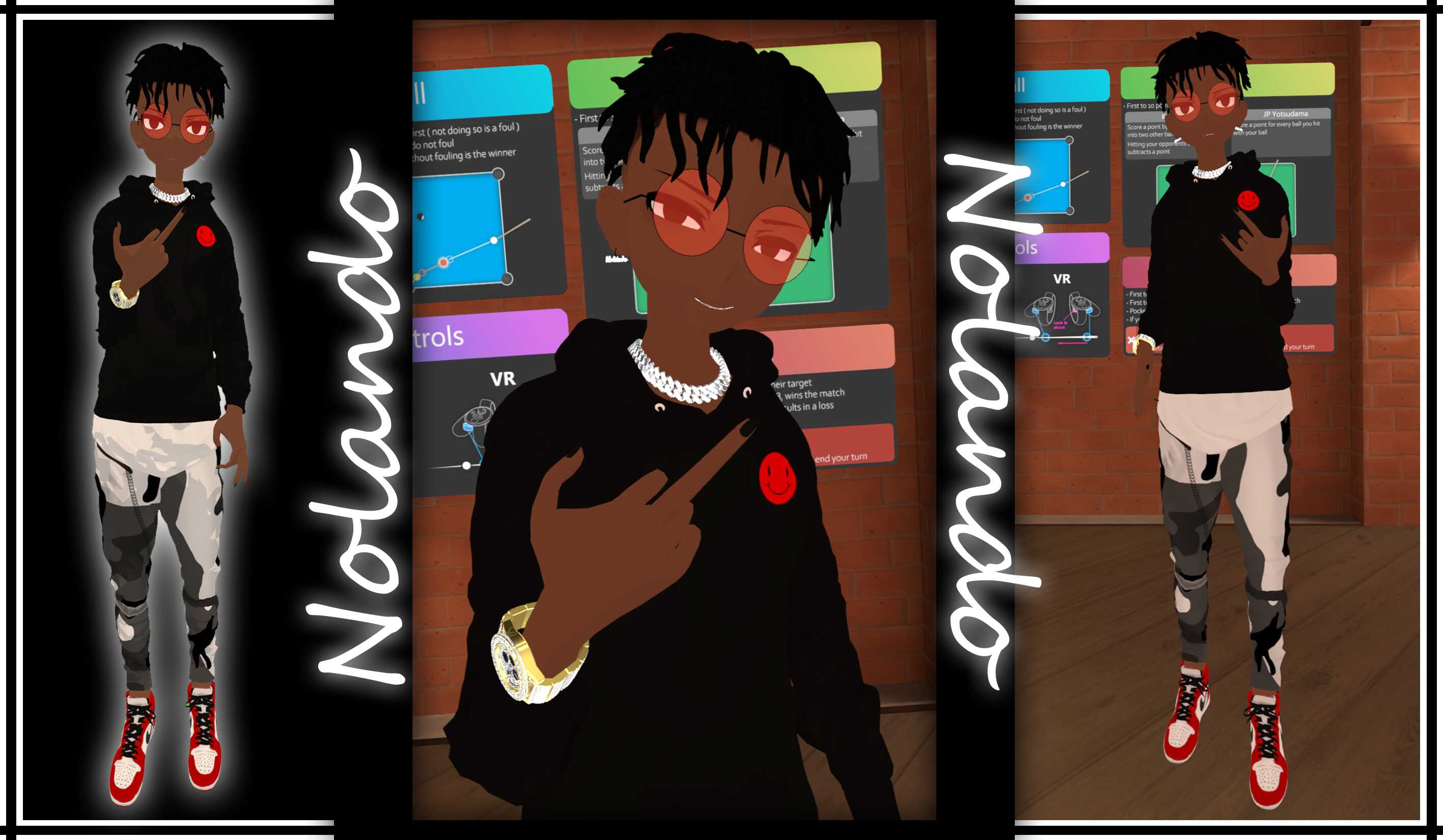
Setup: 1 - Create a new Unity Project ( Recommended ). 2 - Import VRC SDK 3.0 into project. 3 - Import EspomModel.Unitypackaged. 4 - Import Shader Material (Poiyomi & VRM ) (Mega Link: https://mega.nz/folder/SctTwBDb#7s-iSdrgnxJ-n2w847tImg ) 5 - Drag Espom Scene into Hierarchy window and everything should be there. Enjoy!
Model information:
Credit: All works belong to YueLing #7010
what base is it?
sex
Loading file tree...
Create a free account to skip ad checks, comment, save favorites, follow creators, and get notified about new uploads.