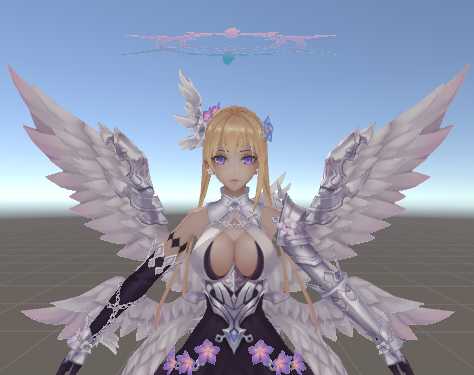
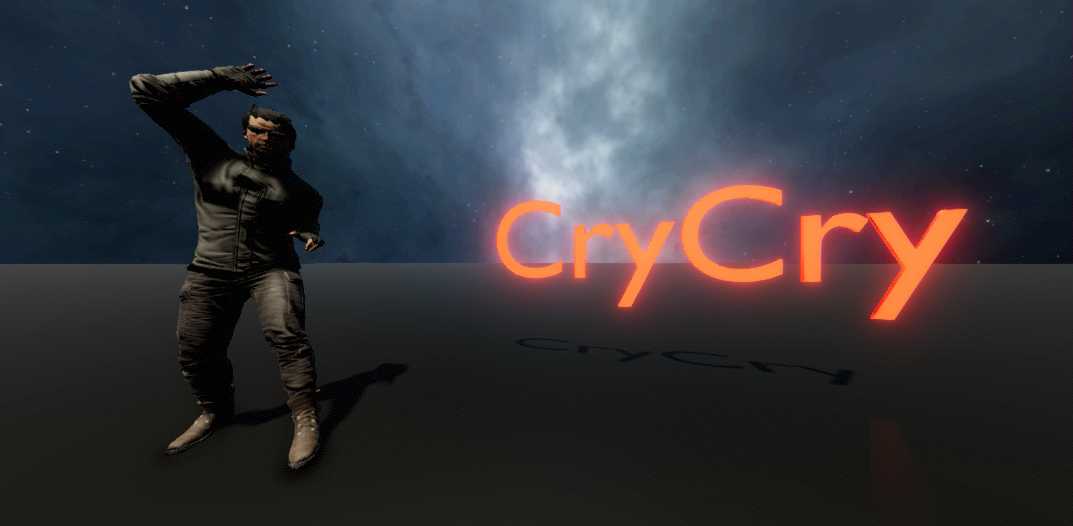
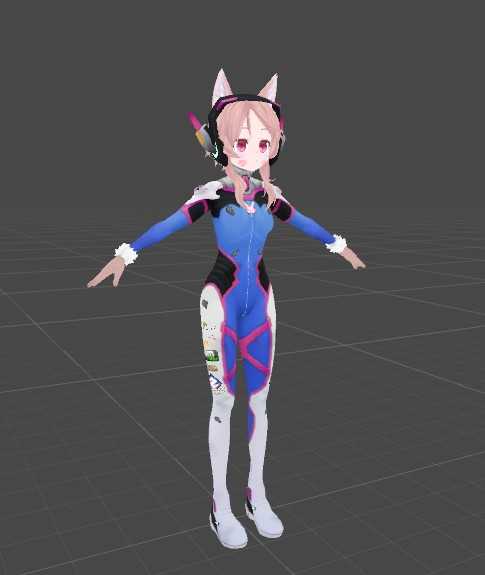
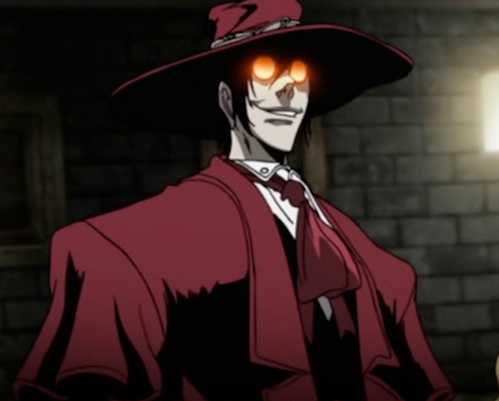
@Reihai That's why you would use an emission map to only apply emission to the eyes. Is no need for separate materials. Basically, make a duplicate of the face texture, and edit it so that everything except the eyes or desired glowing parts are pure black. Then place that texture into the emission slot. Alternatively, just select and change the hue of the eye in any free image editor such as GIMP, and replace the normal texture.
Become a Part of the Leading VR Modeling & VRChat Network
Ready to immerse yourself in the exciting world of VRChat and 3D assets? At VRCMods, we're not just a community, we're a vibrant network of creators, innovators, and enthusiasts. Connect with fellow VRChat enthusiasts, access top-tier avatar commission services, comprehensive tutorials, and enjoy a wealth of free downloads — all with regular updates to keep you on the cutting edge.
Create a free account to skip ad checks, leave comments, heart your favorites, follow uploaders, and get notified about new uploads.