Download
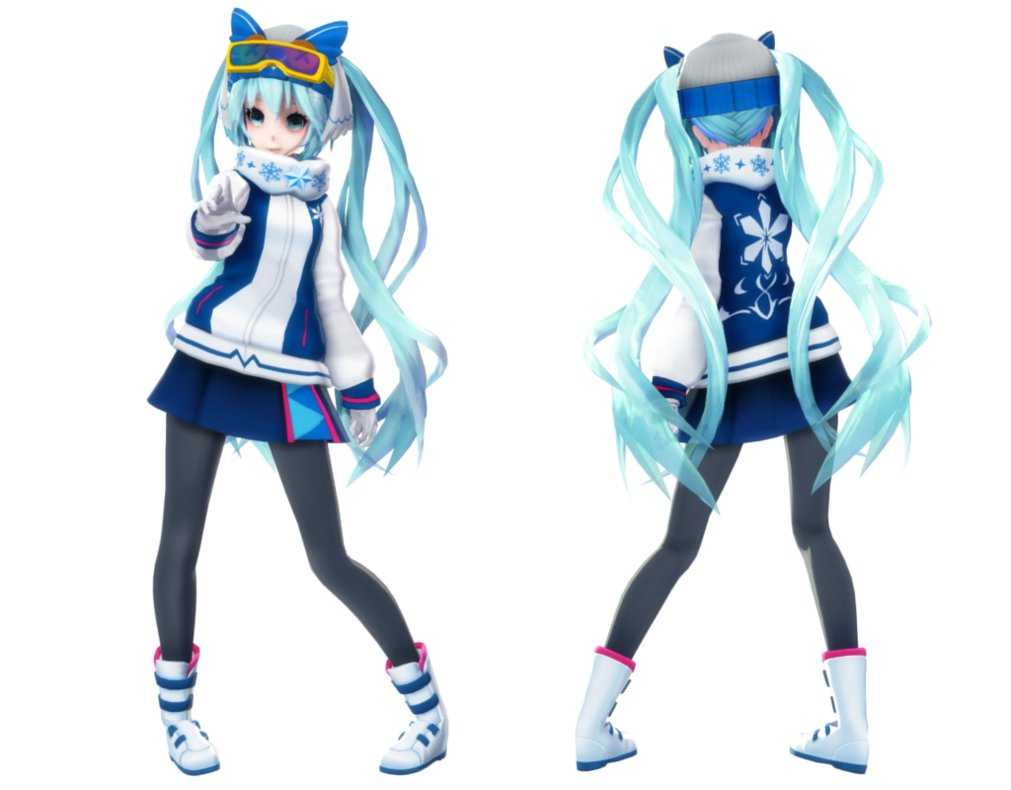
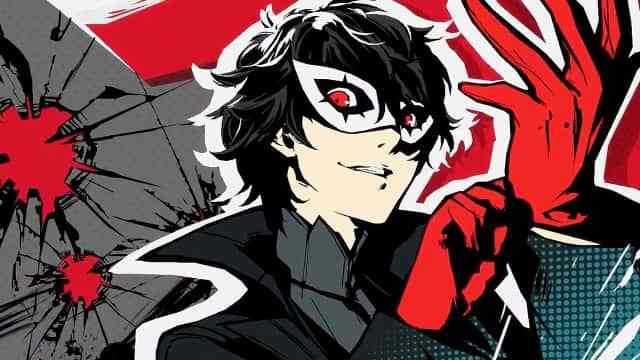
You can upload this avatar to VRChat See tutorial

Description


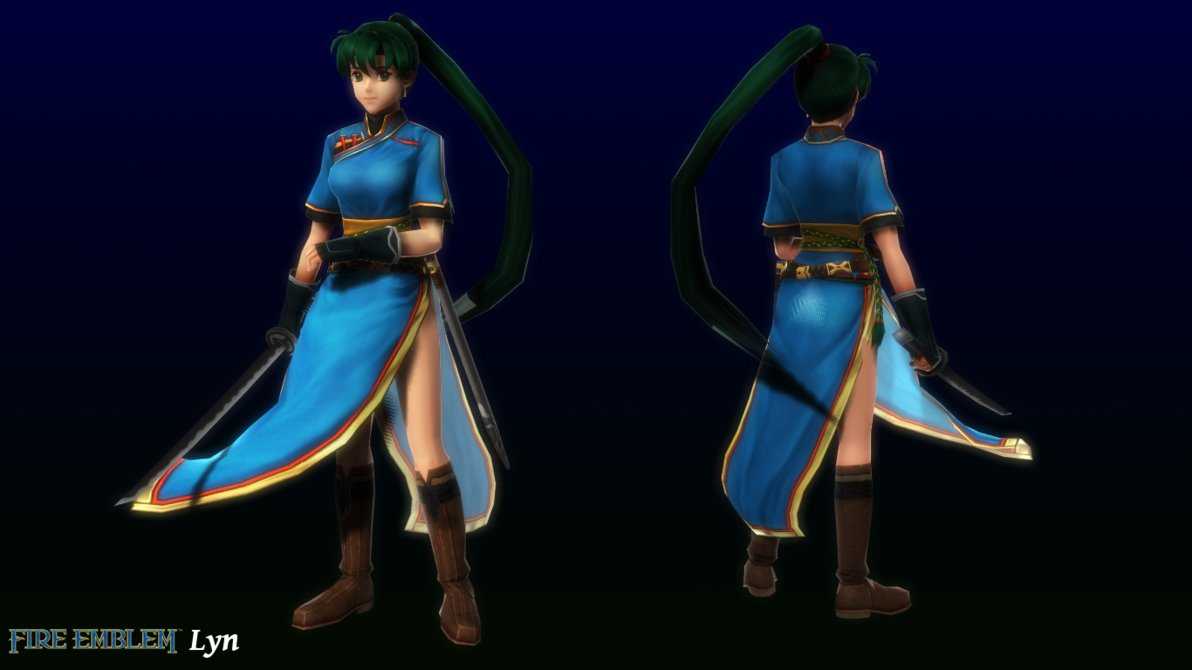
'A request on discord by Reyes

You will need to import the CubedShaders package into unity before importing this avatar, the download link is below:
https://vrcmods.com/reqs/cubedunityshaders.unitypackage

You will also need to import Dynamic bones package which can be found in Unity asset store.

Installation:

  1. Download the cubedshaders, and vrcsdk if you don't have it. Links are above. (Dynamic bones isn't included)
  2. Import vrcsdk into unity, then cubed shaders package.
  3. Import P5 Yusuke Battle unitypackage
  4. Load the scene named OpenMe placed in the folder named P5 Yusuke
  5. Login & Upload

'

Comments
Log in to leave a comment.
kyaro 1518452537 ago

are you gonna do more persona5 avatars in the future? :0

0
Drakeos 1518390316 ago

What if someone can't afford extra $20

0
osiris32 1518301738 ago

Good find i'm really happy with the avatar.

0

File Tree

Loading file tree...

Recommended Items

Based on this asset
Tutorials

Join the VRCMods creator network

Create a free account to skip ad checks, comment, save favorites, follow creators, and get notified about new uploads.