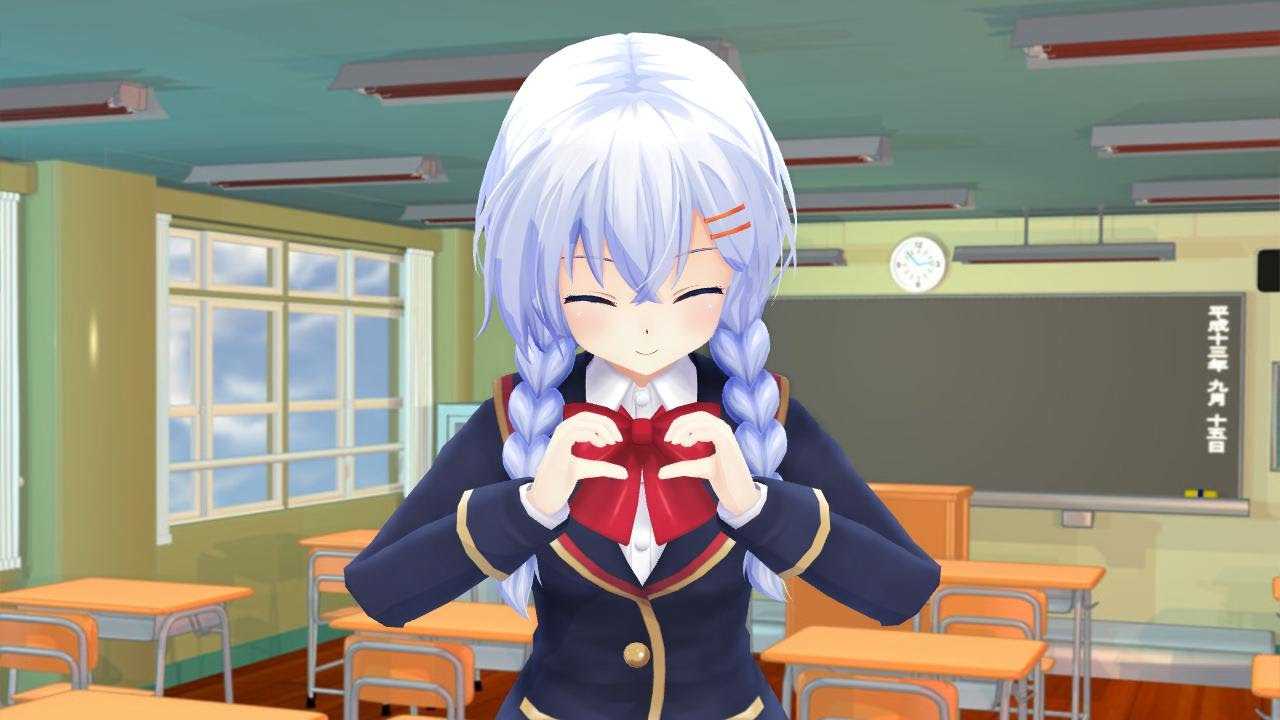
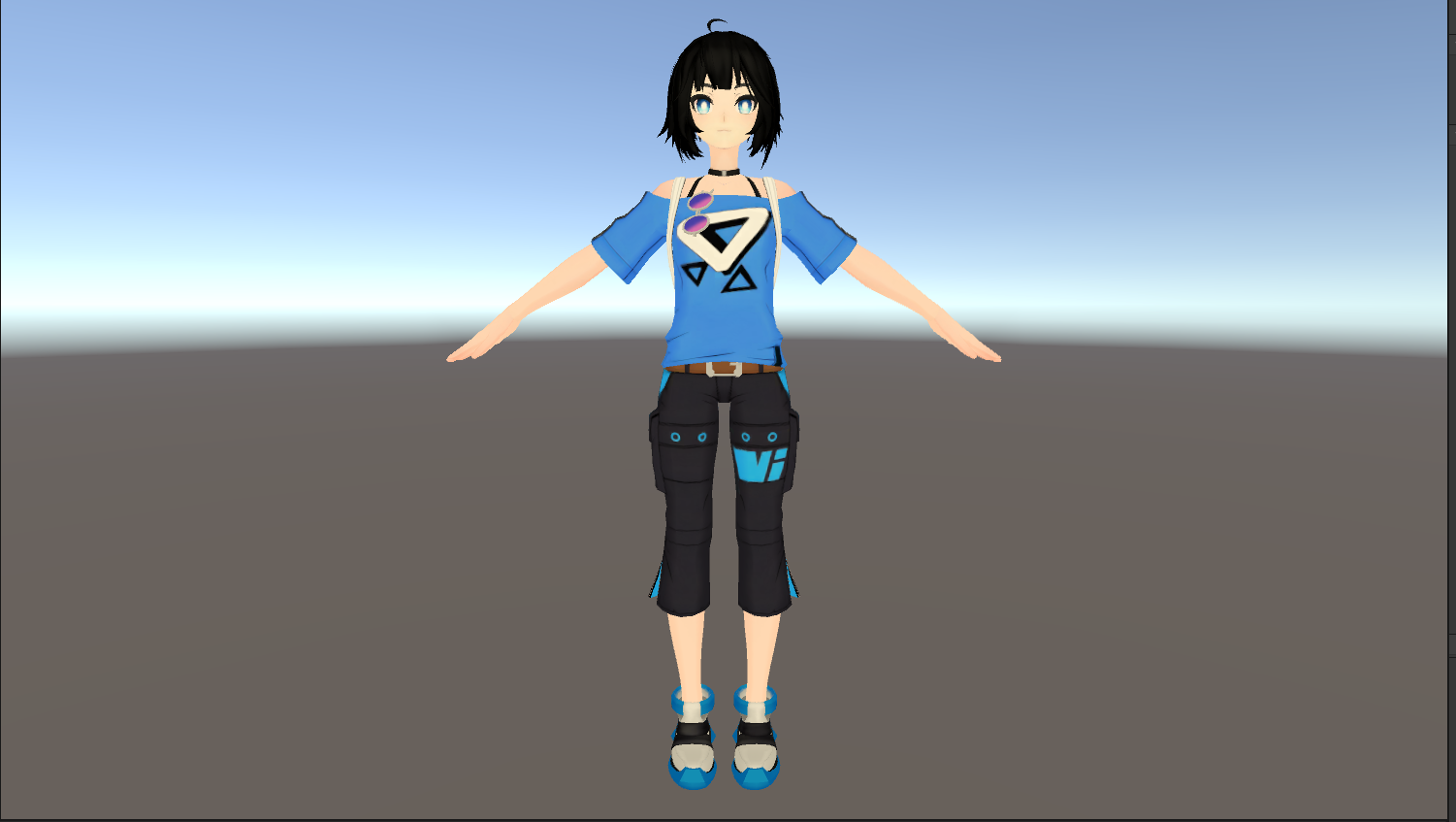
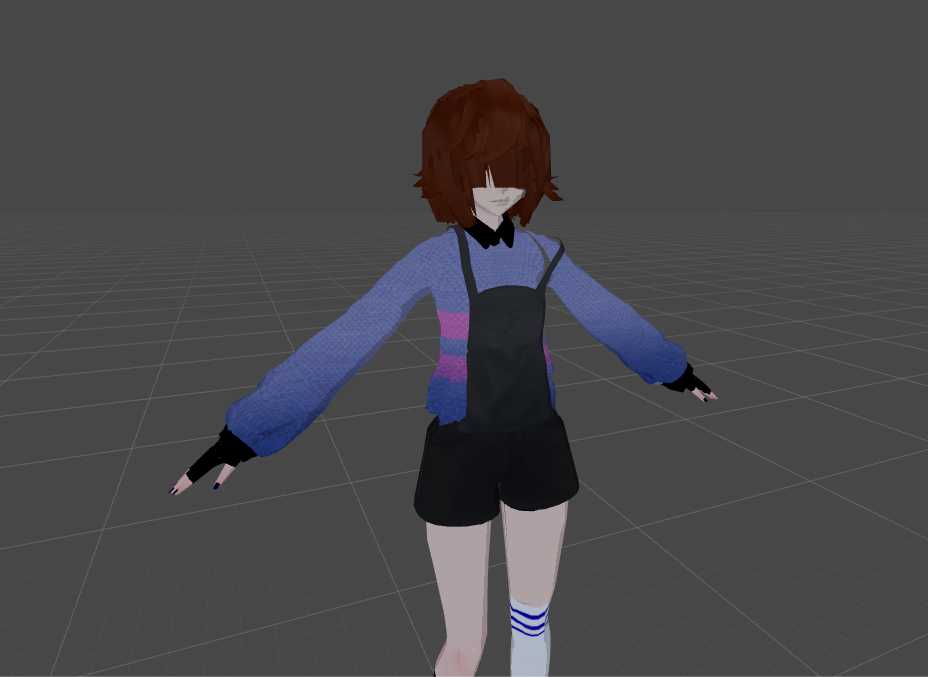
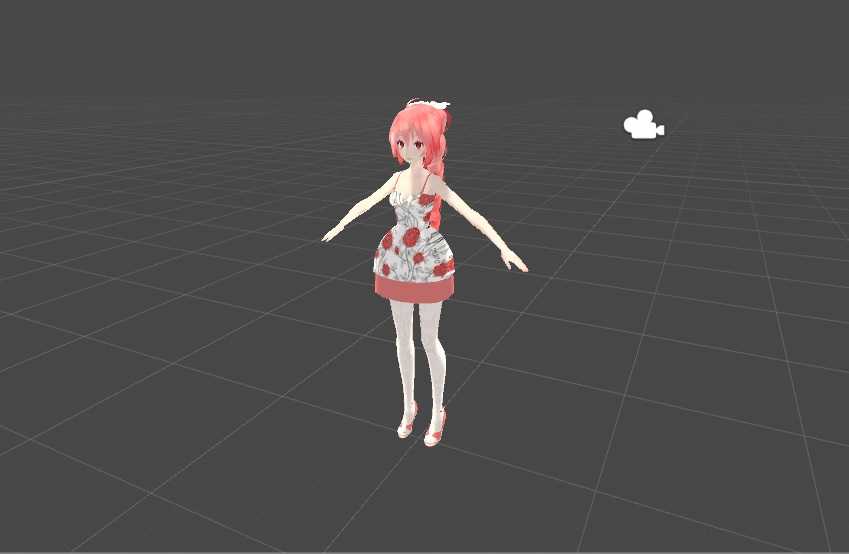
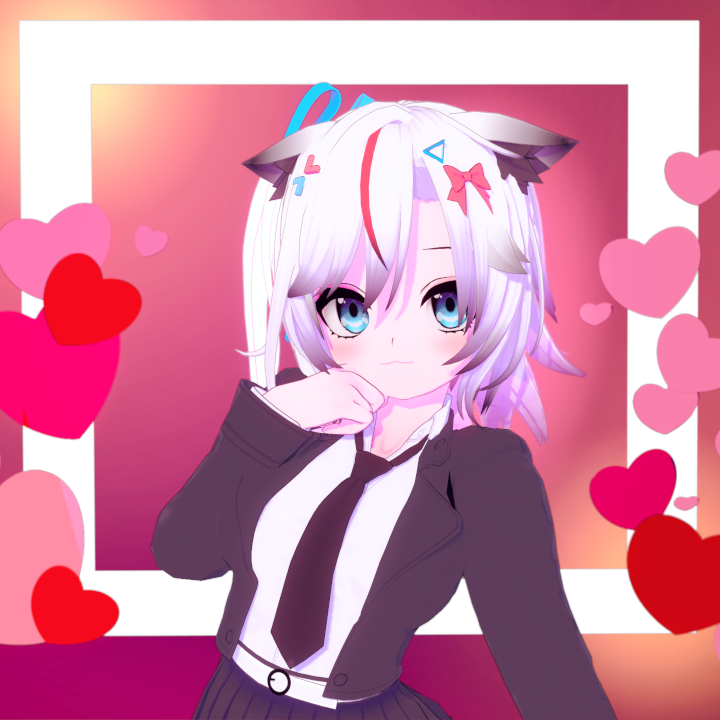
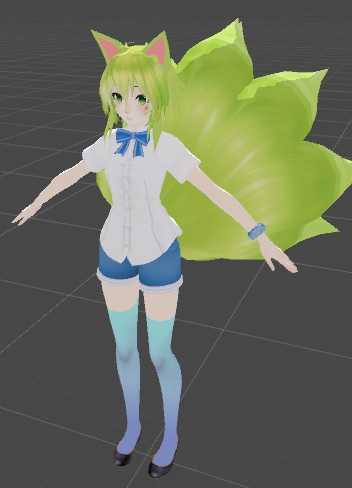
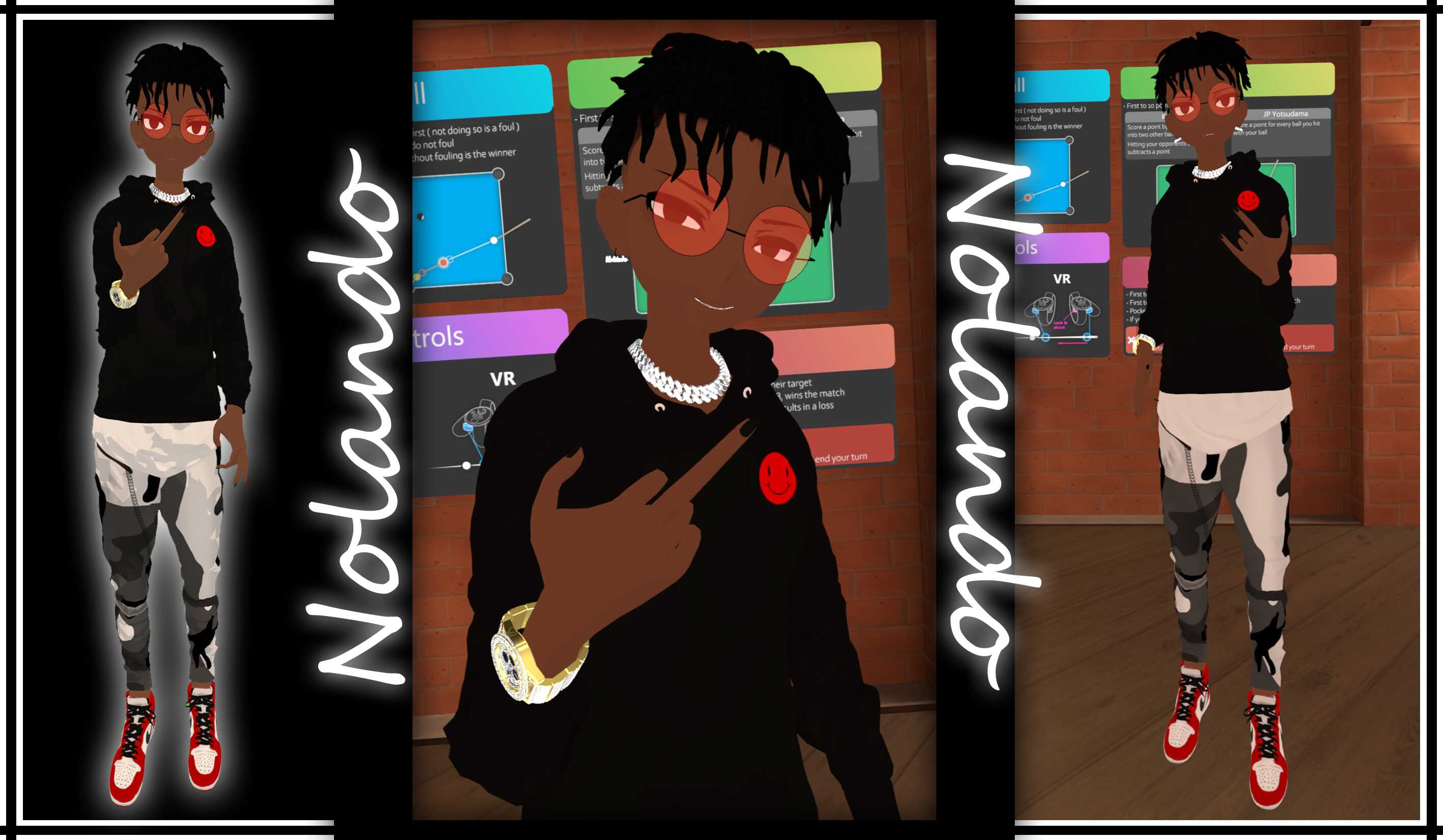
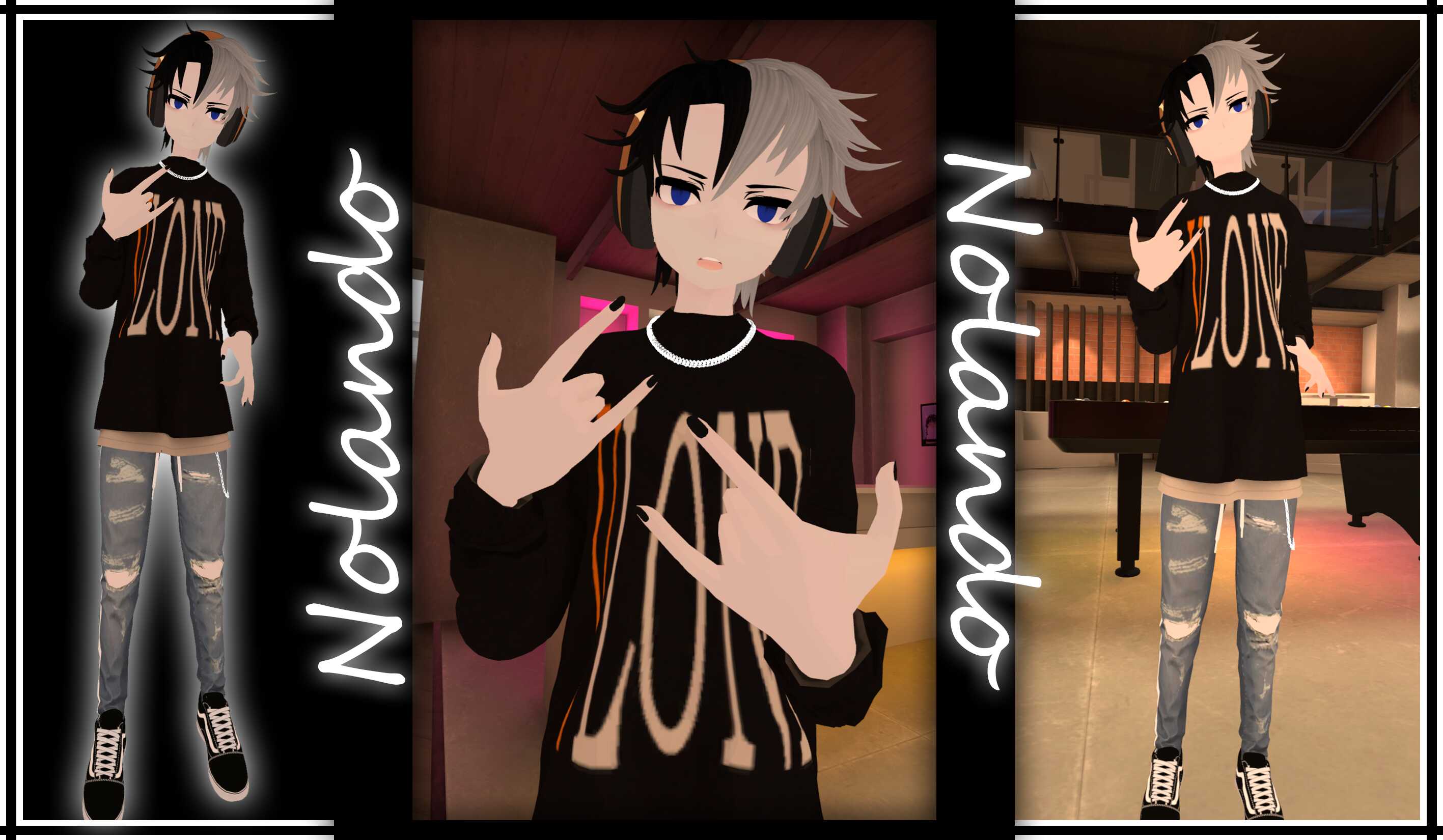
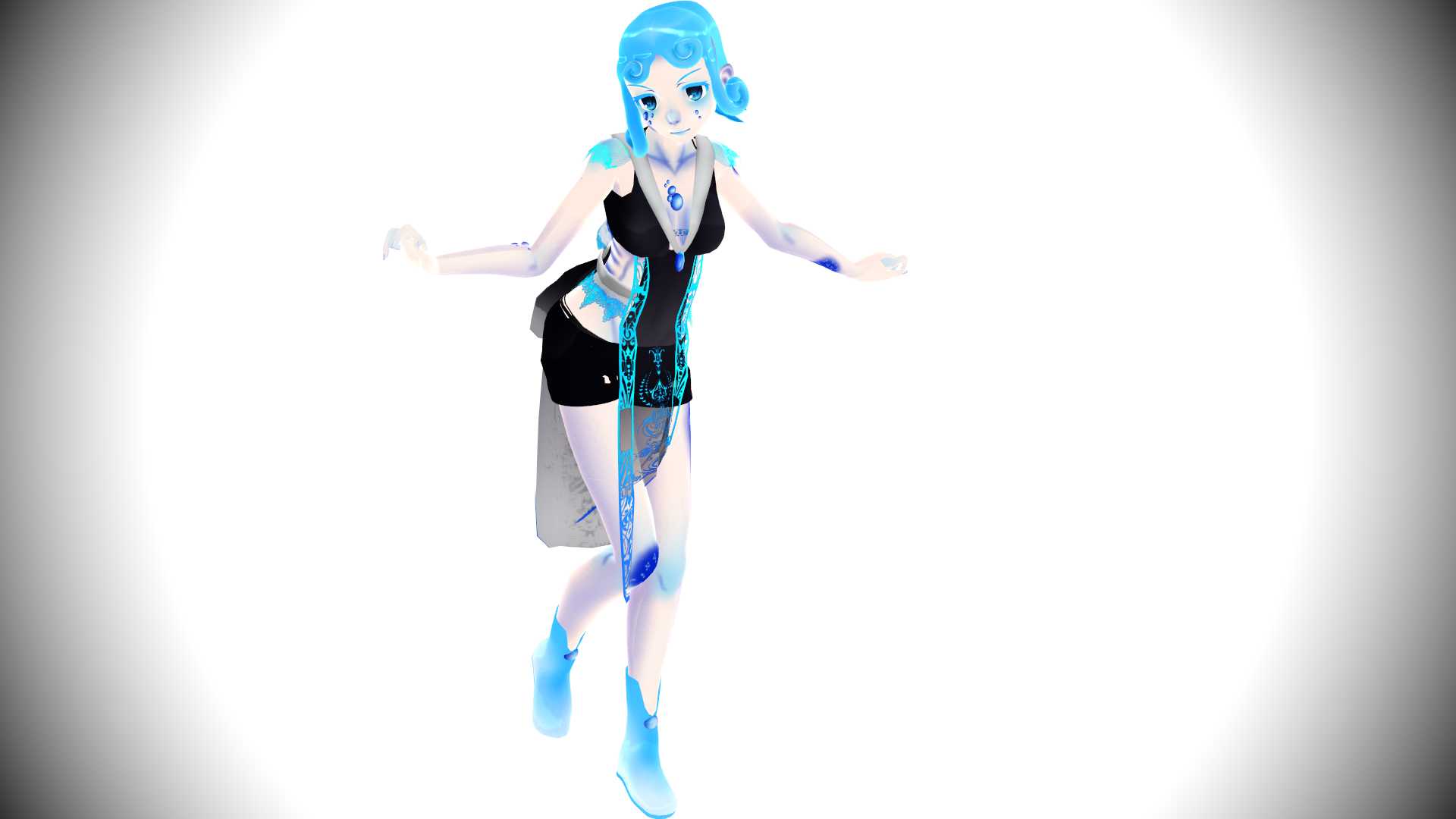
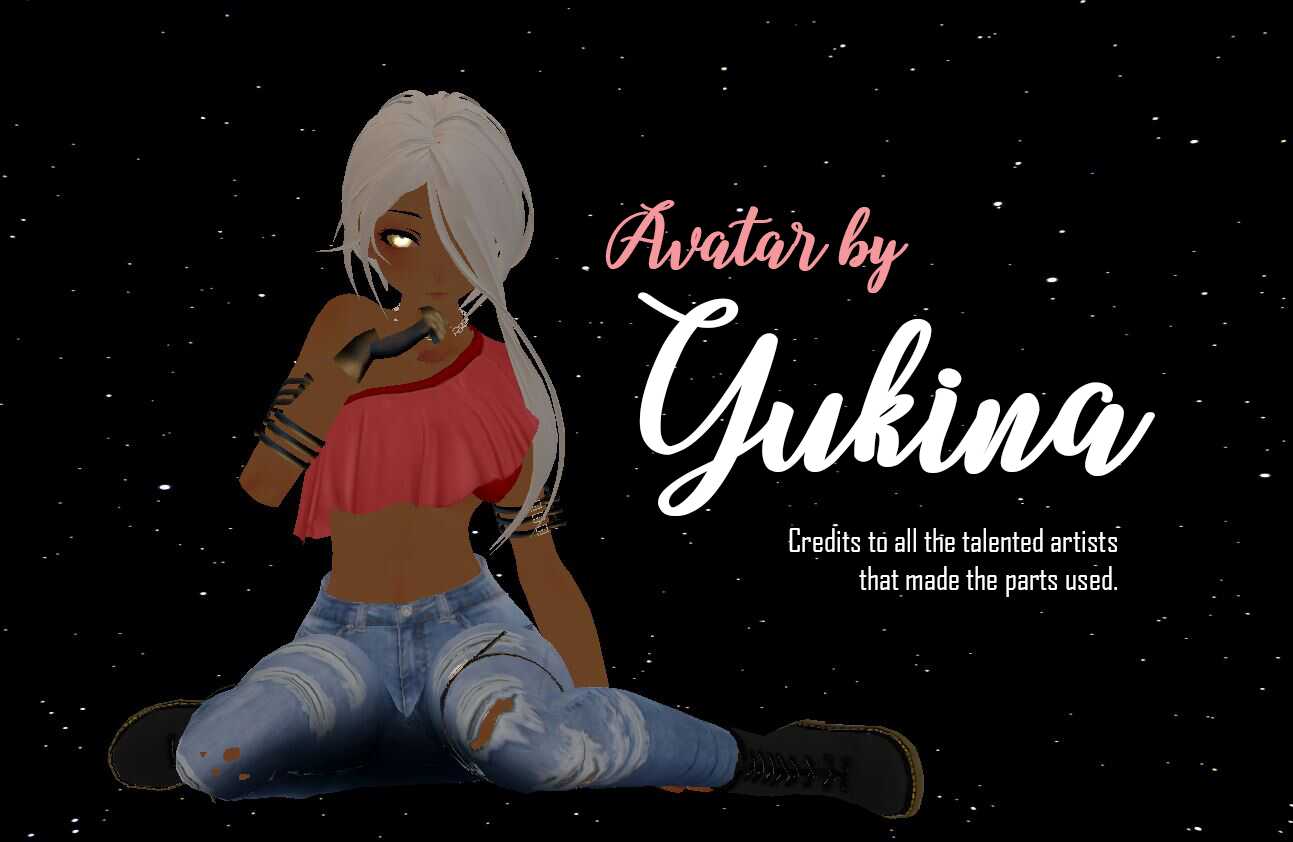
Akula Screenshot Akula Screenshot Akula Screenshot Akula Screenshot Akula Screenshot
Download
You can upload this avatar to VRChat See tutorial

9K Total Downloads

67.2K Total Views

Asset Type VRChat Avatars

File Type Zip

Description


Setup:
1 - Create a new Unity Project ( Recommended ).
2 - Import VRC SDK 3.0 into project.
3 - Import Akula.Unitypackaged.
5 - Drag Akula Scene into Hierarchy window and everything should be there. Enjoy!

* Model information:
+ Polygons count: 100638
+ Bones: 150
+ Eye tracking movement: (Left Eye; Right Eye)
+ Auto Detect mouth movement
+ LilToon Shader 1.3.7 -> Body, Face, Hair, Outfit.
+ Poiyomi: Only Eyes.
+ Using VRC SDK3.

* Other informations:

- Use at your own risk
- There are no restrictions on its use for R-18, R-18G, etc...
- We are not responsible for any trouble caused by its use
- DO NOT RESELL, the product meant for everyone to use.

Plugs:
Gumroad: https://yuyue.gumroad.com/
Twitter: https://twitter.com/YueLing60899724
Tags
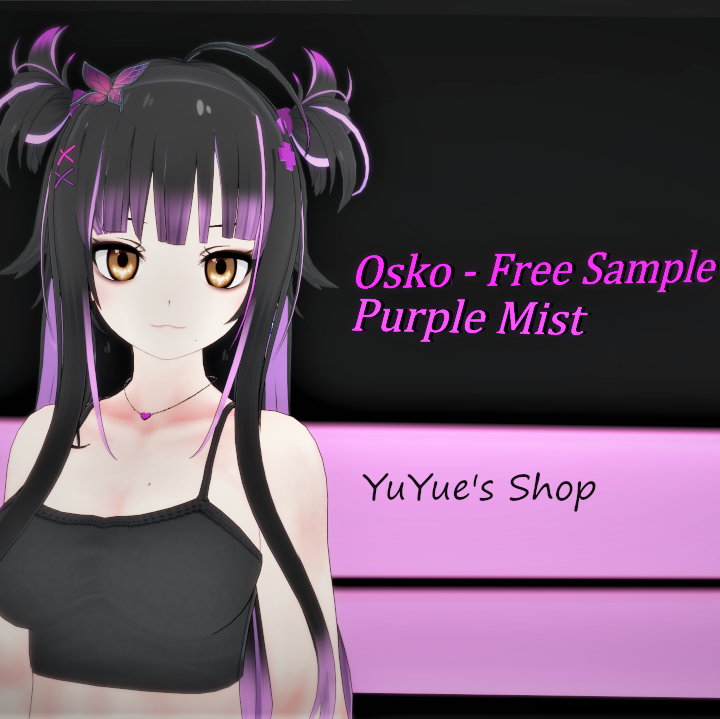
Comments
Log in to leave a comment.

No comments yet... start a discussion to get things started... or join our discord to get help from the community.

File Tree (948 files inside Zip)

Recommended Items

Based on this asset

Tutorials

Join 27,000+ creators

Become a Part of the Leading VR Modeling & VRChat Network

Ready to immerse yourself in the exciting world of VRChat and 3D assets? At VRCMods, we're not just a community, we're a vibrant network of creators, innovators, and enthusiasts. Connect with fellow VRChat enthusiasts, access top-tier avatar commission services, comprehensive tutorials, and enjoy a wealth of free downloads — all with regular updates to keep you on the cutting edge.

Create a free account to skip ad checks, leave comments, heart your favorites, follow uploaders, and get notified about new uploads.