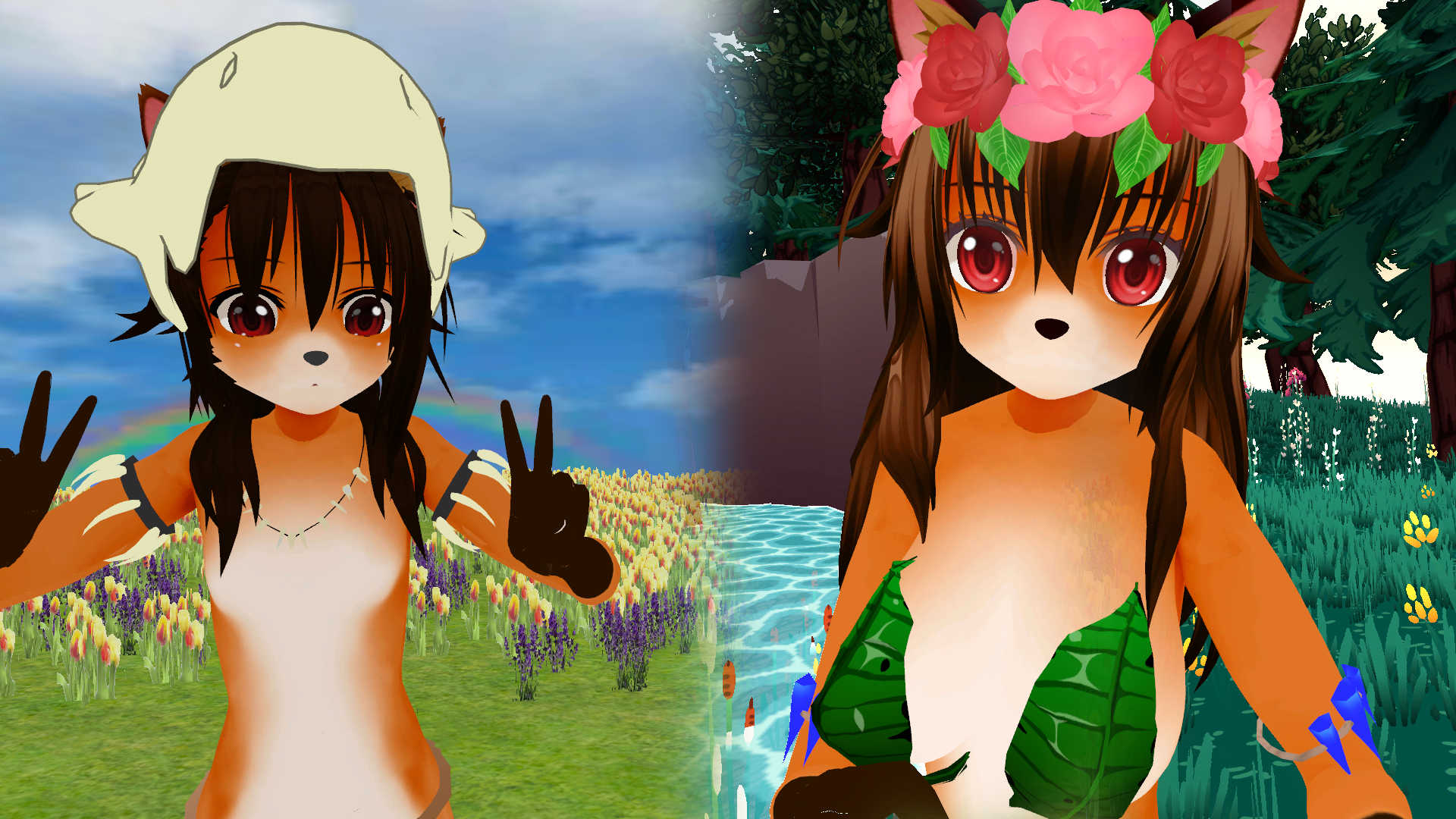
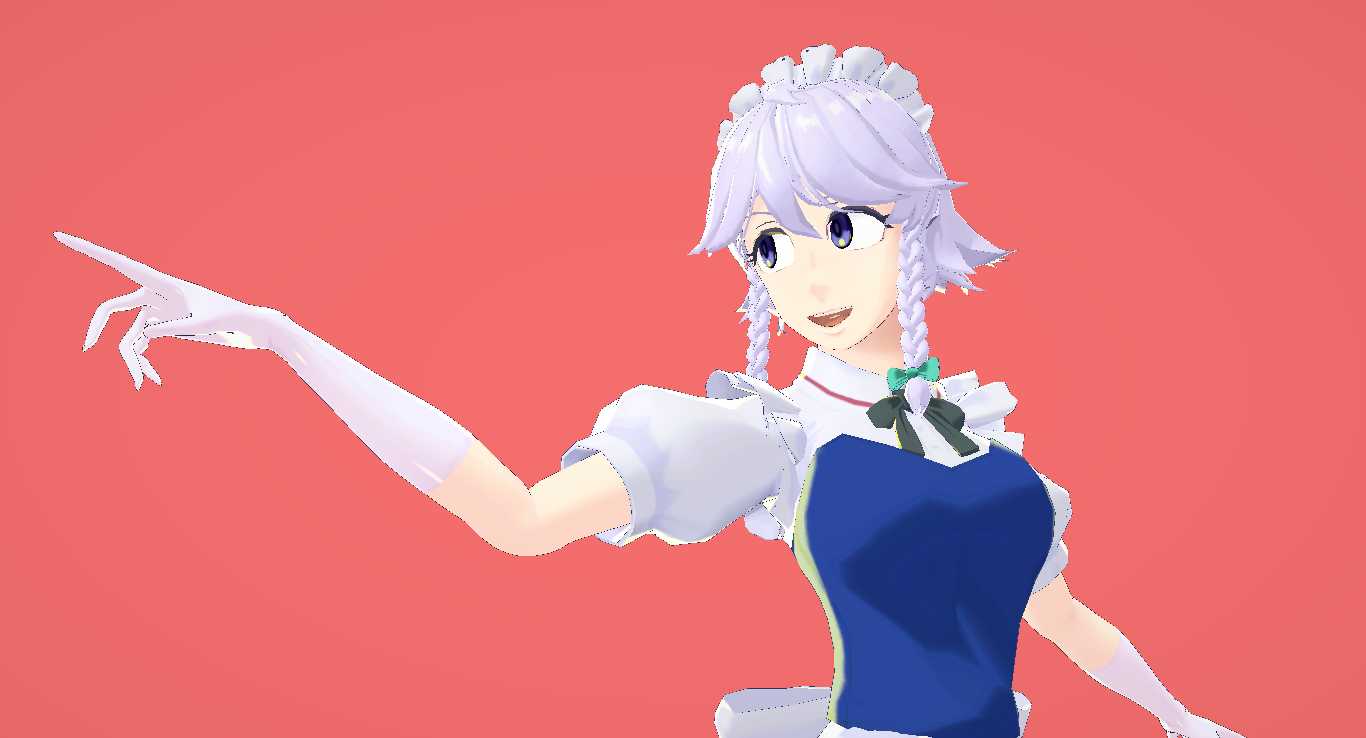
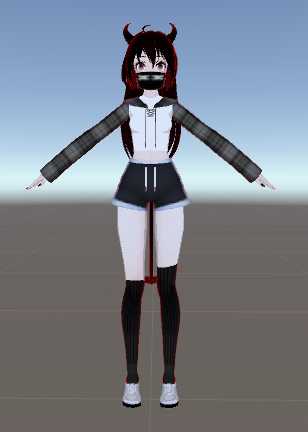
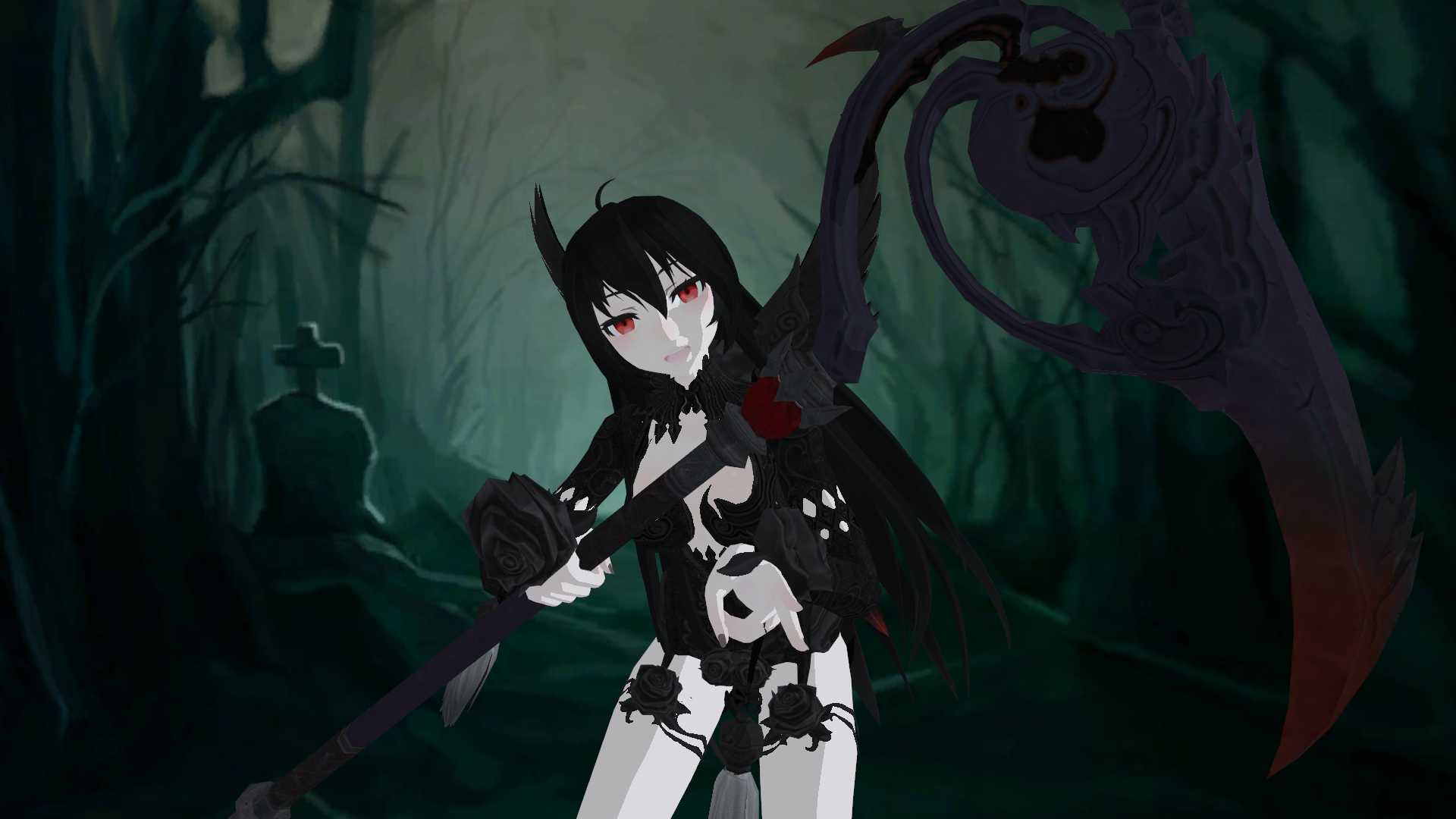
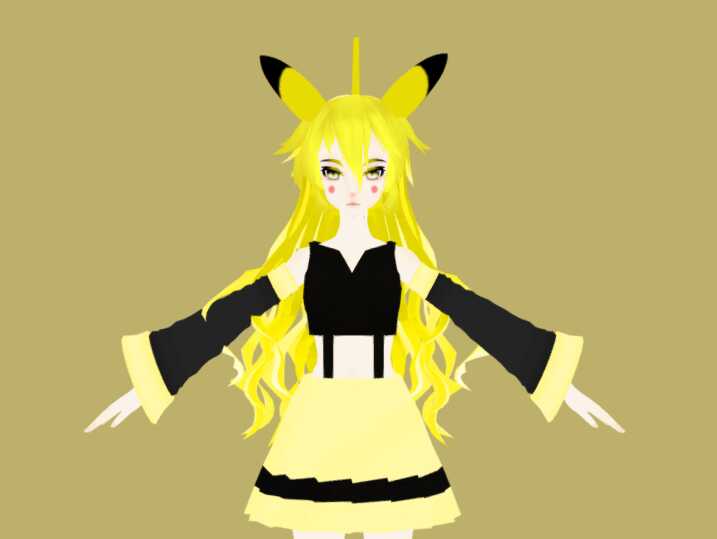
Kitsune Gumi (Ready to upload) Screenshot
Download
You can upload this avatar to VRChat See tutorial

1.4K Total Downloads

35.7K Total Views

Asset Type VRChat Avatars

File Type Unity Package

Description


In order to publish you must have:
- Cubed's shaders
- VRCSDK
- Dynamic bones
To publish just place the "SCENE" into the hierarchy and click "publish".
NOTE: There might be an error on her ears with no texture, to fix that you need to apply "si" material on them.
Update - Added sketchfab preview
Comments
Log in to leave a comment.
jonte24jonte 1540043410 ago

Nevermind I just had to switch to scene and drag the material to the ears, sorry I'm new to this.

0
jonte24jonte 1540041561 ago

Hey how do I apply the texture onto the ears, I'm a bit confused as I can't find the ears anywhere.

0
Schwartzzxd Author 1535996224 ago

Guys if any of you know, please tell me how to fix the preview image :(

0

File Tree (49 files inside Unity Package)

Recommended Items

Based on this asset

Tutorials

Join 27,000+ creators

Become a Part of the Leading VR Modeling & VRChat Network

Ready to immerse yourself in the exciting world of VRChat and 3D assets? At VRCMods, we're not just a community, we're a vibrant network of creators, innovators, and enthusiasts. Connect with fellow VRChat enthusiasts, access top-tier avatar commission services, comprehensive tutorials, and enjoy a wealth of free downloads — all with regular updates to keep you on the cutting edge.

Create a free account to skip ad checks, leave comments, heart your favorites, follow uploaders, and get notified about new uploads.