HOW TO INSTALL IT: 1.) You need a Moddified VRCSDK and install it to your Unity Project, there are plenty of Youtube Tutorials on how to get one.
2.) Drag the Unity Package to your Unity Project and import all files.
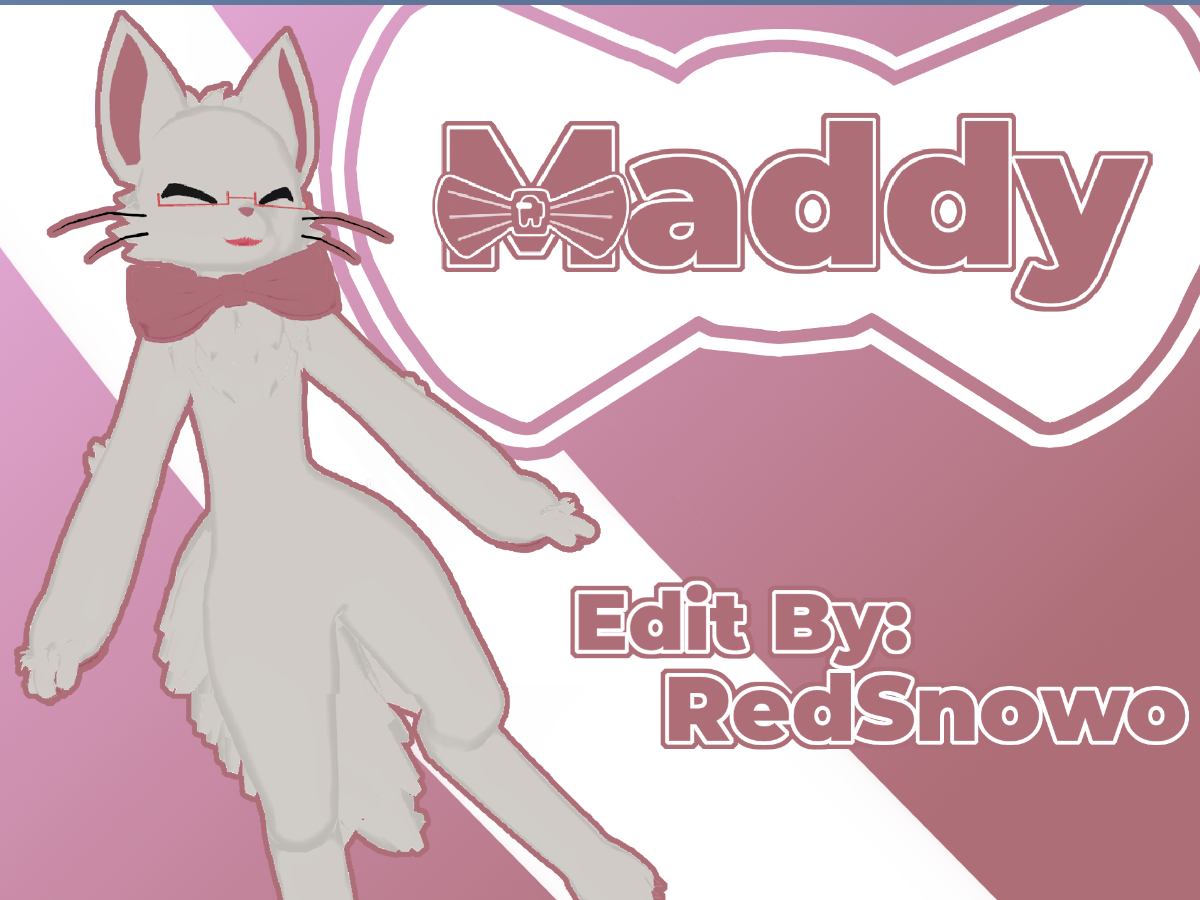
3.) A new Folder with the Name "Creamy Kitty" will appear, in this Folder is a Scene, double click it and the Model should appear in
Your Game Scene
4.) You can now upload the Avatar to your VRChat Account (Not a Steam Acc) Give it a Name, press Upload and your done!
The Avatar should appear in your Avatars Tab!
Feel free to join my Discord with over 390+ Users if something goes wrong or you just want to talk or share your Work with others Users! https://discord.gg/CGhEXdk