Hi Turtleguy121I don't know if thats the reason (probably its not) yet doing what I'll tell you will still help you:
1 - Go to the VRChat website and download the SDK again
2 - Install Unity version 2017.4
3 - Import the newest VRChat SDK you just re-downloaded (not the old one, It wont work)
4 - Drop the folder I told you to again, now at this new unity.
5 - It should work better.
0
Hi Turtleguy121Apologies for the late reply
I honestly have no idea what is happening... What unity version are you using
0
so i dragged and dropped, yet i am now getting a Shader error saying it's failing to open source file '..\CGIncludes\FlatLitToonShadows.cginc' at line 148 (on d3d11)
0
Hi Turtleguy121Unzip it and go to Cubeds-Unity-Shaders-master\Cubeds-Unity-Shaders-master\Assets, You'll find a folder named "Cubed's Unity Shaders", Drag and drop this folder into Unity (make sure you are in the "assets" folder inside Unity Editor
0
so i'm a newbie to all this. what do i do with the cubed shader pack after i get it from github
0
Thanks for the shoutout! Glad to see my comment helped! :D
0
Thank you Arengie! Realized this a few days ago and going to fix it right away!
0
So to fix the hair transparency issue while still using the gem shader I had to click the the shader settings (which is right above the block where you pick the shader for those who don't know) and clicked edit shader. This took me to visual studio (you don't need to sign in) where I could see a wall of code and towards the top there was a line that said "Que"="transparent". I simply replaced "transparent" with "geometry", file saved, and when I got back to the unity project the hair was opaque and remains so ingame. Before anyone asks, Yes I tried switching the render que to geometry directly in unity but for some reason it didn't do anything ingame.
0
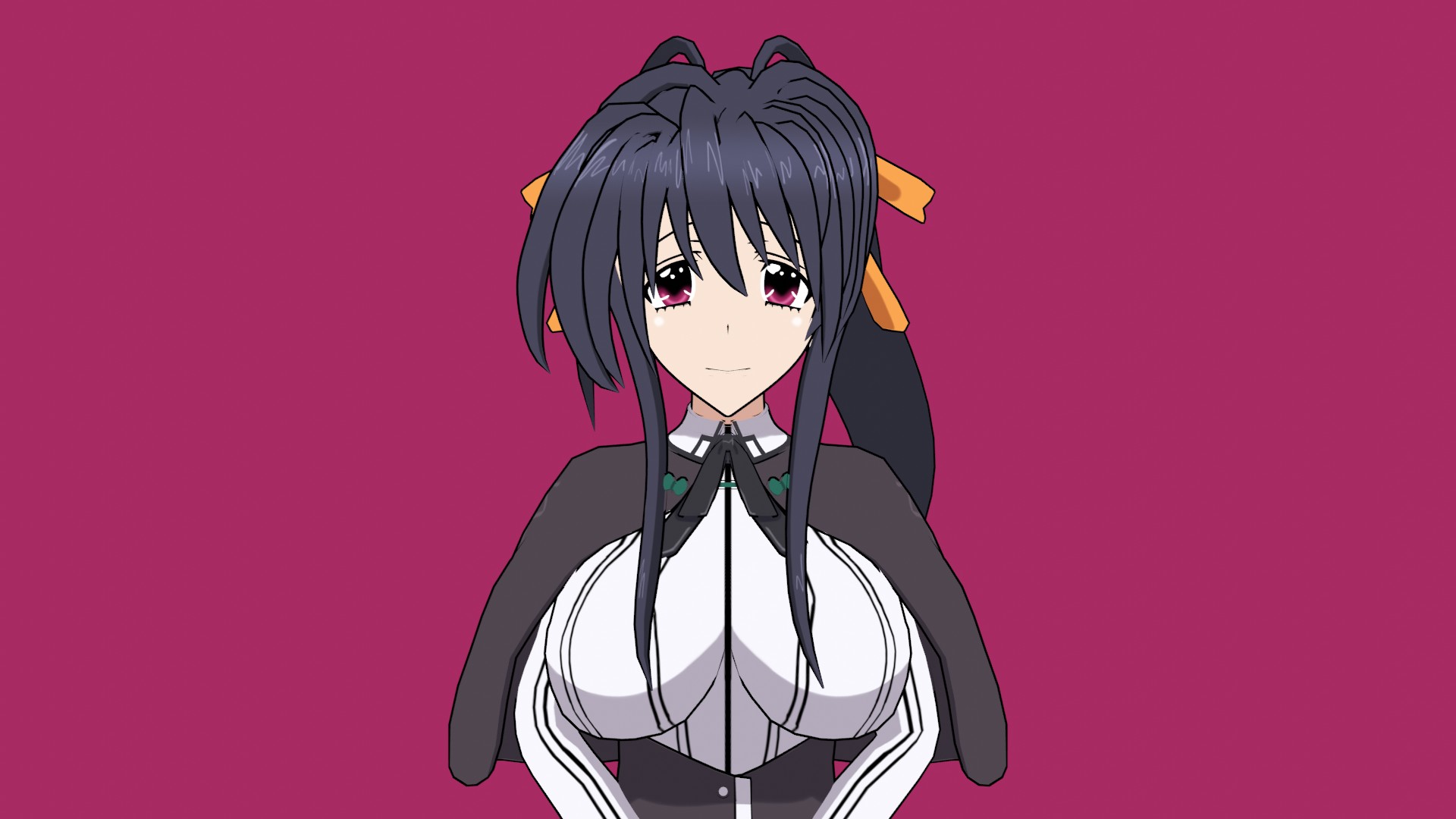
the hair and the mouth needs a bit of work
0
lol F the rules, port Hikos model you wuss
0
You could use the MMD transparency shader method that 1ya did on their phos.email [email protected] or discord 09williamsad
0
UPDATE: Due to requests, Fixed the hair shader.
0
Oh, the website dont like question marks, well then, it was a question. Thanks if you do ;)
0
If there will be any fixes on the texture of the hairs or you find any way to make it better, could you message me back
0
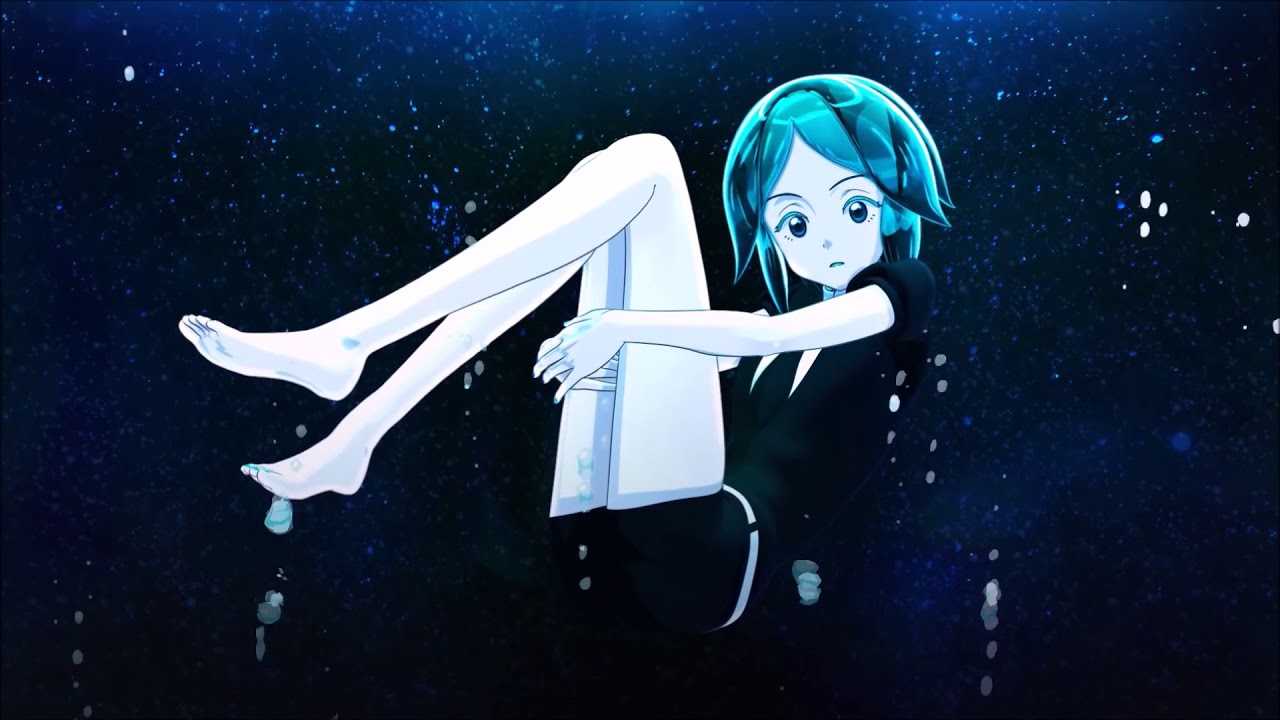
This is a good model and I personally have worked on many Phos and Cinnabar models before, the problem is still there; its near to impossible to recreate the same kind of texture or shining look as in the anime or near that.
Believe me, I've tried everything out there, even the gem shader...and still is not enough.
You people who will dowload this, if you like it as it is its good. But for me that I've tried a lot to make it better, is still at the start.
You who shared this model, thank you very much and I personally appreciate all the effort you made.
0
Thanks for this. Only complaint I can come up with is that the forehead being visible through the shader on the hair makes it look massive. I switched to an opaque shader and mimicked it as best I could but it's nowhere near as good as the gem shader.
0