Find something specific or jump into a category.
819 Total Downloads
21.6K Total Views
Asset Type Models and Props
File Type Unity Package
Warning! Since the avatar 3.0 update this has not been working properly for 2.0 avatars.
What this includes:
How to set up:
Hope you enjoy. If multiple people have avatars that have this prefab on it, they can stack!
Important note: You must have the latest vrcsdk already in your asset folder for this to work but that's about all you need.
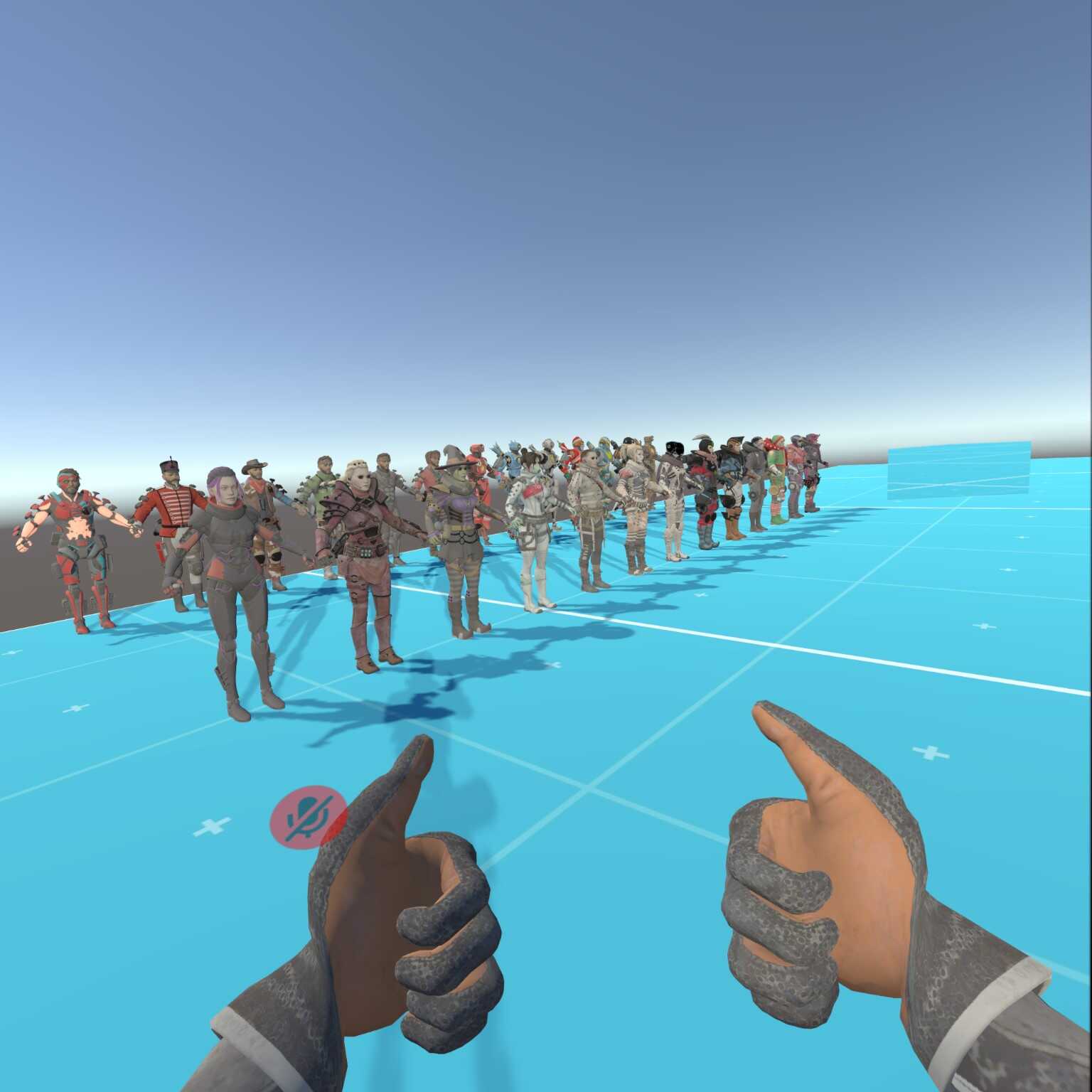
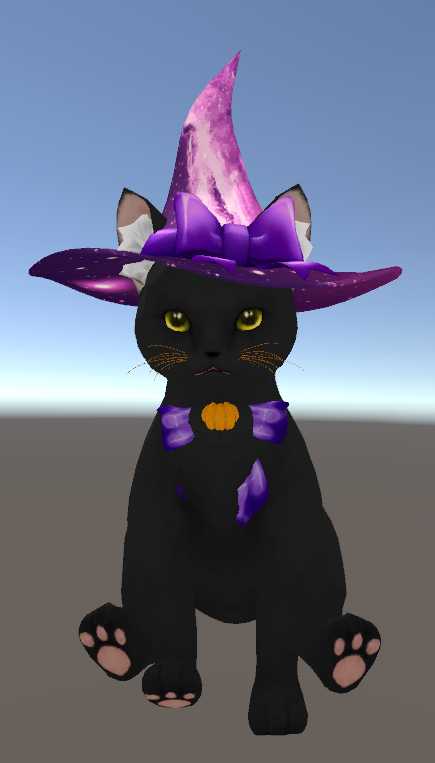
For this I used the Zoichi model by zoidberg656 and some wolfboy hair. https://vrcmods.com/item/749 and https://gumroad.com/l/AVpJw
The chair prefab will appear as a sphere. Think of this sphere as the middle of the hips.
***
Loading file tree...
Create a free account to skip ad checks, comment, save favorites, follow creators, and get notified about new uploads.
Loading file list...






Comments
For this I used the Zoichi model by zoidberg656 and some wolfboy hair. https://vrcmods.com/item/749 and https://gumroad.com/l/AVpJw
1The chair prefab will appear as a sphere. Think of this sphere as the middle of the hips.
0***
0