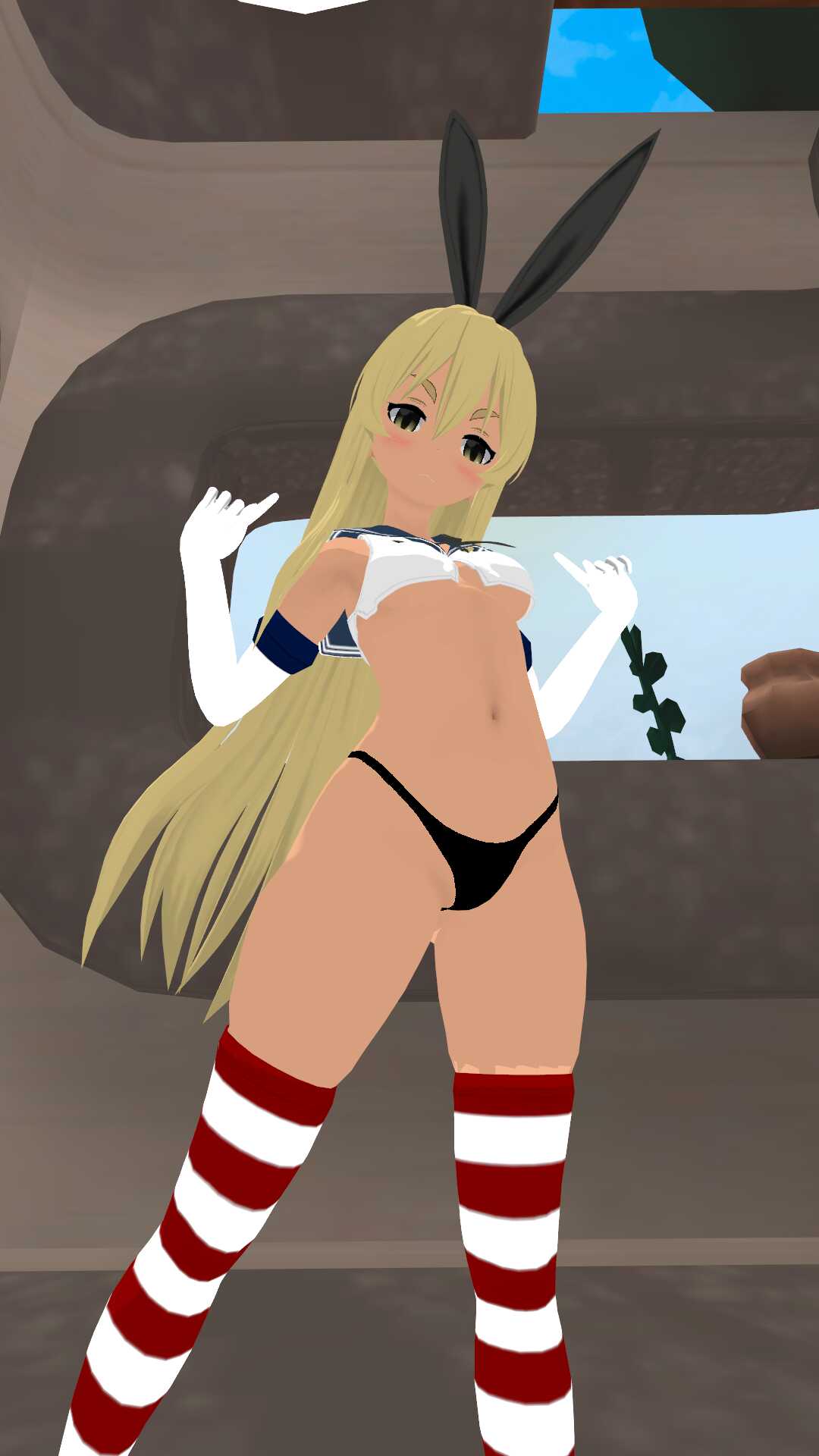
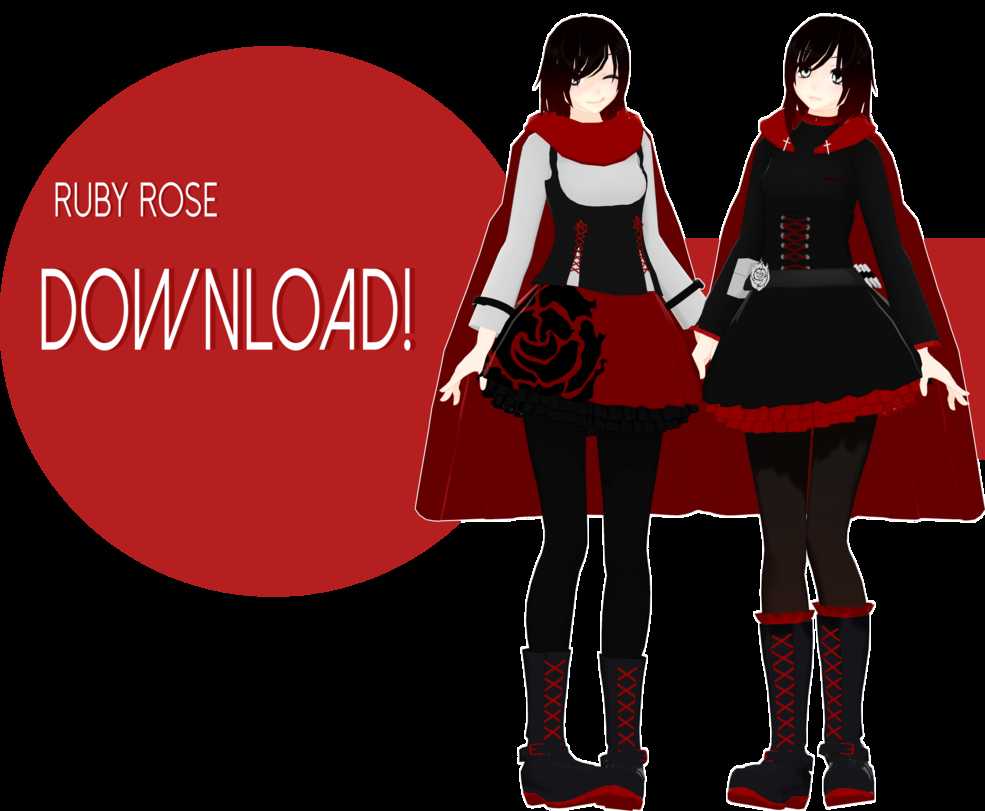
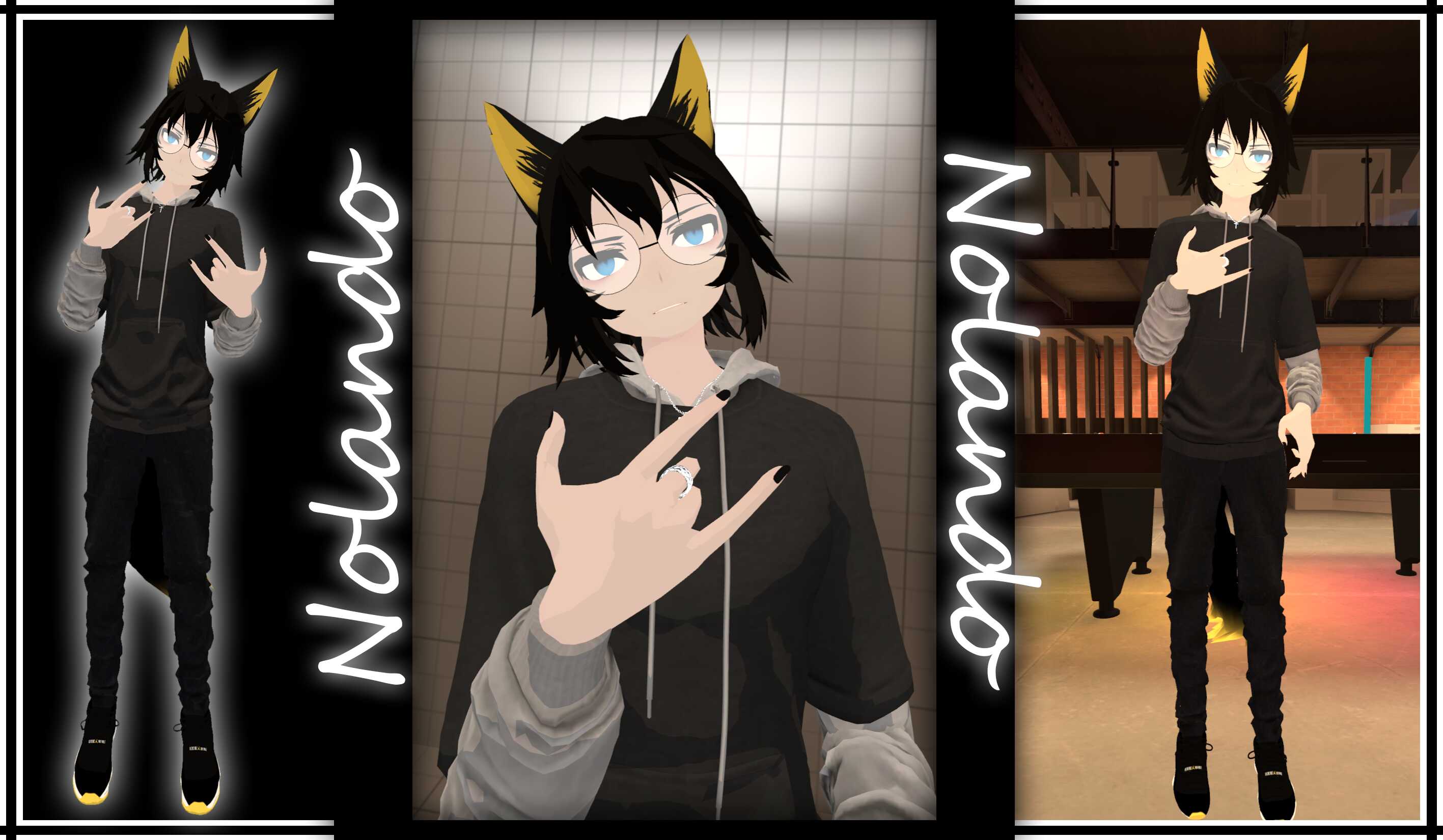
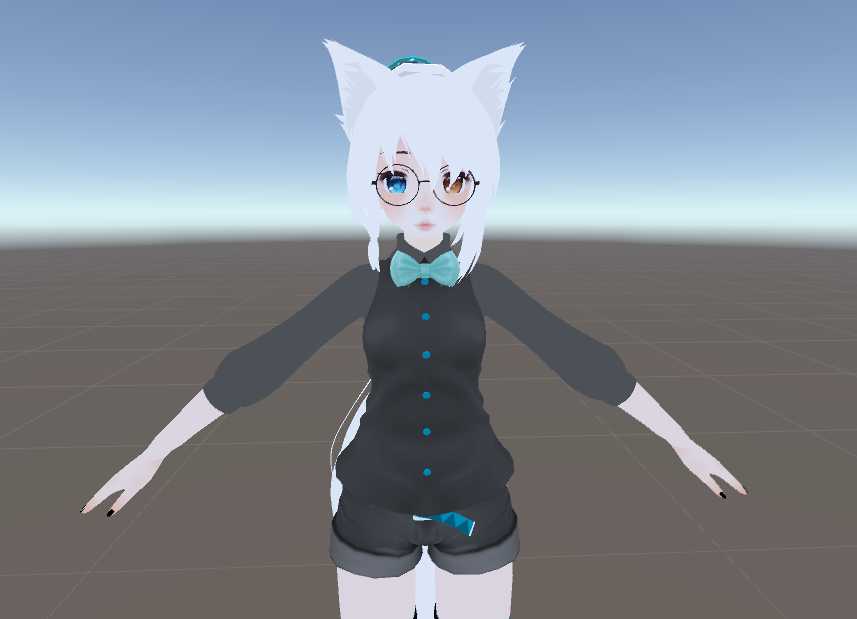
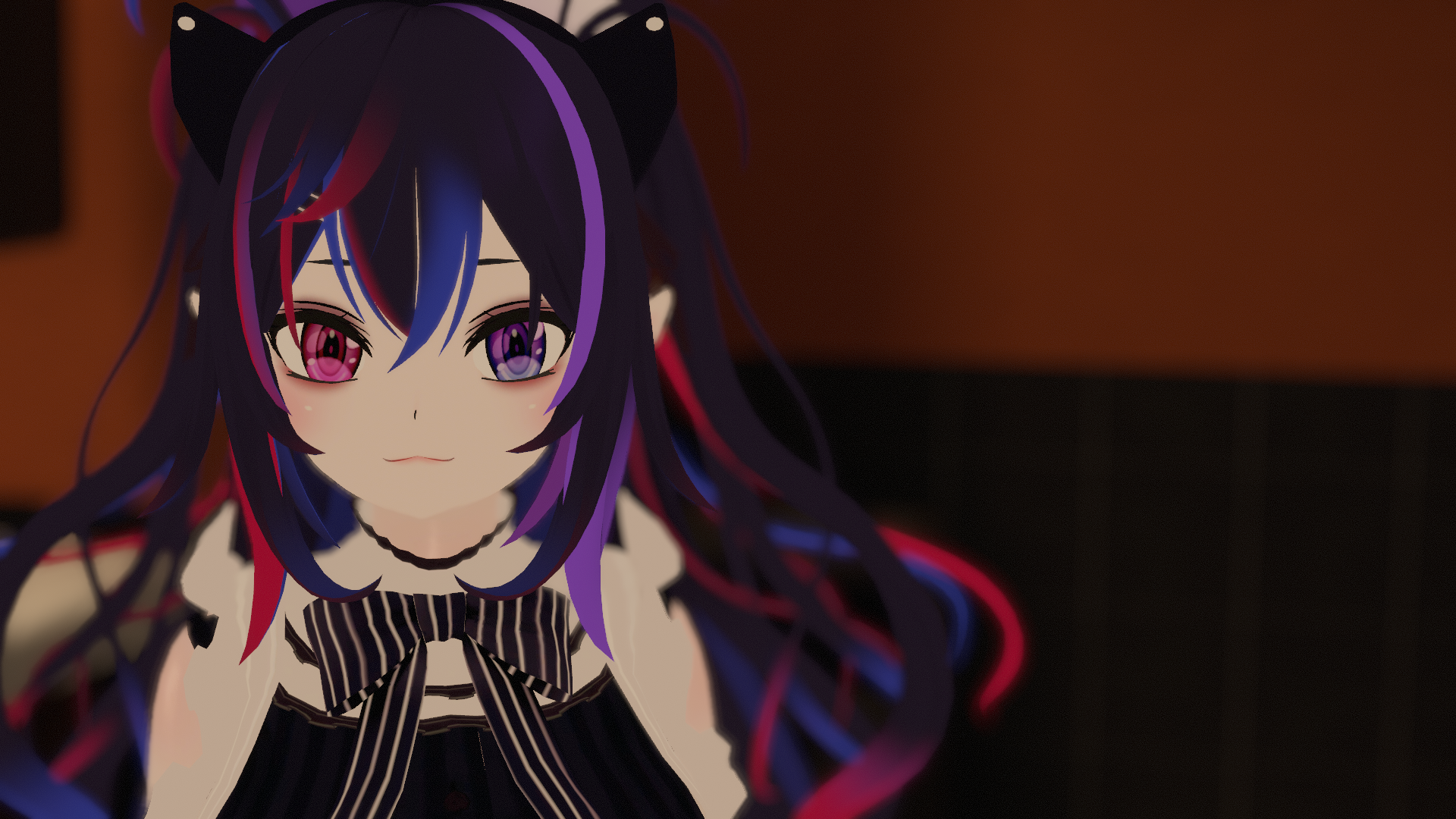
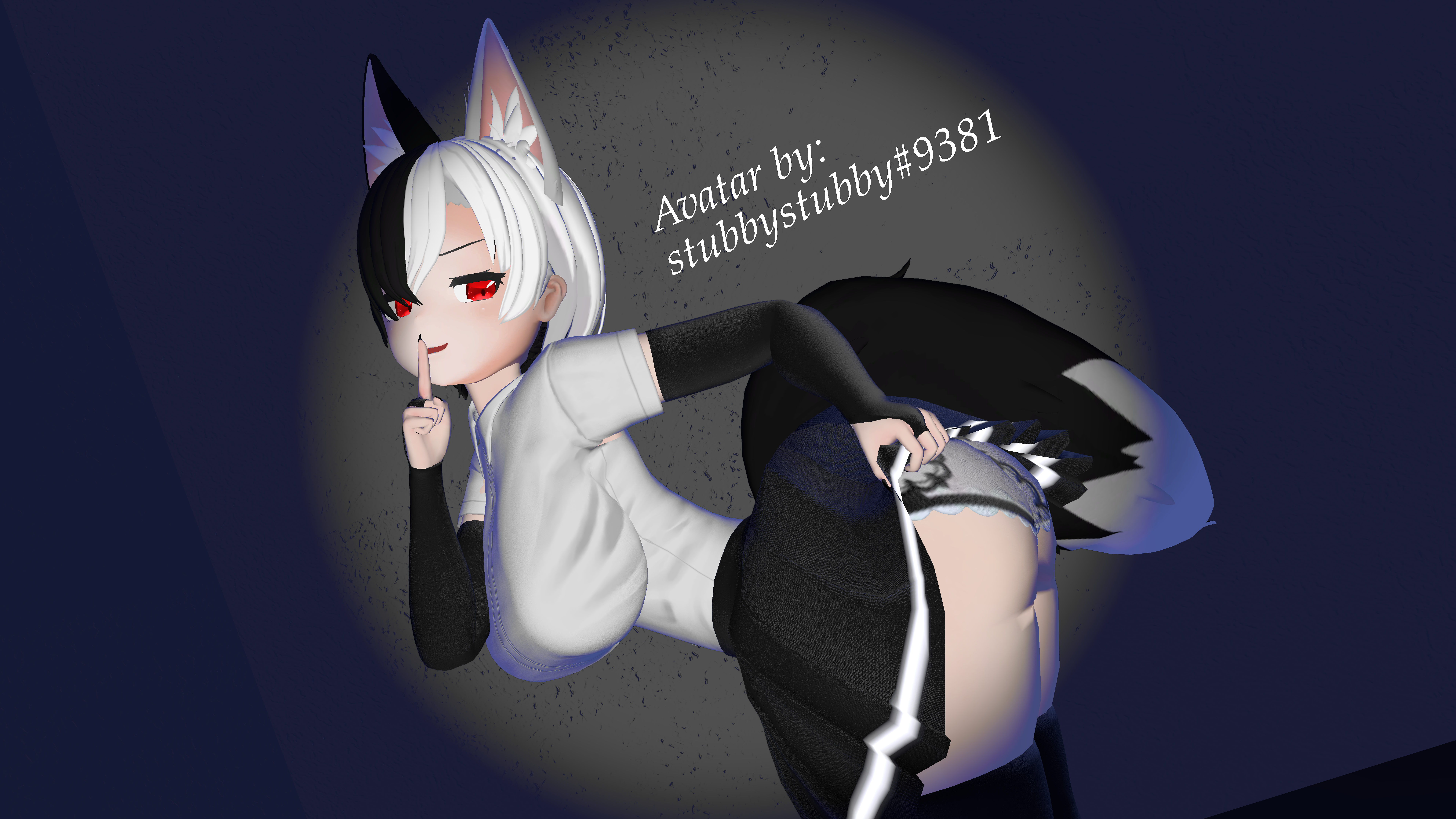
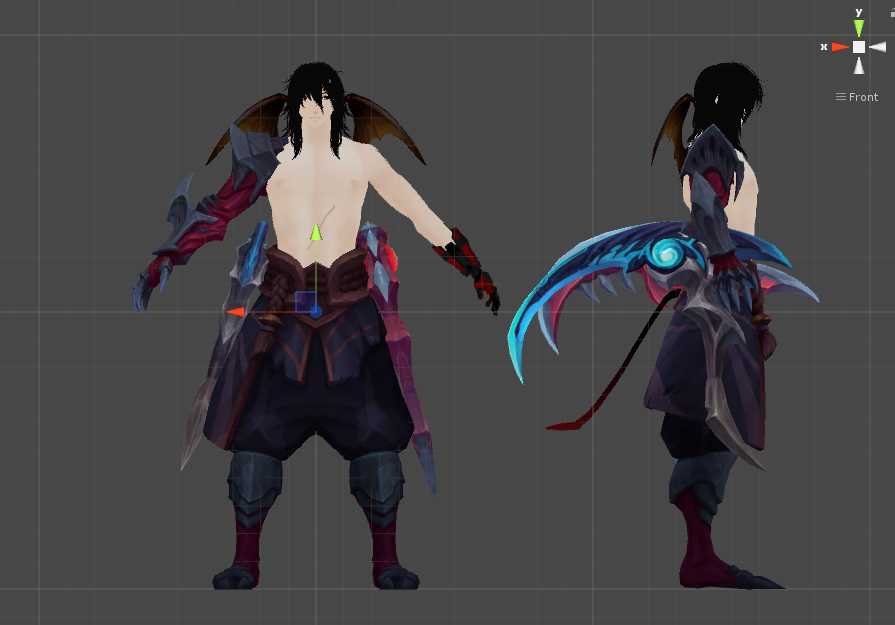
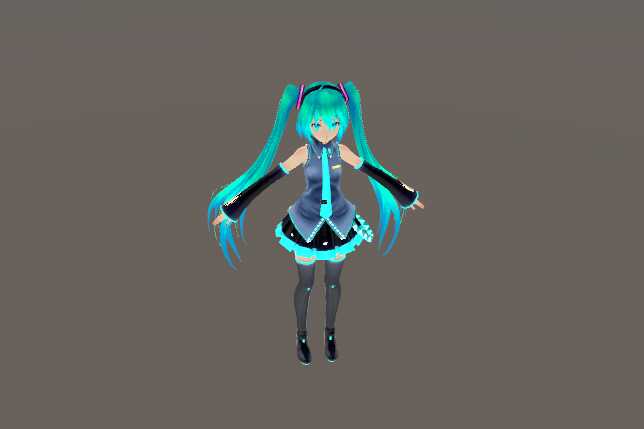
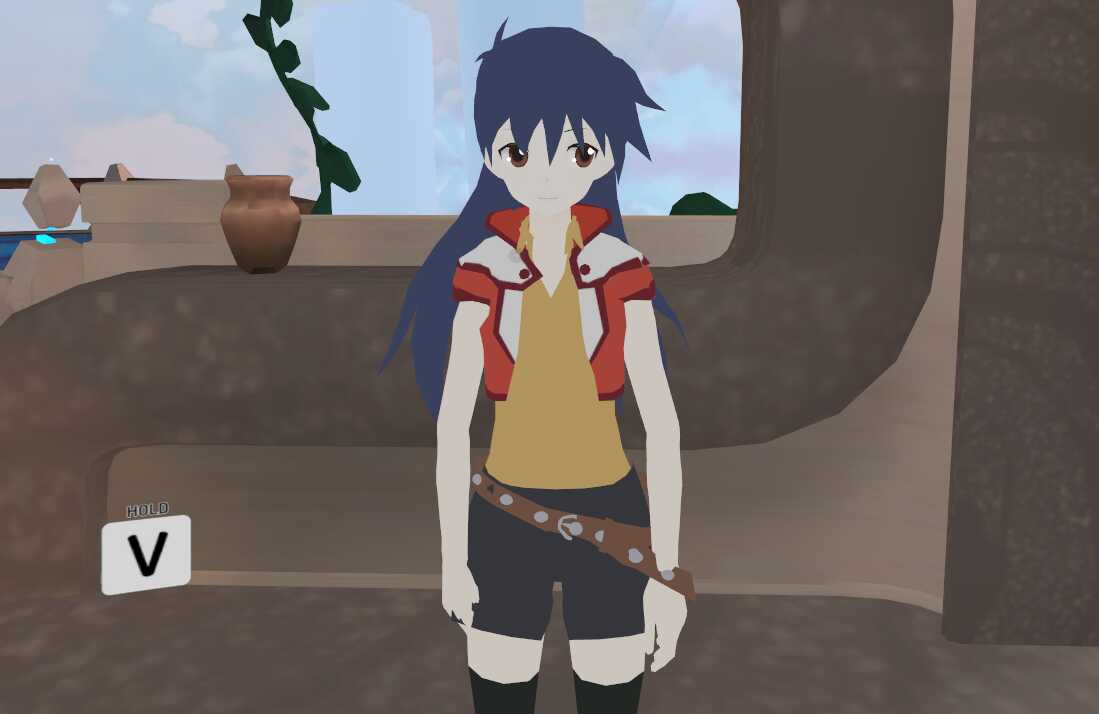
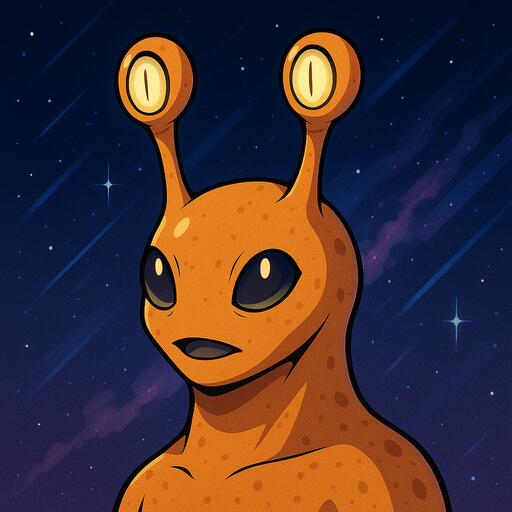
Easter Avanna (Lip Sync, Eye Track, Dynamic Bones) Screenshot
Download
You can upload this avatar to VRChat See tutorial

2.2K Total Downloads

53.5K Total Views

Asset Type VRChat Avatars

File Type Unity Package

Description


Installation:
1. Download the cubedshaders, dynamicbones and vrcsdk if you don't have it.
2. Import vrcsdk into unity, then the cubed shaders package and then dynamic bones.
3. Import the avatar.
4. Load the scene named "AvannaModel" placed in the folder named Avatars/Easter Avanna.
5. Upload.
Comments
Log in to leave a comment.
HoliSoyMo Author 1520286667 ago

If you don't have Dynamic Bones it doesn't matter, but her hair won't move

0
Vannilathesweet09 1520275706 ago

i mean does it matter if i have dynamic bones or not.?

0

File Tree (50 files inside Unity Package)

Recommended Items

Based on this asset

Tutorials

Join 27,000+ creators

Become a Part of the Leading VR Modeling & VRChat Network

Ready to immerse yourself in the exciting world of VRChat and 3D assets? At VRCMods, we're not just a community, we're a vibrant network of creators, innovators, and enthusiasts. Connect with fellow VRChat enthusiasts, access top-tier avatar commission services, comprehensive tutorials, and enjoy a wealth of free downloads — all with regular updates to keep you on the cutting edge.

Create a free account to skip ad checks, leave comments, heart your favorites, follow uploaders, and get notified about new uploads.