Download

511 Total Downloads

12.7K Total Views

Asset Type Models and Props

File Type Unity Package

Description


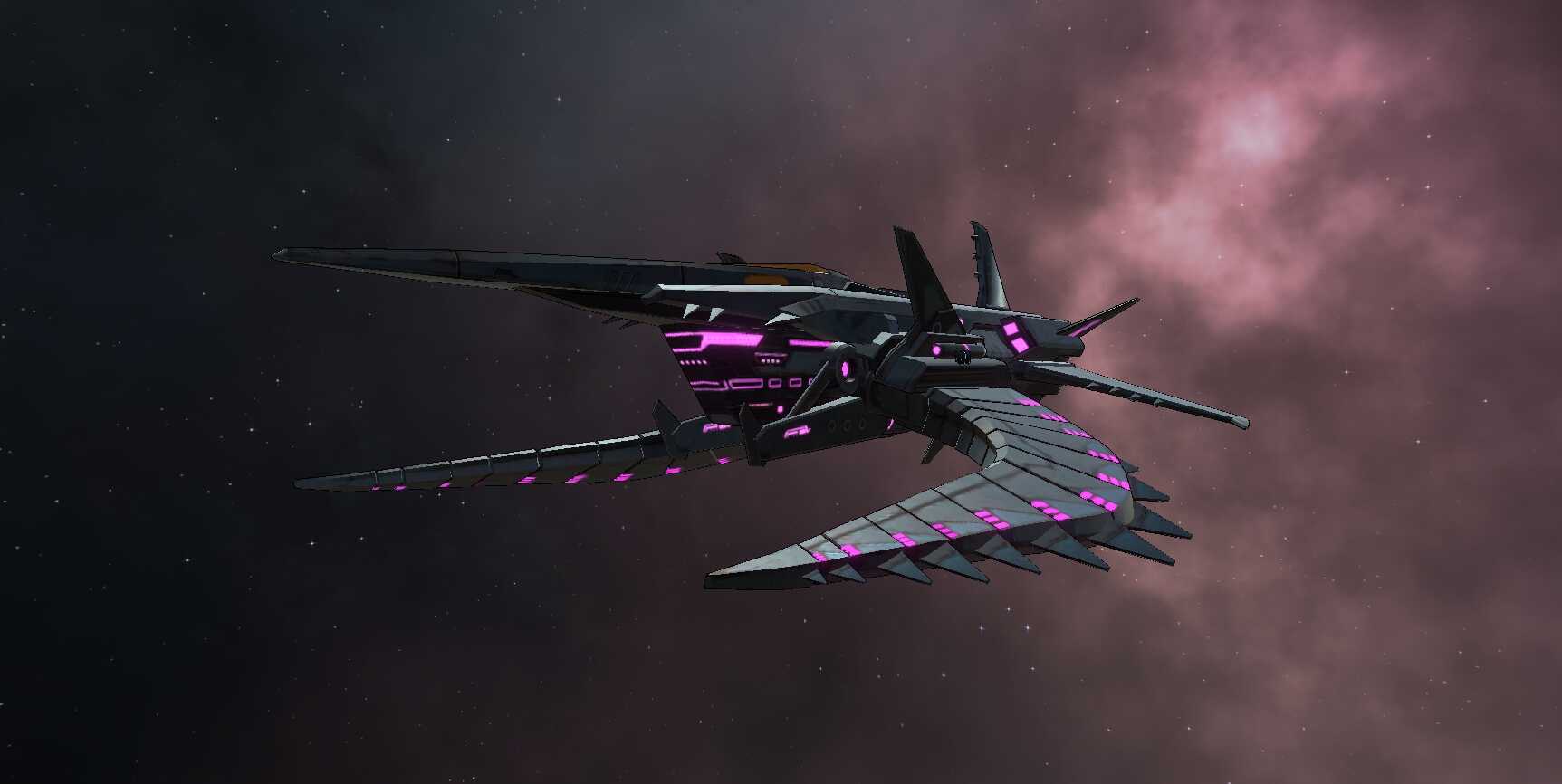
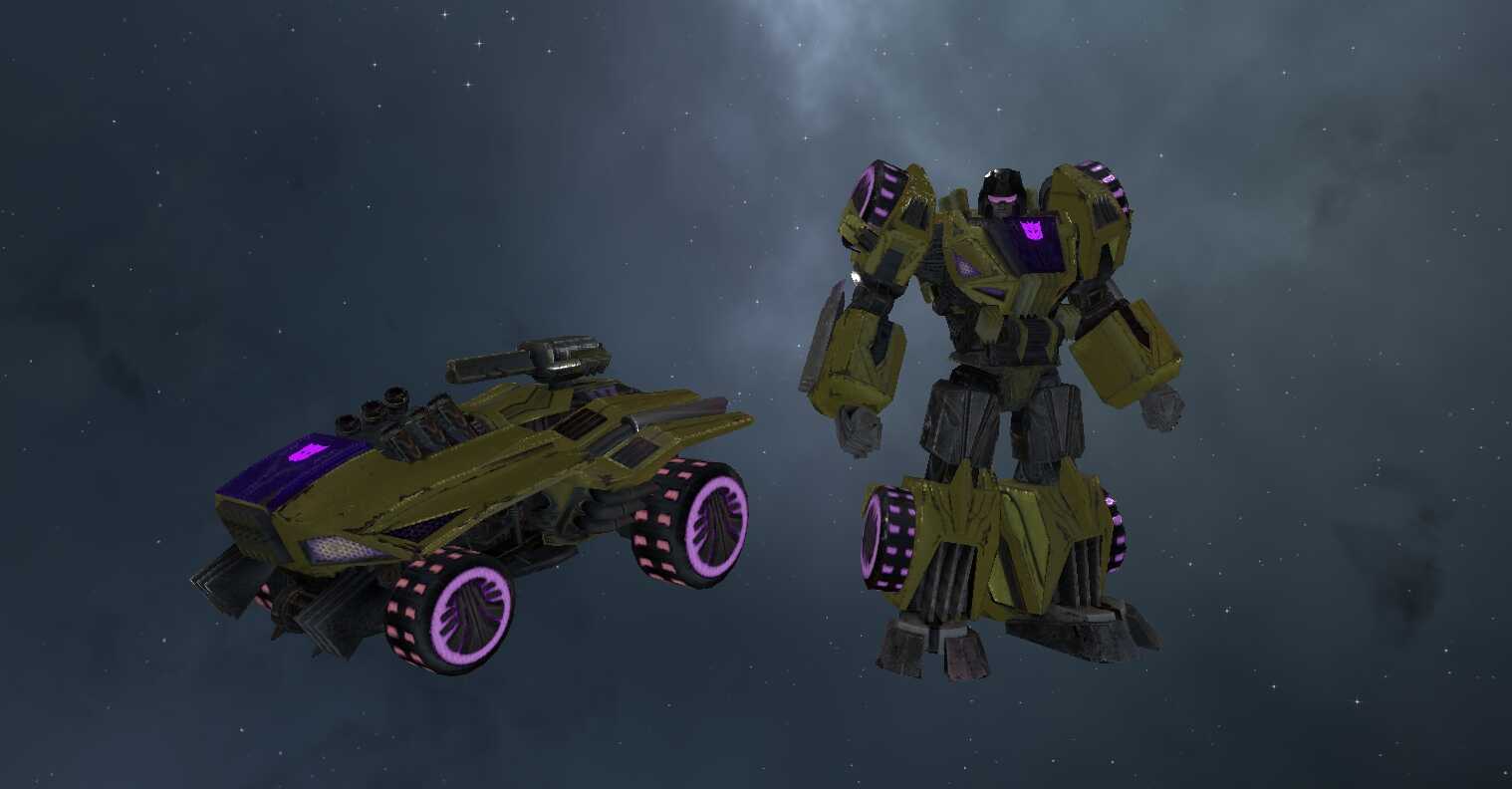
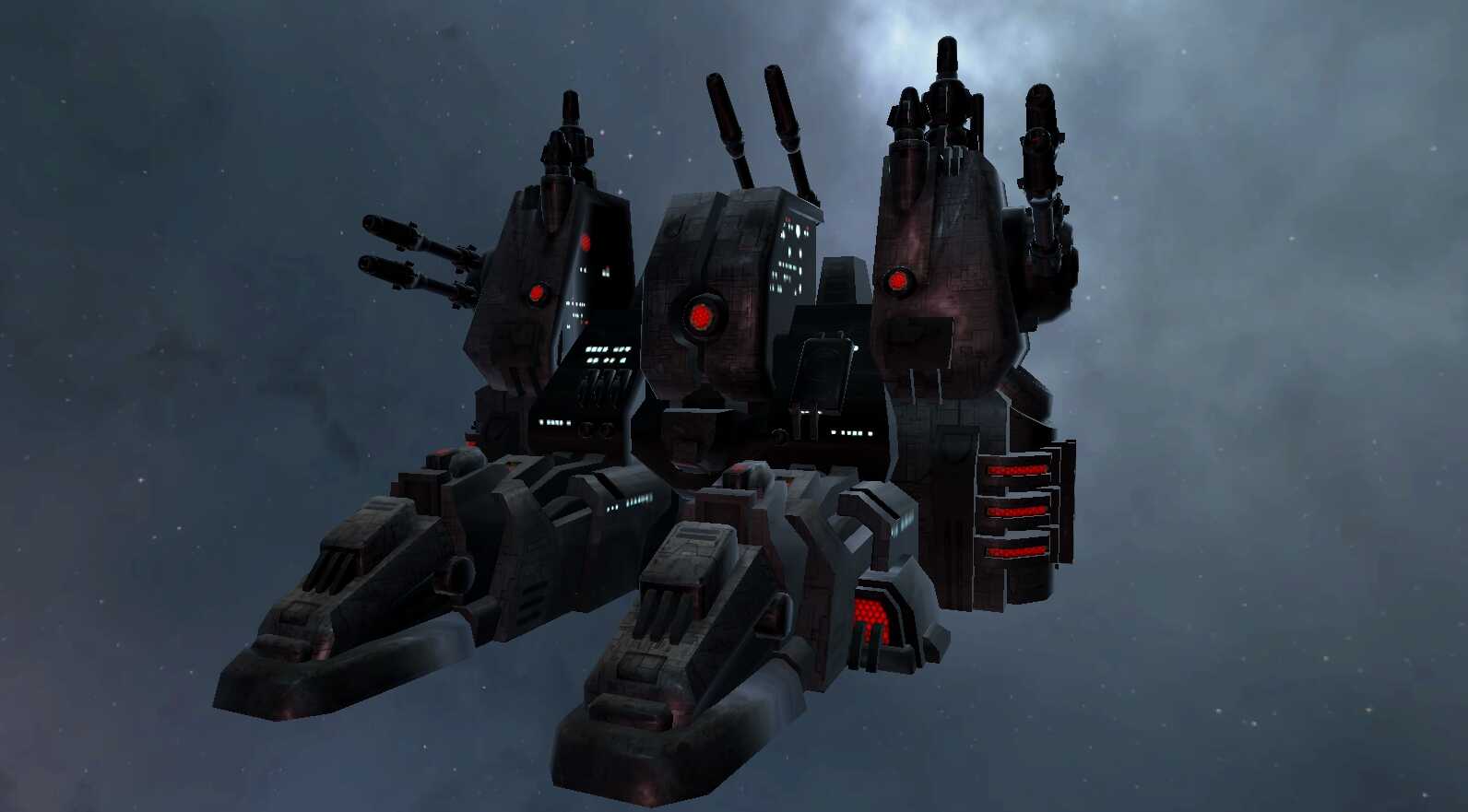
Lazer Beak FOC Pet Follower Prefab for SDK 3.0 All rights go to Hasbro and Highmoon Studios

How to use:

  1. Drag the prefab under your player model in the hierarchy next to Armature and the Body

How to replace:

  1. Click the drop down menu and select Main
  2. Look under inspector and go to the dynamic bone script
  3. Find Exclusions and replace "Body" with whatever the equivilent of your new follower's hip bone is.
  4. Drag in your new follower into the position in the scene as Lazerbeak
  5. Under "Radius" in the hierarchy, drag in your new follower
  6. Delete Lazer Beak
  7. Animate your followers wings or whatever you want to do

Have fun!

Come join the Transformers Community on VRChat: https://discord.gg/hgqg6QD7YV

Comments
Log in to leave a comment.

No comments yet... start a discussion to get things started... or join our discord to get help from the community.

File Tree

Loading file tree...

Recommended Items

Based on this asset

Tutorials

Join the VRCMods creator network

Create a free account to skip ad checks, comment, save favorites, follow creators, and get notified about new uploads.