[Eye-Fix] Dragon-Tailed Ooka Miko
Download
You can upload this avatar to VRChat See tutorial
Description
File Tree
Loading file tree...
Recommended Items
Based on this asset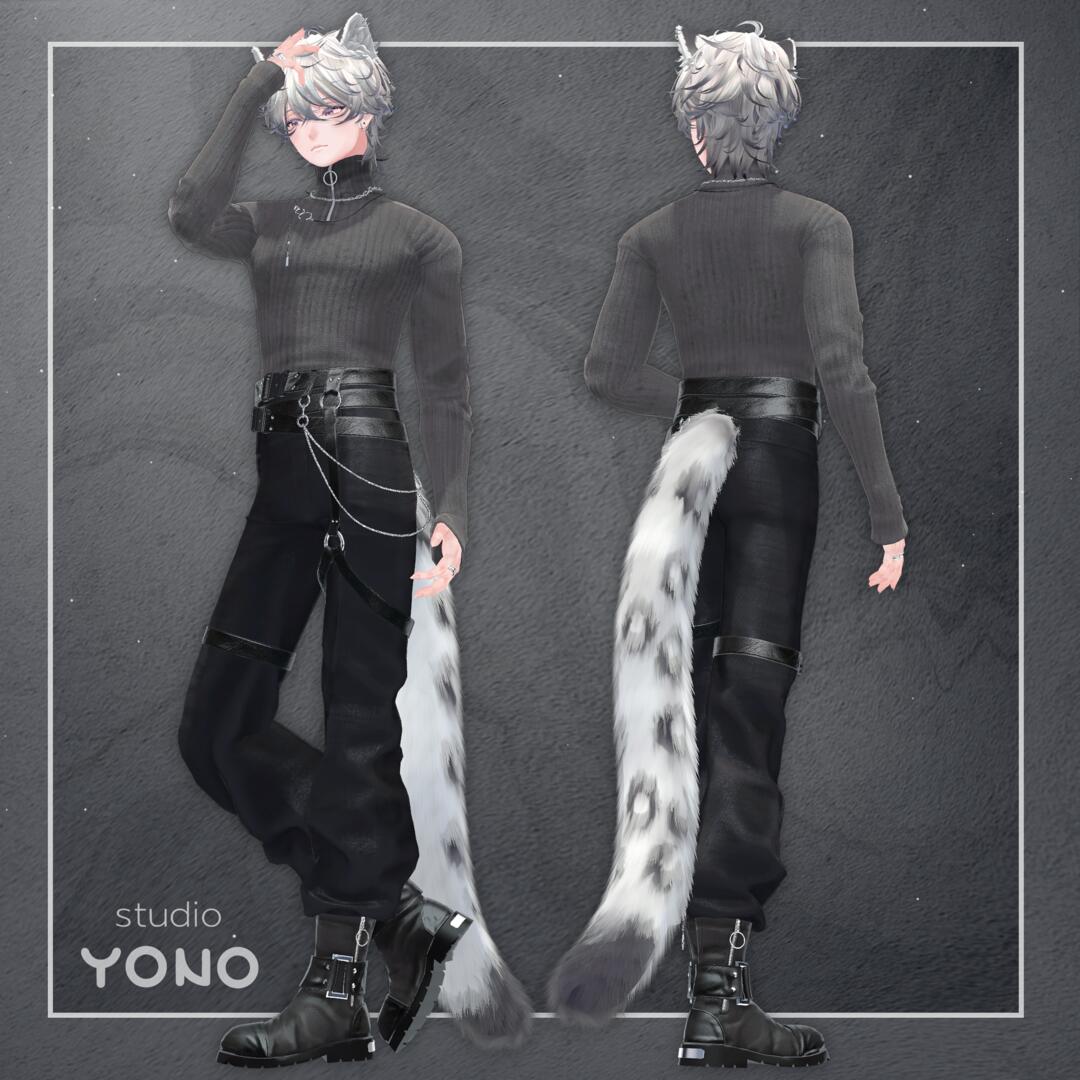
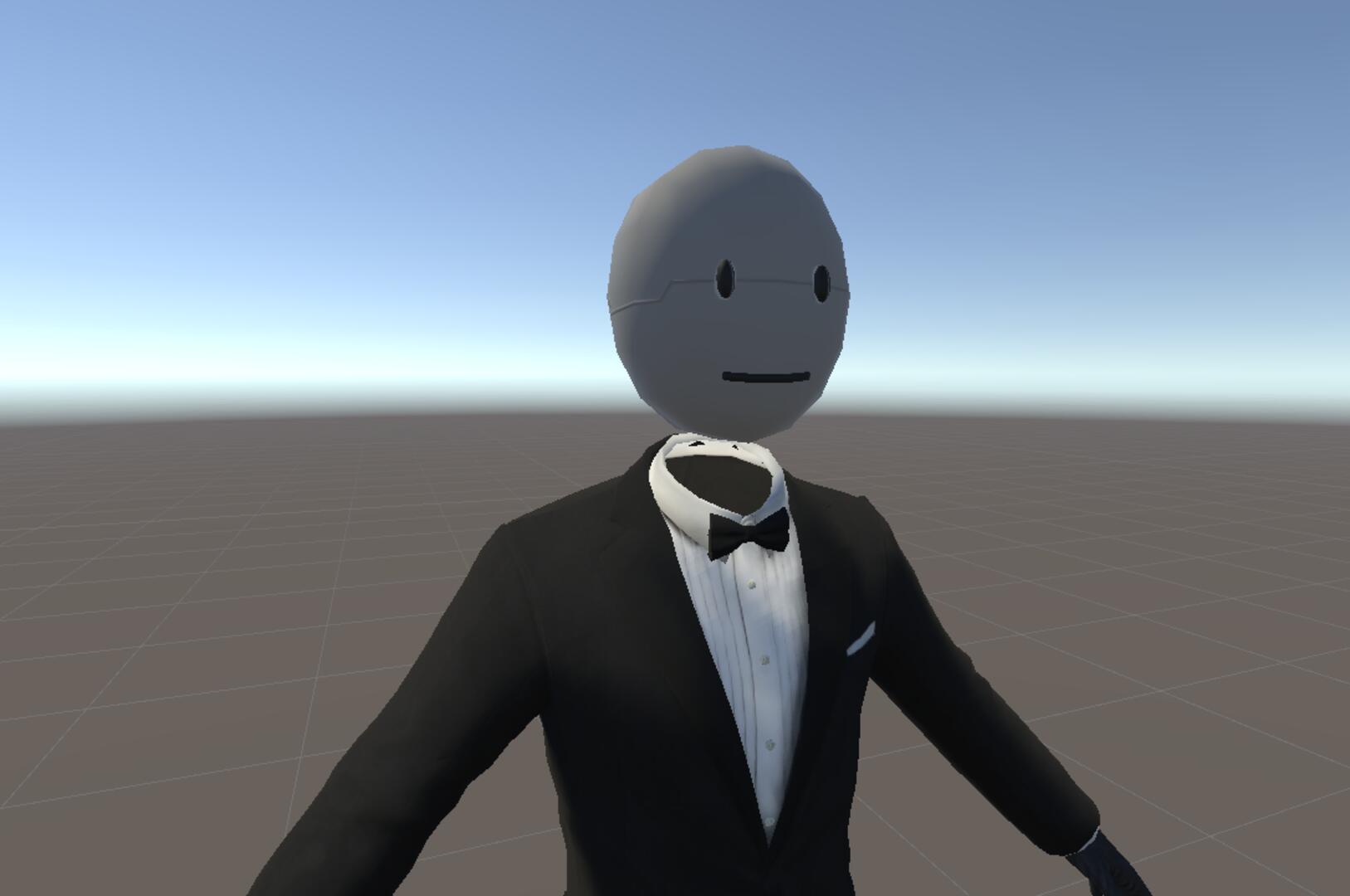
Tutorials


Press ESC or click here to close
Comments
The fact most the meshes are combined ruins it for me. Change that and she'll be perfect.
0I want to change the color and use it in vrc. Can I modify this avatar
0boi put flat lit toon on dem horns and tail looks just fine
0Same issue as Vesper said. This may have to do with the upcoming updates of Unity.
0I'm not sure but there appears to be an issue with the textures on this model, despite downloading the latest unity shaders, the tail and the horns on the head are the only things affected. Tried several different things but my knowledge of unity is rather limited so I'm kinda stuck.
0@Roberino hm, never had that issue. Try moving your viewpoint out a bit. You also should probably move it up too as I realised its a bit too far down
0There's a dot inside the head that goes infront of your viewpoint sometimes when you move btw
0Oof 2 i left the bowlroll link up there ^ so you can get it without the combined meshes
0I thought the eye was a feature...
0if u can send me the model without the combined meshes that would be nice Tritn[9703]
0Just wanna say there is a Problem when you moving with the Model arround. There are some withe Dots that are flying around the Face. and i don't know how to fix that
0