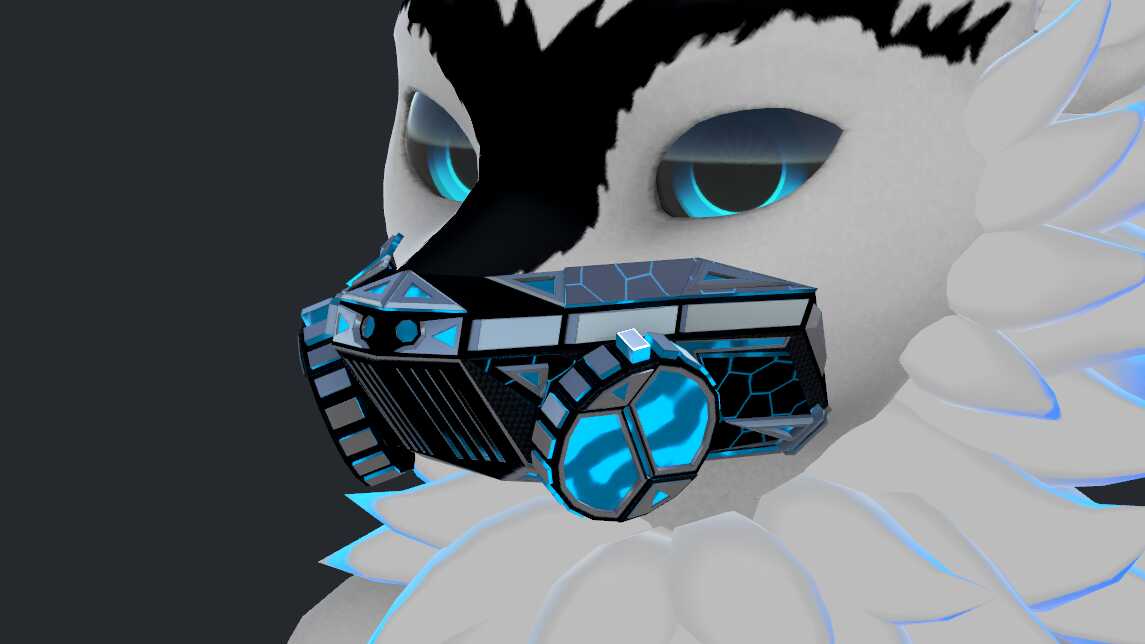
WL_Mask
Download
14.9K Total Downloads
342.3K Total Views
Asset Type Clothing and Accessories
File Type Unity Package
Description
File Tree
Loading file tree...
Recommended Items
Based on this asset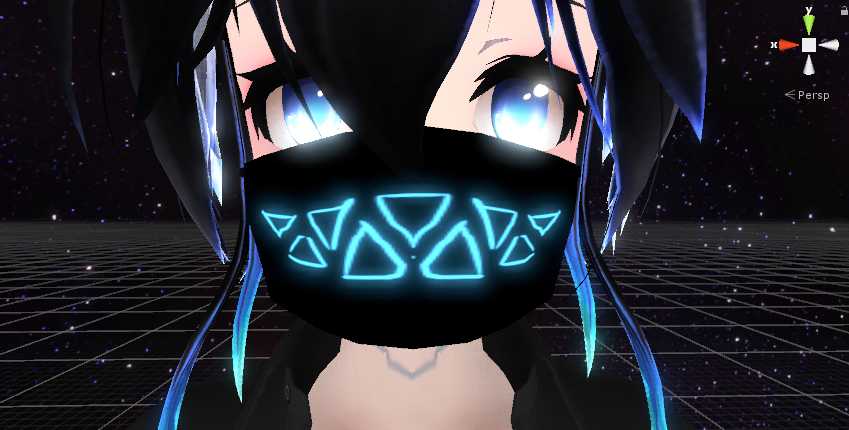

Tutorials


Press ESC or click here to close
Comments
How do I put this mask on my avatar's face? I know I have to make it link to a bone, but IDK how.
1Amazing
1@Aoji just wanted to know how you did the "Audio visualizer" either by manually setting up the individuals vismemes and renaming them to vrc defaults or if you used any shader/program to set up the visualizer?
0@mozzarellalaIt is just Standard shader with carbon fiber texture you can find from google, Metallic and Smoothness set to 1, i dont know how good Standard shader looks in VRChat but maybe you can try https://vrcmods.com/item/4039-ReroStandard-A-Standard-shader-hack-for-VRChat for it. Visemes are Unlit.
0Gotcha, thanks. Can you upload a screenshot of the shaders used in the first picture? I like the look of it and want to try and recreate that shader
0@mozzarellalaYou can change the materials yourself to whatever you want, i didn't include any in the unity package.
0Just click the "body" of the mask and drag & drop whatever to mask and visemes material slots.
As for the "pulsing", i don't really know.
colors on my import seems to be off. here's a screenshot to show what i mean, http://prntscr.com/mvc41wall the materials in the import seem to have been messed up i suppose
0this is what i looks like in game http://prntscr.com/mvc4tx, the lines also seem to pulse into the face alot when i am playing music through a soundboard. any help with either these problems is appreciated
dope
0@AojiThank you
0@Dennileon1Yes you can, you can change material on the mask and the visualization.
0Can i put a new material on it to change the shader on it or does that destroys the speaking visualization?
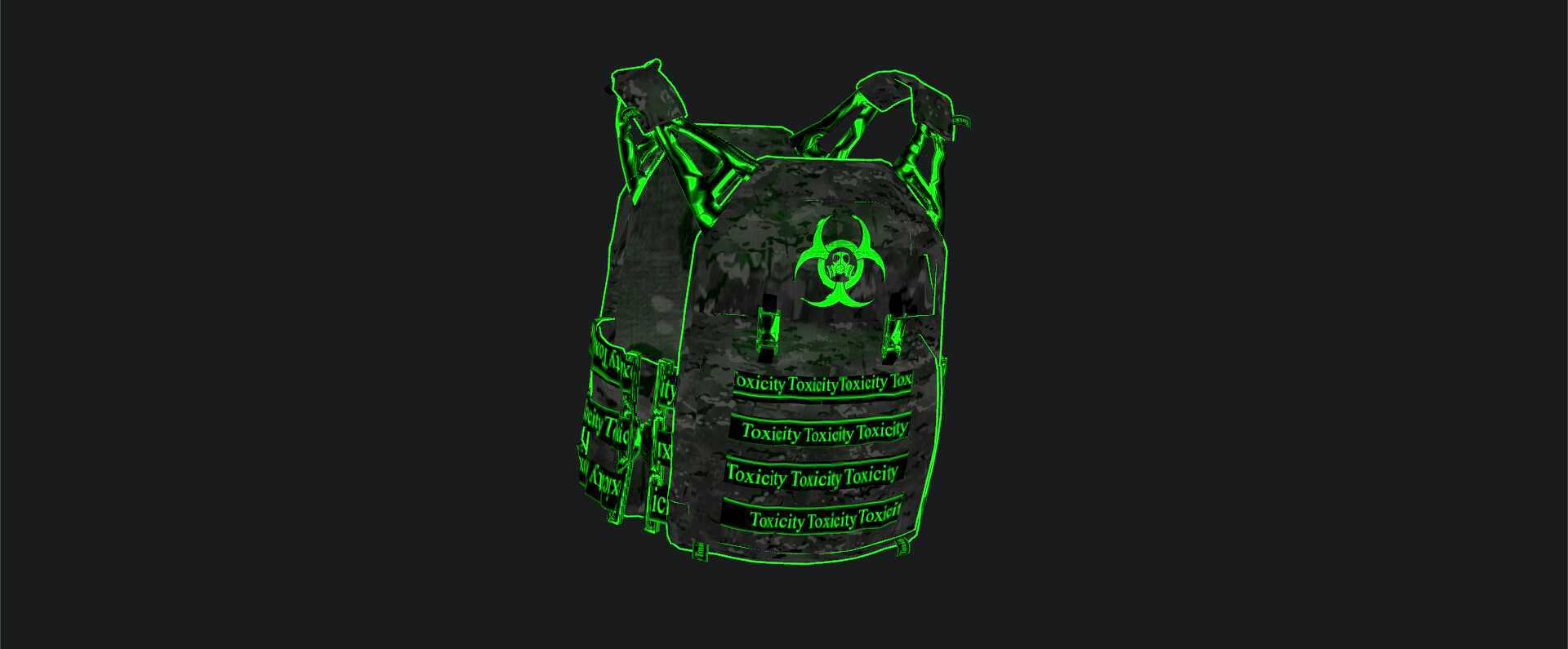
0@starlifestyle See image 2
0good but how to put wl?
0good
0First
0