Download
You can upload this avatar to VRChat See tutorial

1.3K Total Downloads

32.2K Total Views

Asset Type VRChat Avatars

File Type Unity Package

Description


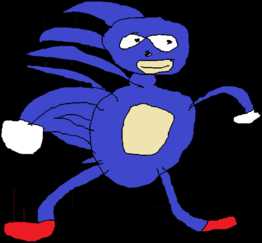
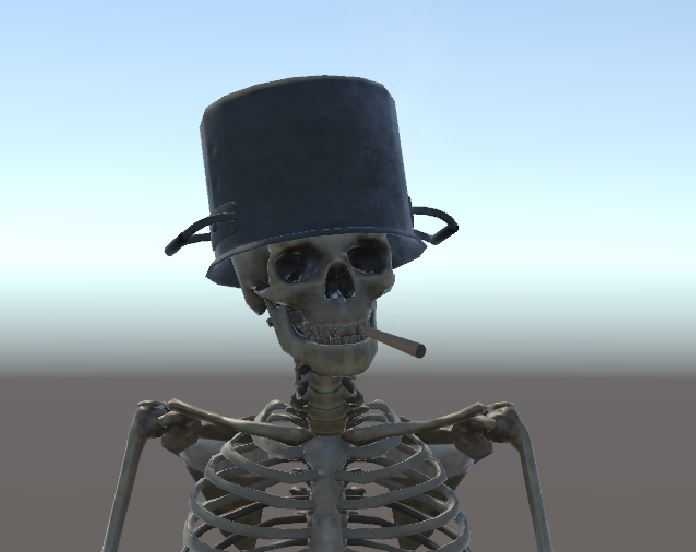
'Choo Choo, He's THE N U M B E R 1 E N G I N E

IF THOMAS IS PINK HERE'S HOW TO FIX IT:

Credit to Naitsrk for the the detailed fix

  1. Right click empty space in your assets (the place where you drag and drop the unity bundles)

  2. Click Create>Material

  3. The new material should be highlighted, note the inspector where you see "albedo" with a gray box to the far left

  4. Drag "thomas" to that gray box

  5. In the top left of unity, click thomas>default

  6. Bottom of the inspector, click the O with a dot inside showing the missing material

  7. Select your newly created material

  8. Done!

If That Didn't Help Look Here:
https://answers.unity.com/questions/778780/textures-turn-pink.html

Enjoy!'

Comments
Log in to leave a comment.
Gwladys Author 1656705824 ago

help

0
Gwladys Author 1528236326 ago

SoulsolidNot yet, But maybe soon. Keep your hopes up!

0
Soulsolid 1527757852 ago

looks great! do you have an animator so the wheels move?

0
Gwladys Author 1523055138 ago

@neoderpydemon1- go to materials2-Click On The Thomas Texture.3-set material Type from *Special Error Shader* To Standard Shader.If That Didn't Help Look Here:https://answers.unity.com/questions/778780/textures-turn-pink.html

0
neoderpydemon 1523046075 ago

the tank is pink

0

File Tree

Loading file tree...
Recommended Items

Based on this asset

Tutorials

Join the VRCMods creator network

Create a free account to skip ad checks, comment, save favorites, follow creators, and get notified about new uploads.