VRCSDK - Make sure you have the newest SDK! (Unity version: 2017.4.15f1 ONLY)
Under the download section of the VRChat website.
INSTRUCTIONS:
Make sure you have Dynamic Bones, Cubed Shaders, and the VRCSDK imported into Unity.
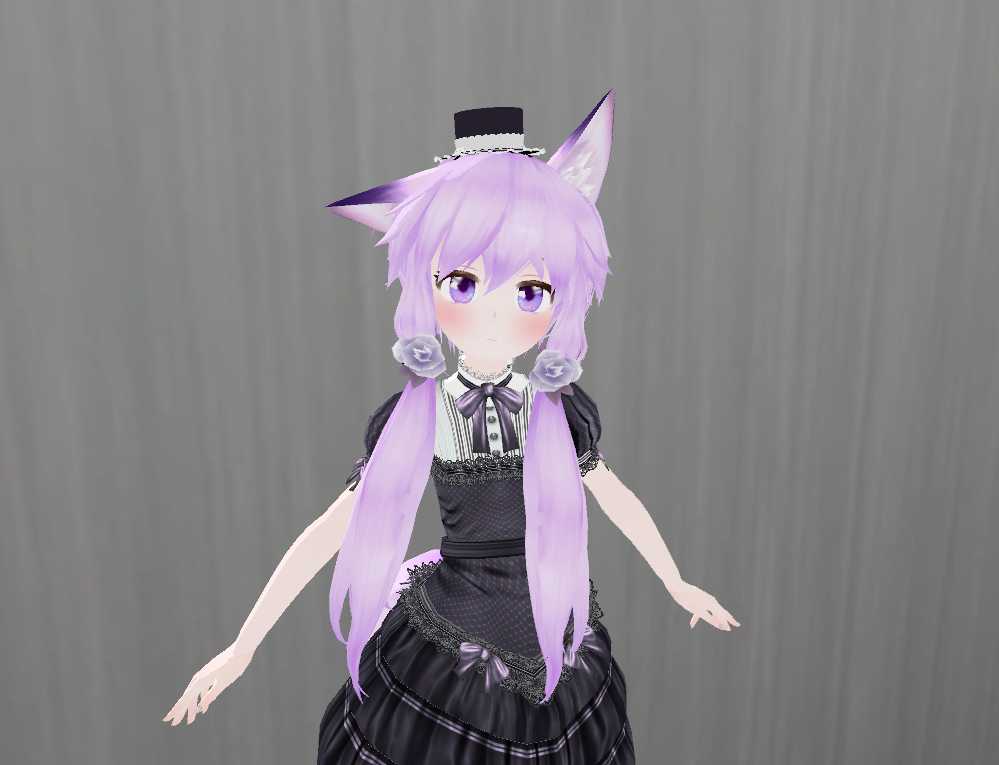
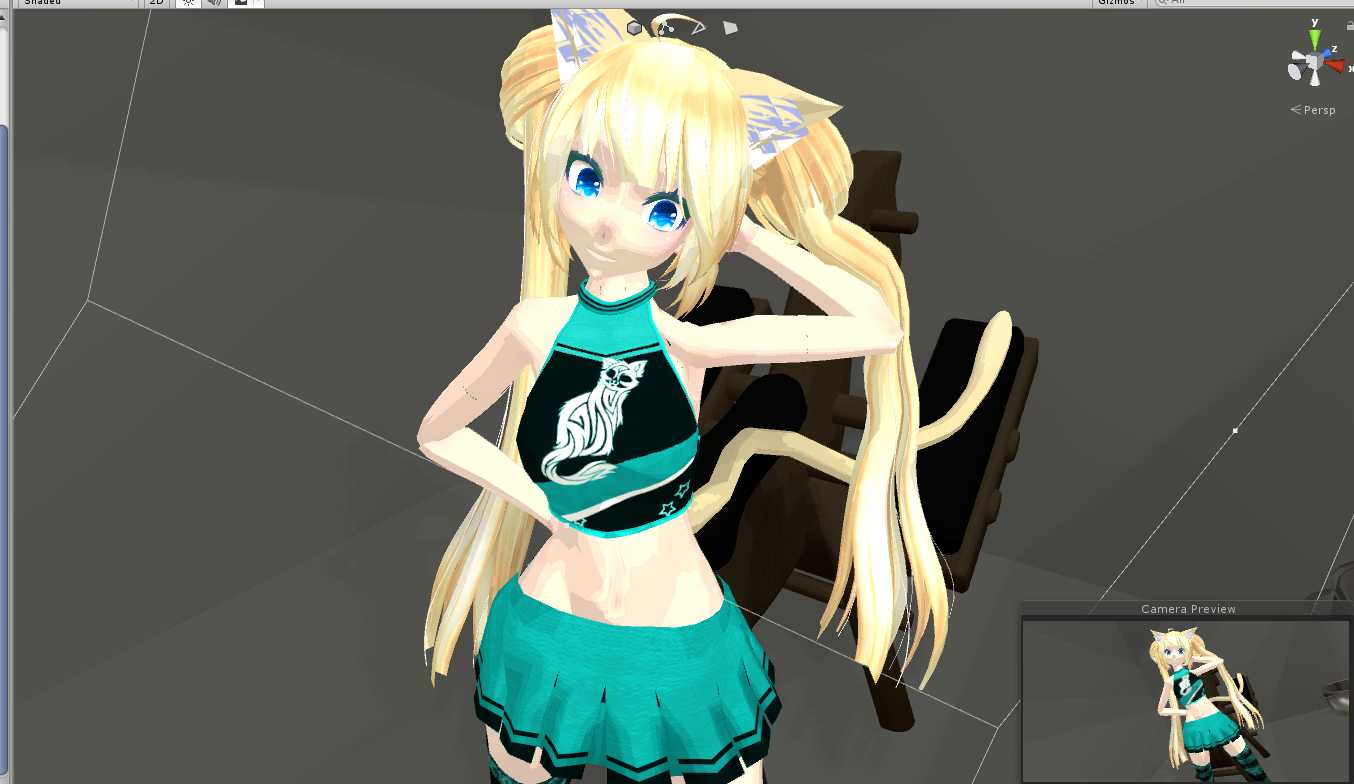
Download and import the Edgy Ukon unity package.
Double click the OPEN ME scene located within the Edgy Ukon folder.
Upload the model and enjoy!
GESTURE LIST:
Shift + F2 or Fist: Ears down
Shift + F4 or Finger point: Smile
Shift + F5 or Peace sign: Star eyes
Shift + F6 or Rock n' roll: Angry
Shift + F7 or Handgun: Lewd
Shift + F8 or Thumbs Up: Scared
NEED HELP/COMMISSIONS?:
tirru#1120 https://discordapp.com/invite/hFSNnsr - Here's my server!
Don't be afraid to use the #avatar-help channel or message me if you have any issues!
Heya, I wanted to commission an avatar from you, unfortunately your discord invite link is dead so I can't contact you directly. I'd love to get in touch with you ♥️