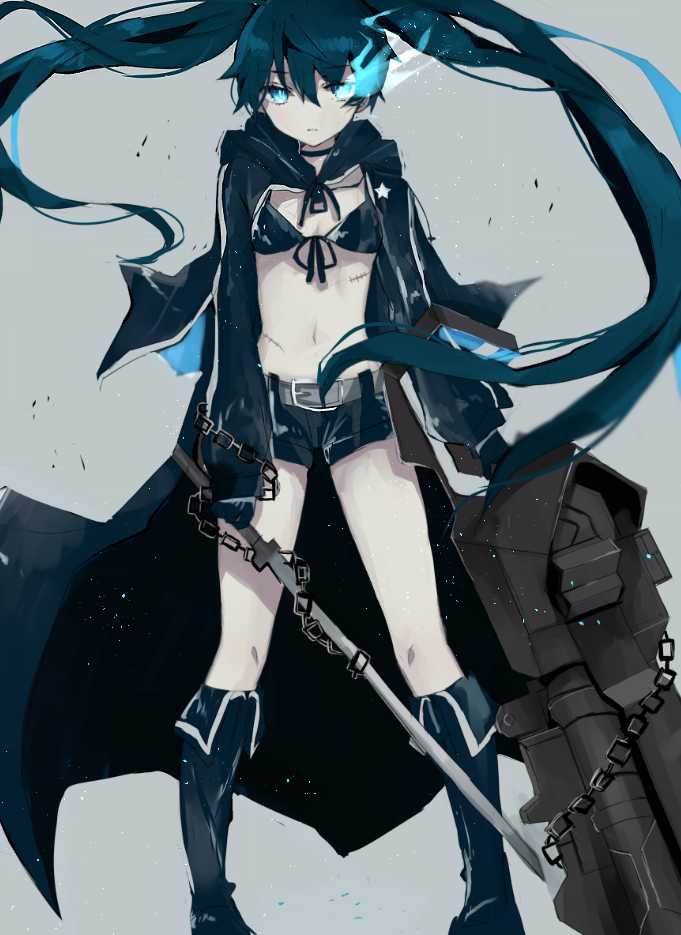
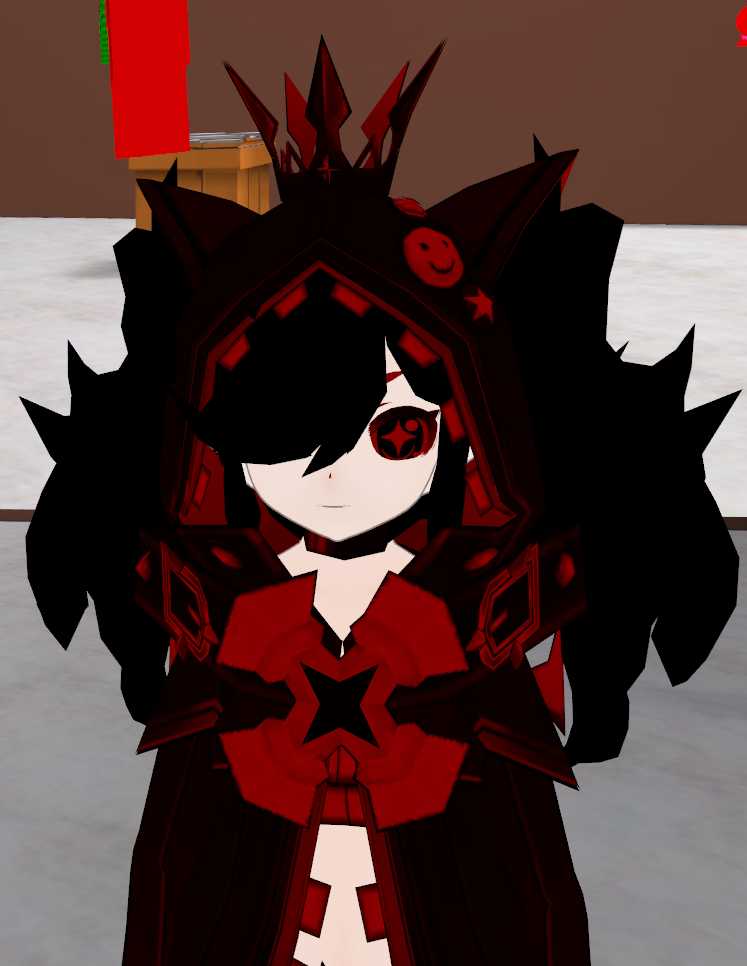
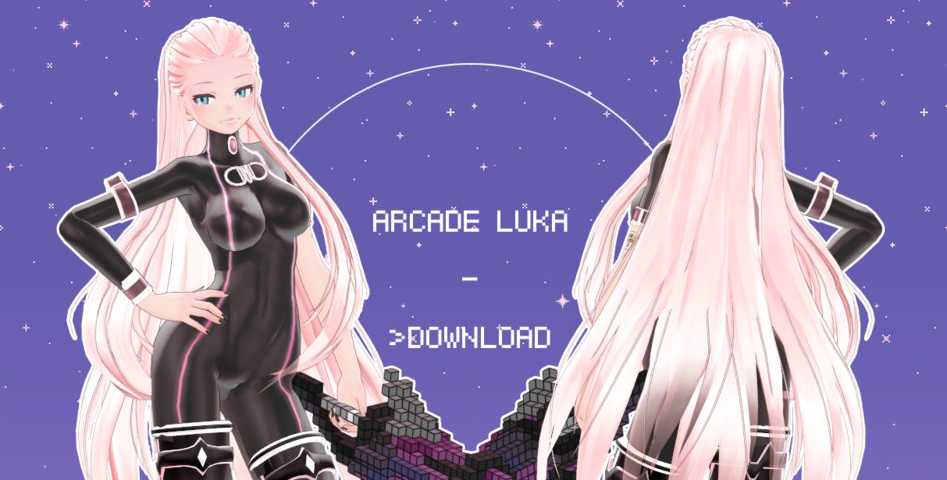
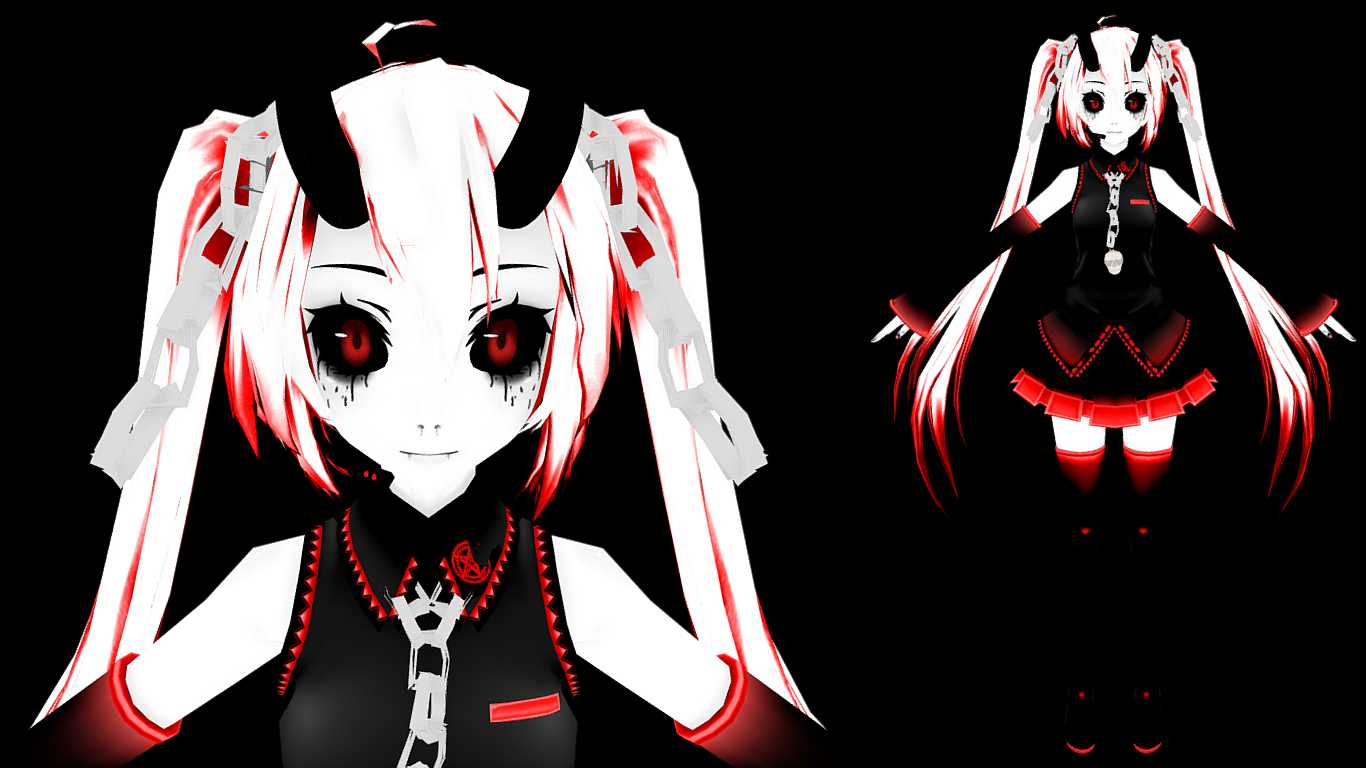
Kisaragi (Working Chainsaw, Gestures, Eye Tracking, Lip Sync)
Download
You can upload this avatar to VRChat See tutorial
Description
File Tree
Loading file tree...
![Spring Goddess Astolfo [BETA]](https://cdn.vrcmods.com/uploads/items/1551/1761048225/imgs/fa2020bb0f24468ab51eef4bb4a67908.jpg?b=0)
![[FNAF] Foxy (Visemes, Dynamic Bones)](https://cdn.vrcmods.com/uploads/items/2590/1761078176/imgs/3c1134fc47eb412ca4ee7f099ee4fd78.jpg?b=0)


Comments
***
2HUH
0It fixed itself somehow haha
0@tom333444 ask in discord, I'm sure they can help you fix the issue.
0When i upload this avatar i get a clusterfuc of textures.
0She thicc
0For whatever reason the chainsaw doesn't show...
0So the 3 "Gestures" can they only be activated if you have the motion control sticks? Can't figure out how to trigger it and I couldn't see anything in the menu by those titles.
0To get rid of the sunken mouth, just change all shaders on materials to "Unlit, texture". The model will always be looking bright in all lightning condititions, but at least there's no sunken mouth anymore.
0??? ???????????? ???? ??? vr?
0@I don't think so. It was actually made that why by the guy who 3d modeled it.
0Does anyone know how to fix the sunken mouth? It really bothers me.
0By the way, the view position is off on this model, it makes the avatar's arms stick forward when using VR. With some testing, I recommend setting the view position to Y(0.82) and X(-0.01)
0How i can use the chainsow whithout vr?
0@atomic storm there is lip sync. if its not added in already due to importing error or something just add it in yourself using the visemes lip sync thing. It should already be there though.
0Yeah the sunken mouth thing is still there, anyone know how to fix it?
0If i override emote1 emote2 etc. in the controler, to use it on pc, the avatar just flicks underground for a sec what to i need to do?
0@atomic Storm ty it works now ))
0Does this model also have that weird sunken mouth?
0@bobbilly89 Thank you for uploading this but 1 question how do i get the animaitions on my emote menu i still got the default emotes
0@Exozze the error seems to occur when using the latest VRCSdk. Please use an older version. The one that works best is the one from january 23rd. I will upload the sdk and put the link in the description.
0You forgot the Cubeds Shaders that u need to add
0the model turned pink for me am i importing it wrong ir is there something wrong with the file itself?
0@bobilly89 are you on the discord? ive had the same problem and posted a picture on there
0Error : the following component types are found on the avatar and will be removed by the client
0That was quick. Top notch quality model, thx a lot!
0@arcrox I updated the model to fix the hair. I also reduced the volume of the chainsaw and added colliders for the hair and dress.
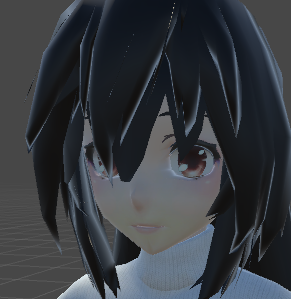
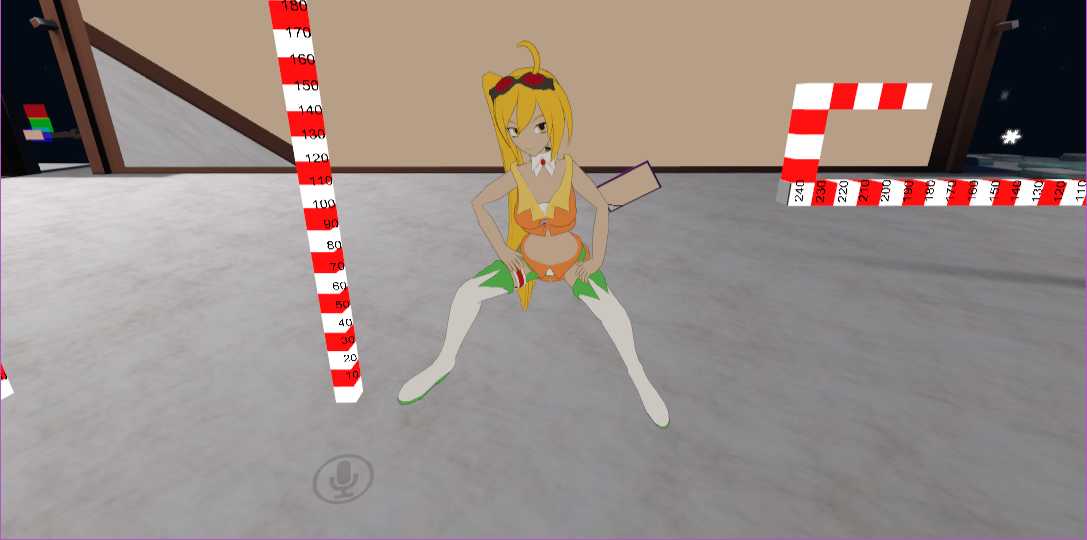
0Is the central tuft of hair supposed to look like the 5th and 6th pictures? That's how it appears in Unity/in-game. I was hoping it would look like it does in the screenshots of avatar testing room.
0nice!
0