Download
You can upload this avatar to VRChat See tutorial

4.9K Total Downloads

121.3K Total Views

Asset Type VRChat Avatars

File Type Unity Package

Description


'Join my discord for giveaways and vrcmods related posts: https://discord.gg/cRqQSJs

You will also need to import the CubedShaders package into unity before importing this avatar, the download link is below:
https://vrcmods.com/reqs/cubedunityshaders.unitypackage

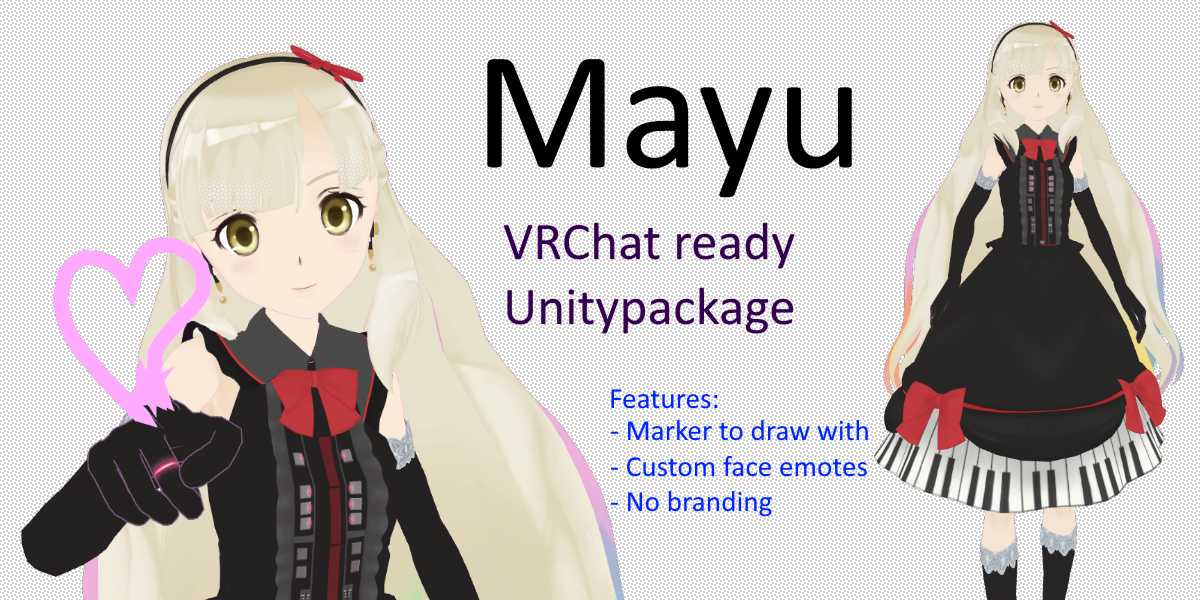
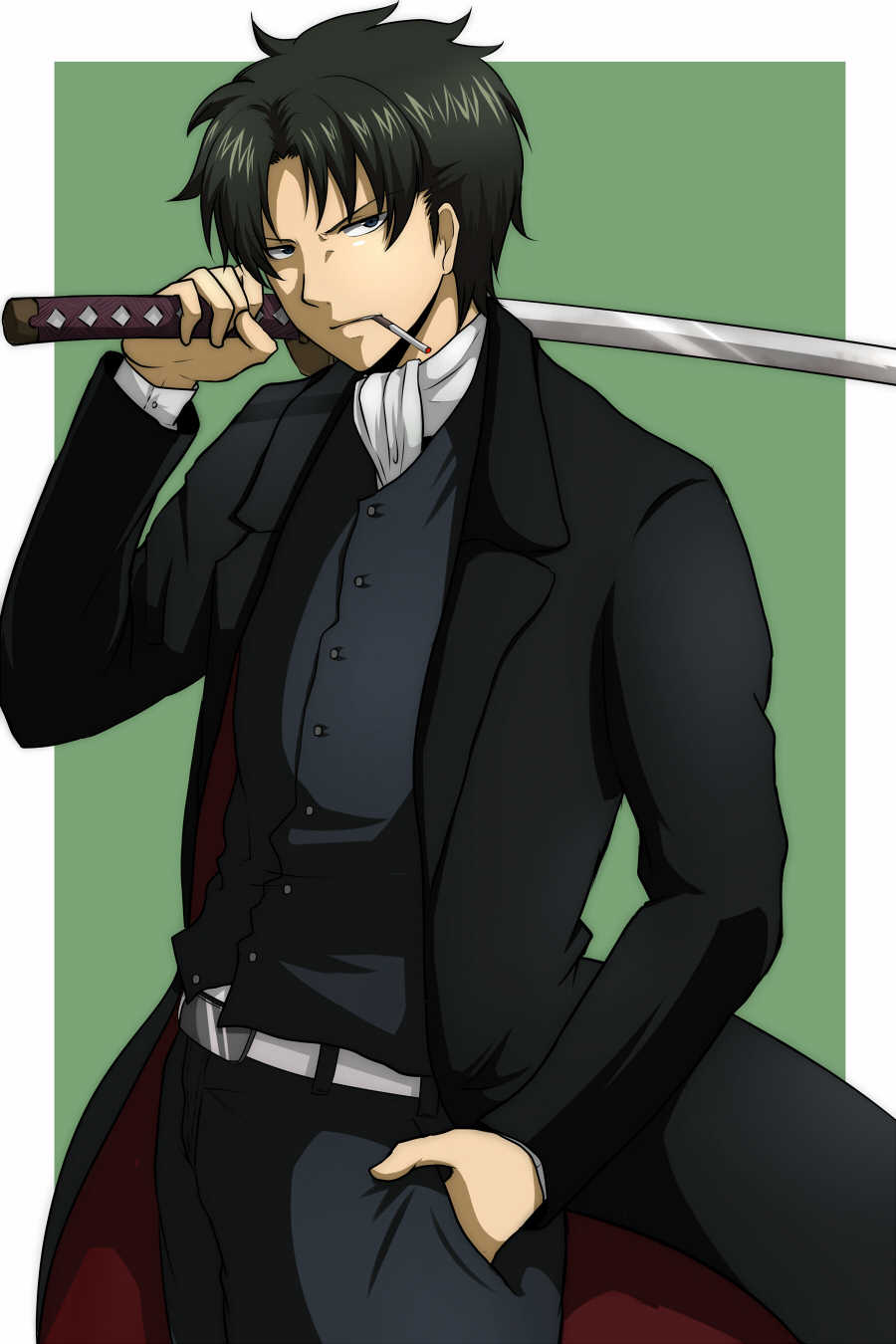
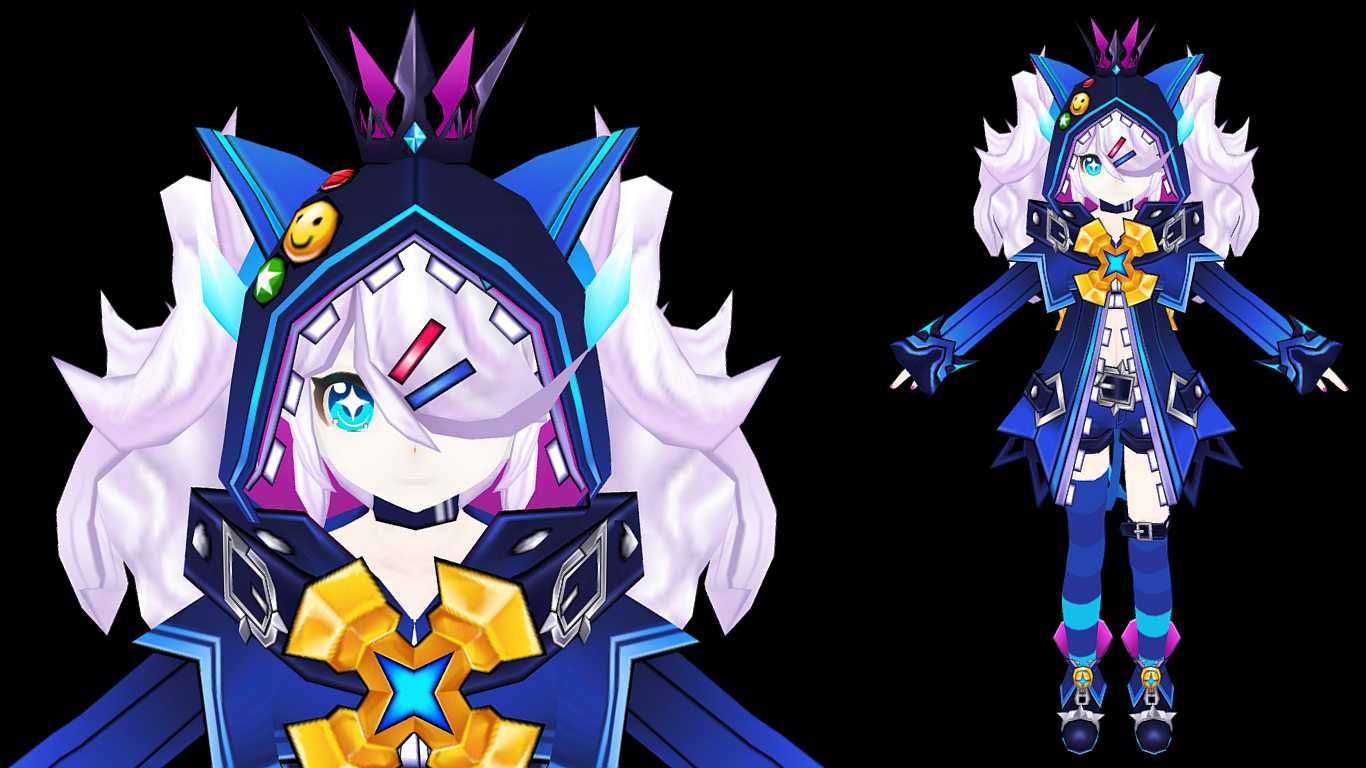
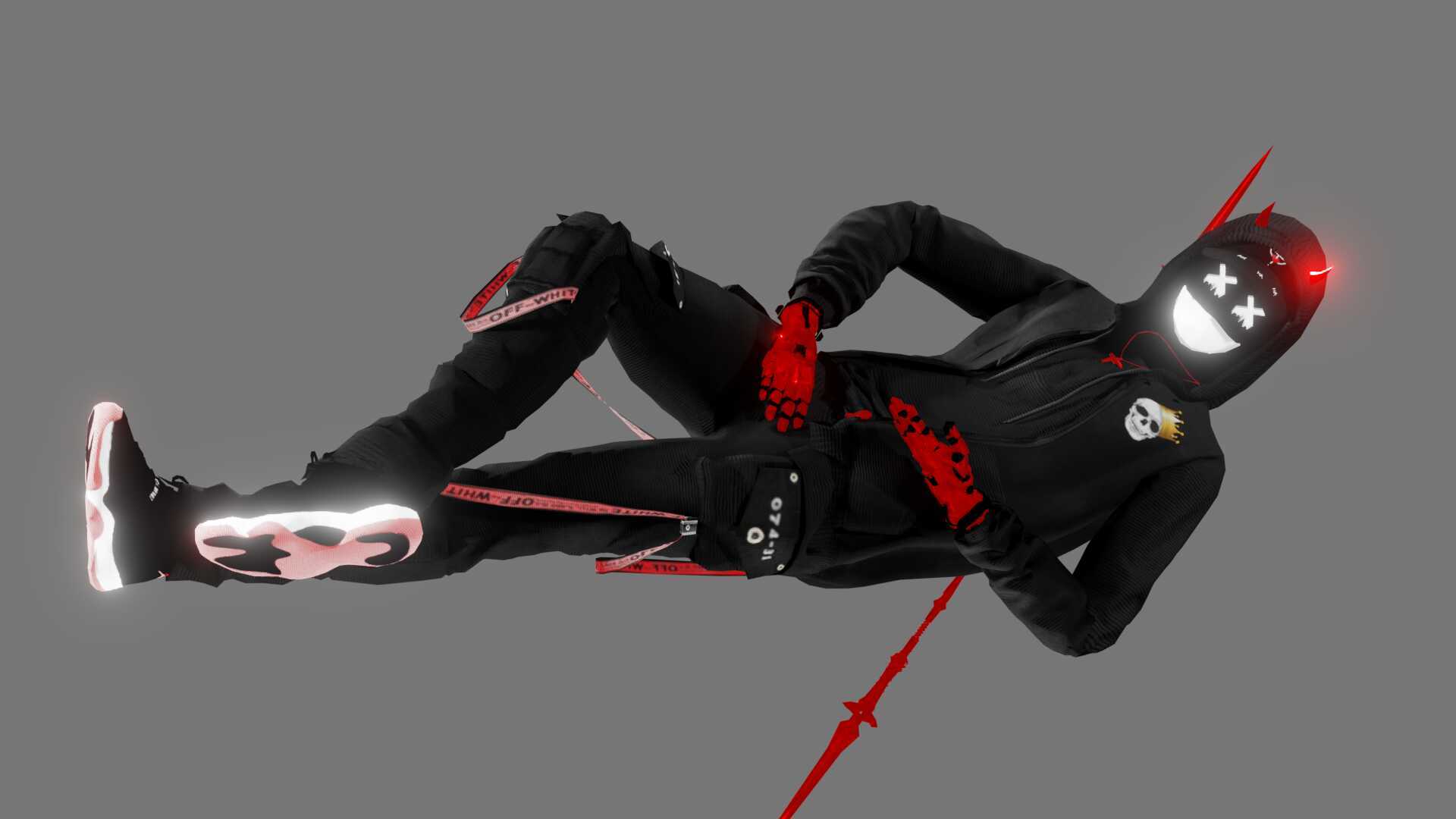
This avatar comes with cubed shaders for an animated look, 8 custom dance emotes, 3 Gesture overrides, Dynamic bones and colliders to interact with hair and ears. This model also has lip syncing and eye tracking. This model has 2 knives pulled out on the RockNRoll gesture. 1 Of the emotes are really good ones I think. The GetDown animation is super crazy.

Installation:

  1. Download the cubedshaders and vrcsdk if you don't have it. Links are above.
  2. Import vrcsdk into unity, then the cubed shaders package.
  3. import the avatar
  4. Load the scene named OpenMe placed in the folder named Len
  5. Upload

Gestures:
RockNRoll: Pulls out 2 knives one in each hand
HandGun: Happy Expression
Victory: Happy Expression 2
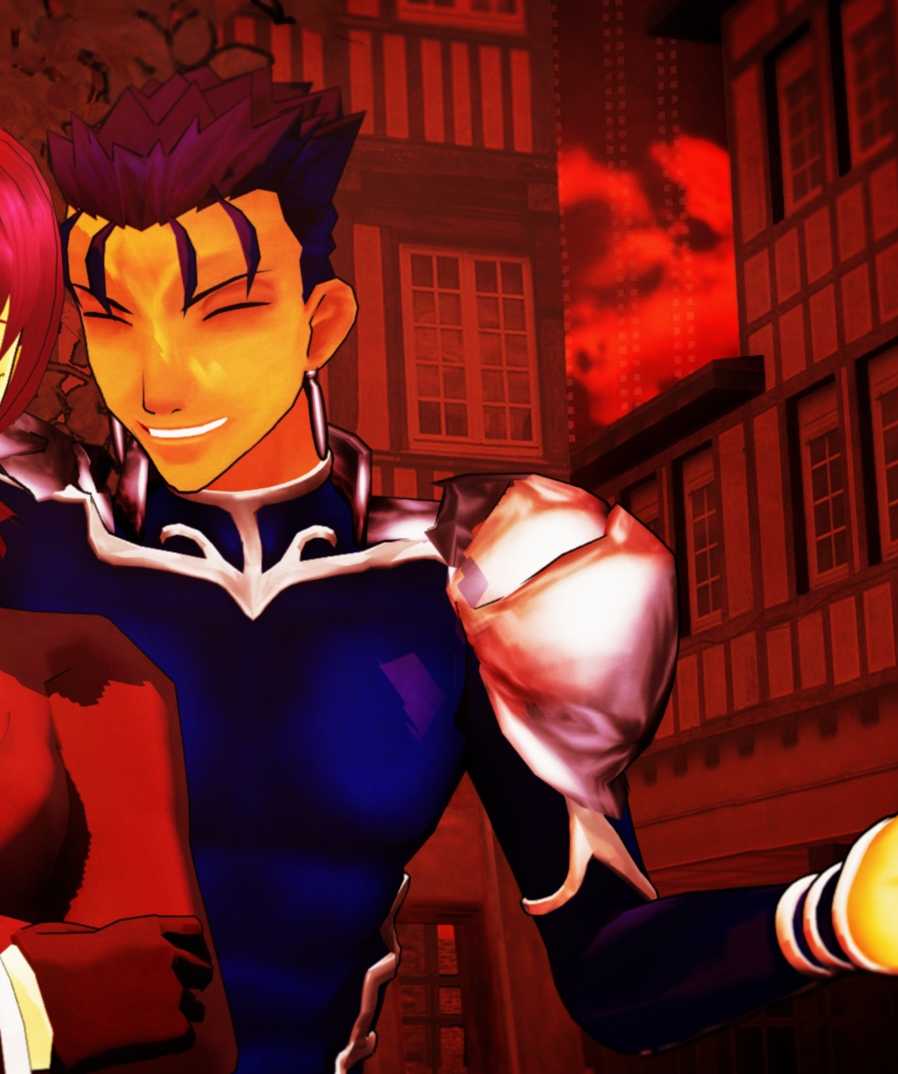
Check out this link for Rin Kagamine: https://vrcmods.com/item/469-Rin-Kagamine'

Comments
Log in to leave a comment.
Lisk 1517744586 ago

Consonant :)

0
TheUnknownM 1517740842 ago

Len is the best. <3

0

File Tree

Loading file tree...

Recommended Items

Based on this asset

Tutorials

Join the VRCMods creator network

Create a free account to skip ad checks, comment, save favorites, follow creators, and get notified about new uploads.