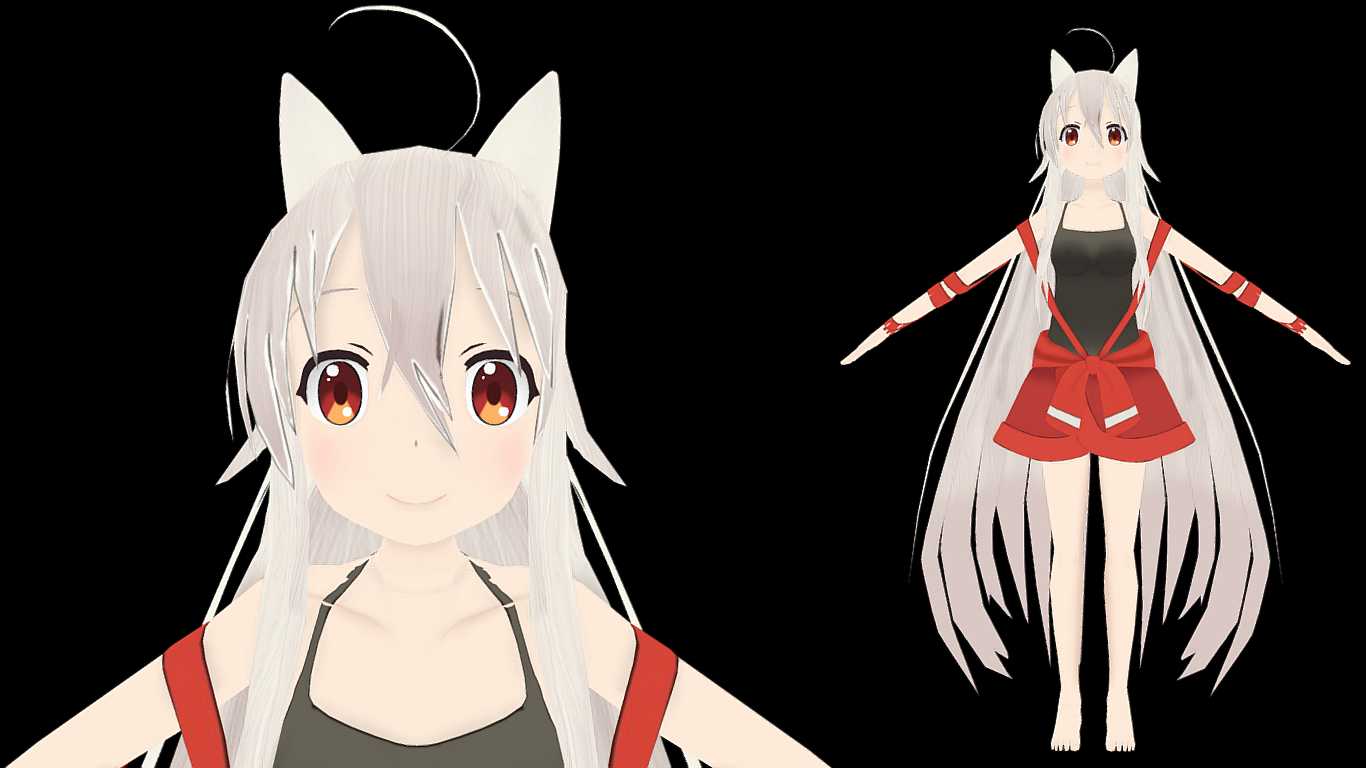
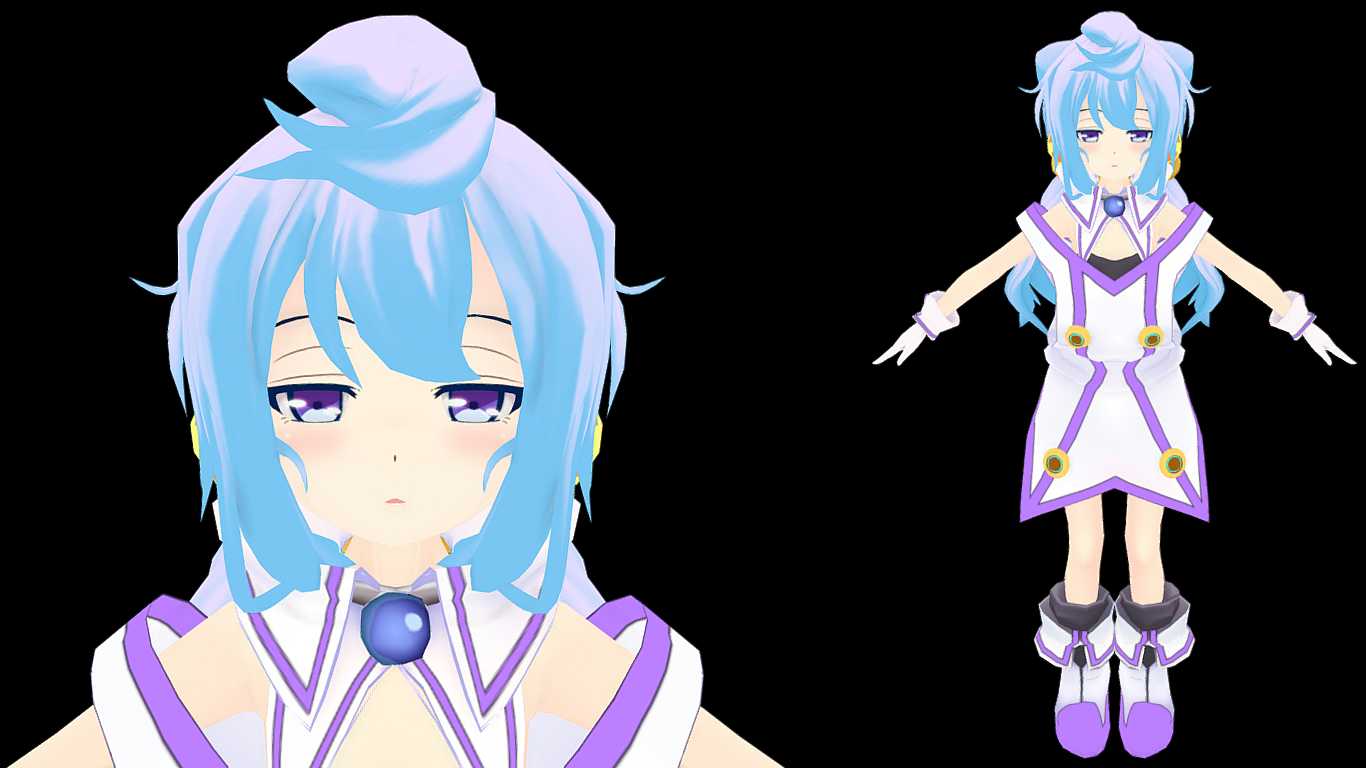
Sakine Meiko (Gestures, Lip Sync, Eye Tracking, Emotes)
Download
You can upload this avatar to VRChat See tutorial
Description
File Tree
Loading file tree...


Comments
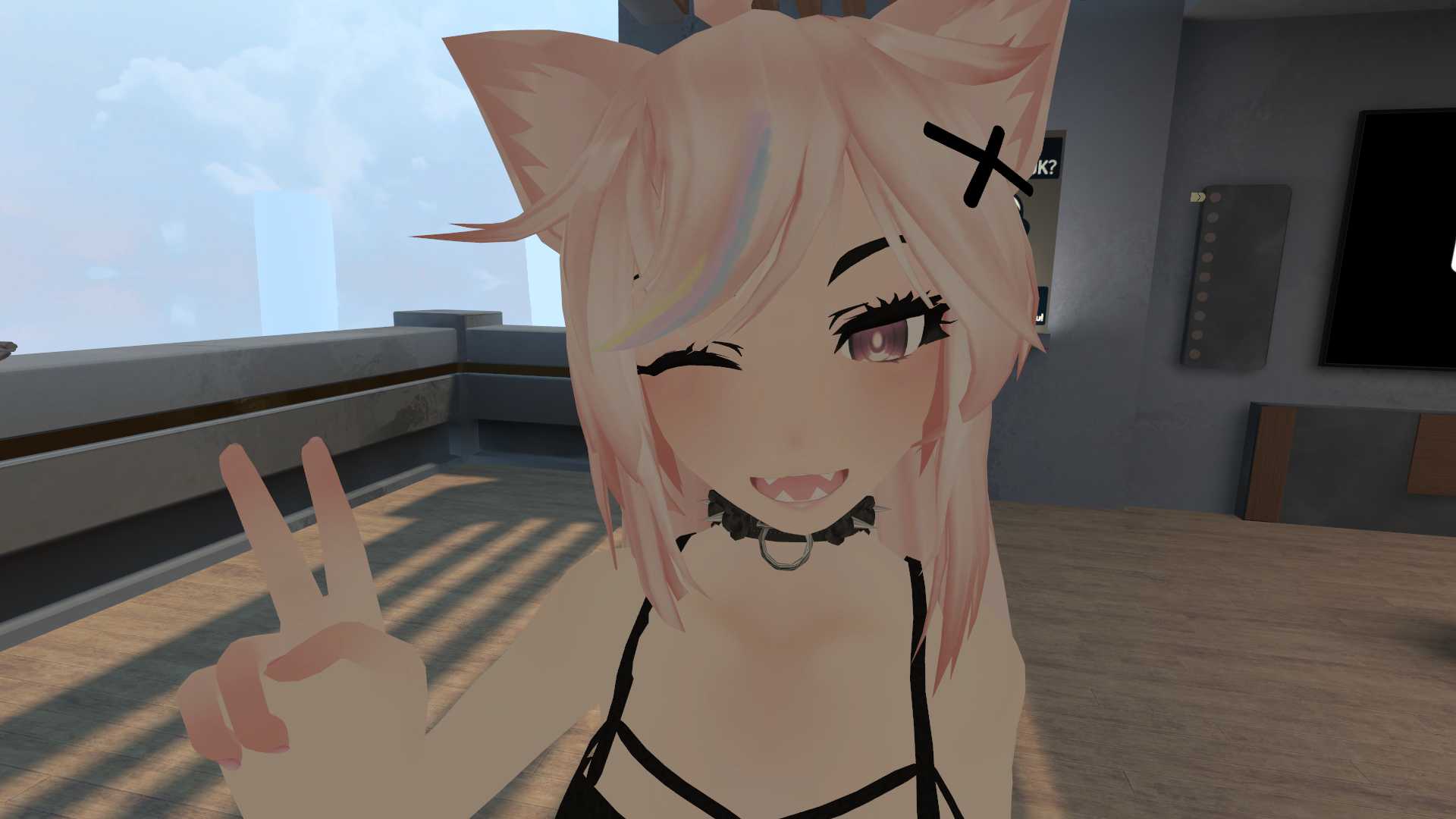
Hey, this avatar is one of my most absolute favorites, but I do have one small issue with it: whenever I talk, the mouth opens up super big and looks like a black hole lol it closes after about 5 secs of not talking, but I was wondering if that was a sensitivity issue, or if it's just how it is?
0No matter the VRCsdk I still get the audi bugggg :(
0no nose.
0Thats part of the emote lol
0Not sure, but when I do the Get Down Emote avatar goes crazy.
0