Find something specific or jump into a category.
8.4K Total Downloads
198.2K Total Views
Asset Type VRChat Avatars
File Type Unity Package
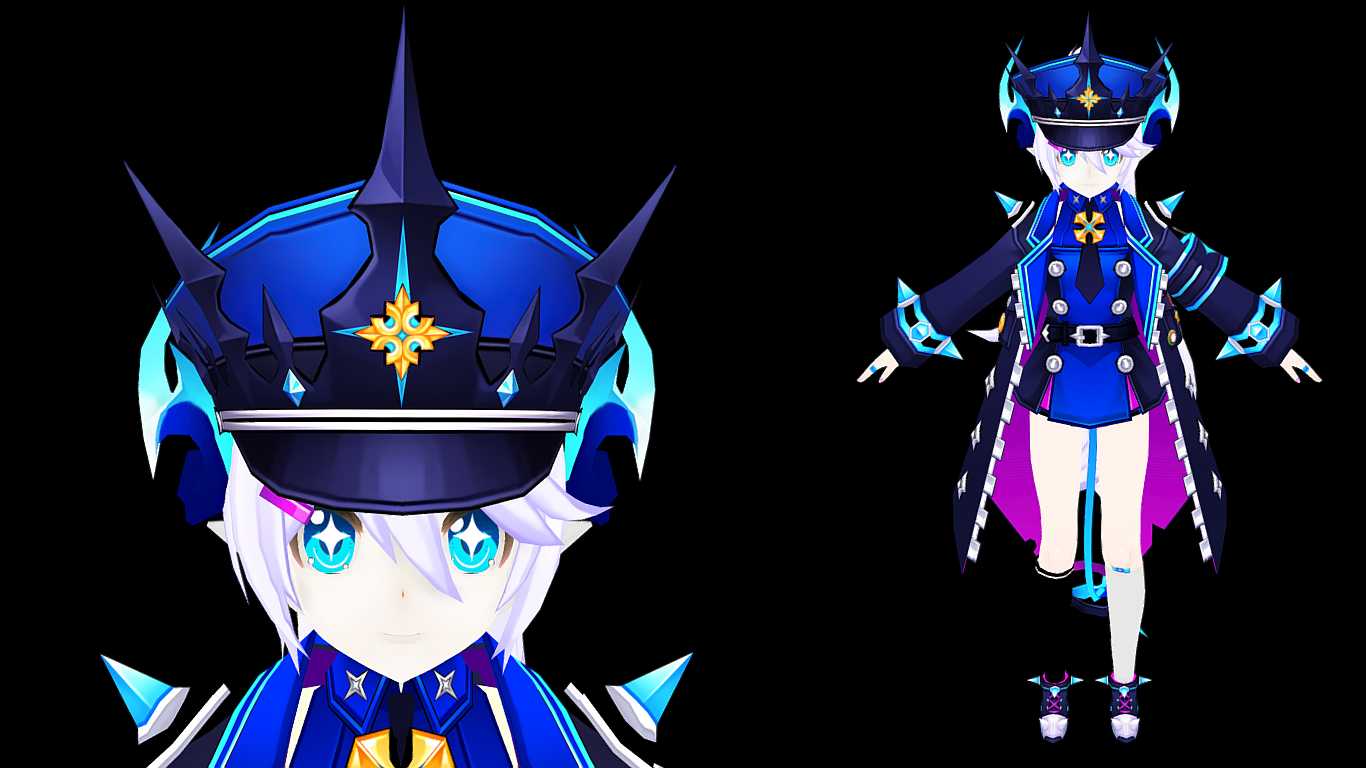
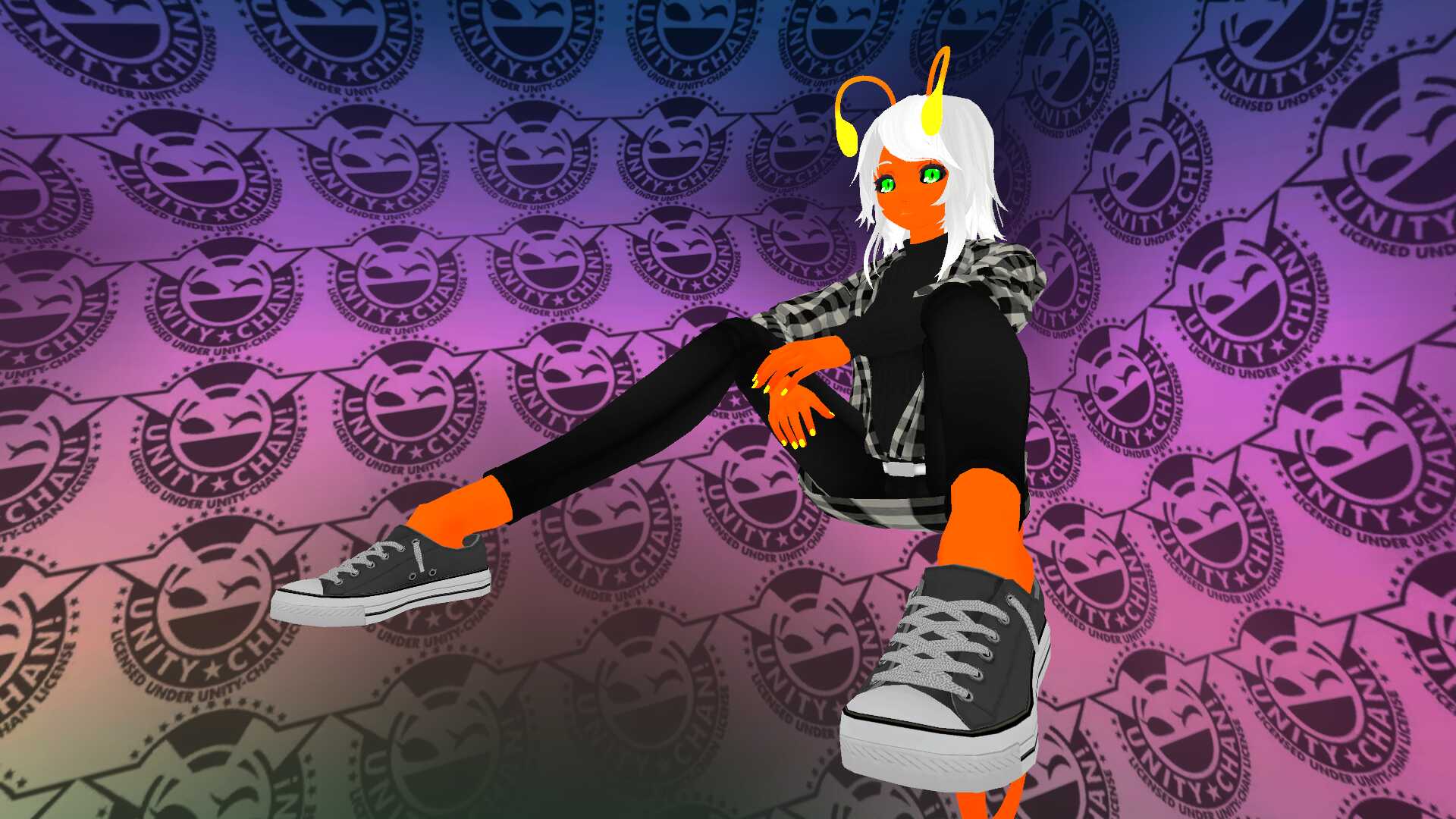
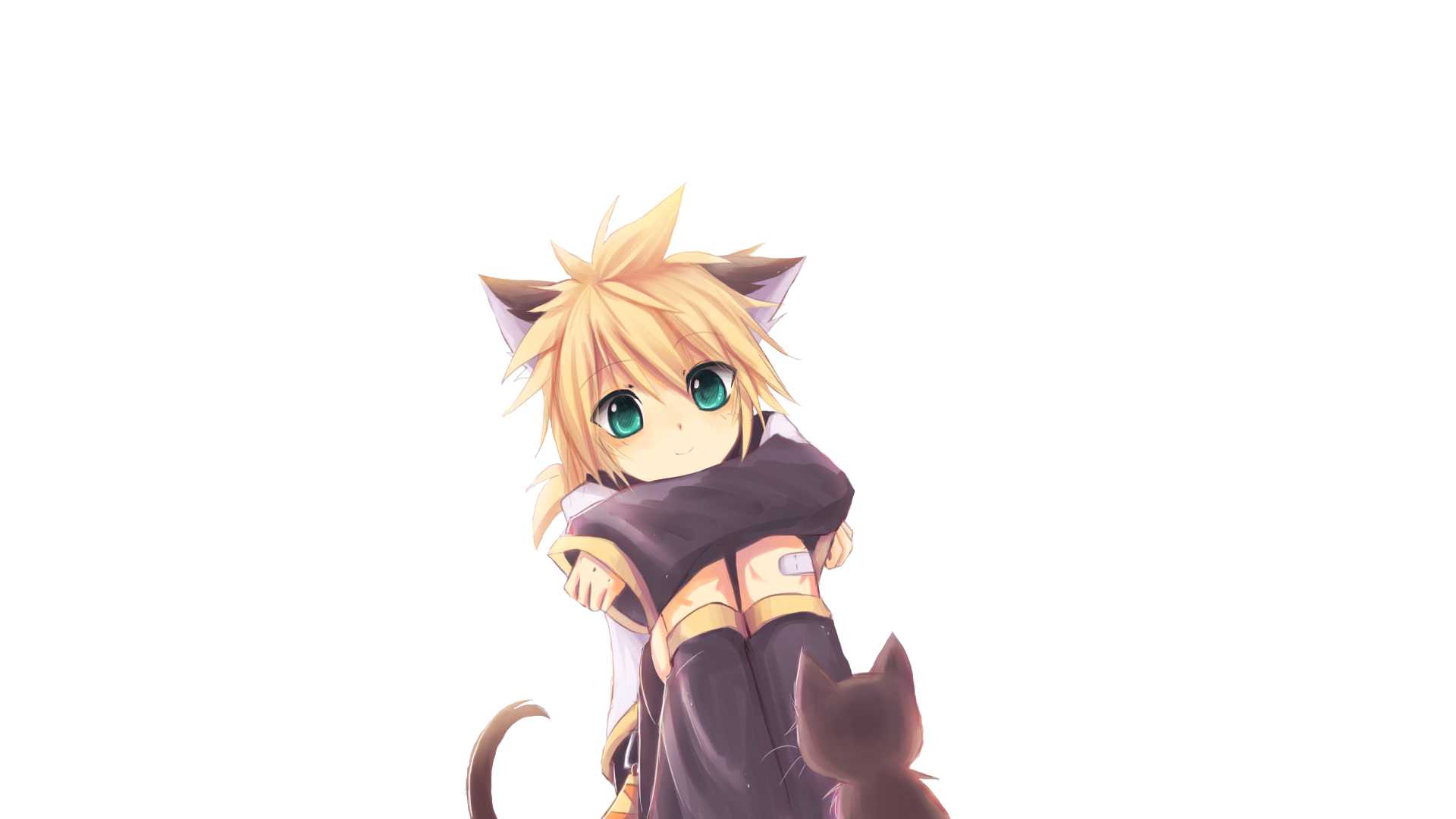
'She have:
She doesn't have:
How to install: 1- Be sure you have Cubed's Unity Shaders and the latest SDK. 2- Open Unity. 3- Open (Lu Chiliarch) file and Import. 4- In Unity go to Avatar/Lu Chiliarch and open the file (Open me). 5- Login on your VRChat account and Upload it.
Smile ^^
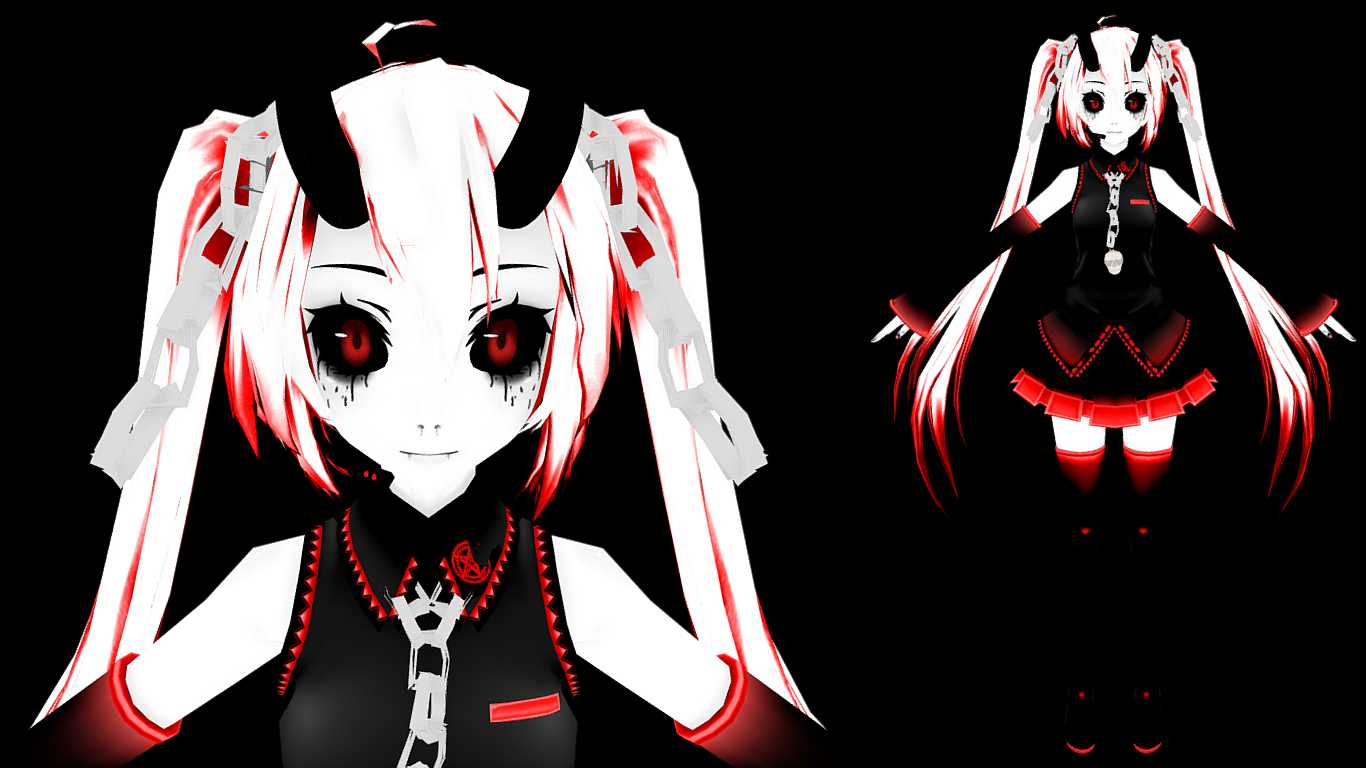
Model made from: https://darknessmagician.deviantart.com/art/MMD-Elsword-Lu-Chiliarch-DOWNLOAD-693069990'
Dynamic bones do not work
by me is all purple.. anyone help?
My goodness, this avatar looks amazing. About to upload!
Pretty awesome with the DAP xD
SO CUTE!
Loading file tree...
Create a free account to skip ad checks, comment, save favorites, follow creators, and get notified about new uploads.
![[FNAF] Foxy (Visemes, Dynamic Bones)](https://cdn.vrcmods.com/uploads/items/2590/1761078176/imgs/3c1134fc47eb412ca4ee7f099ee4fd78.jpg?b=0)