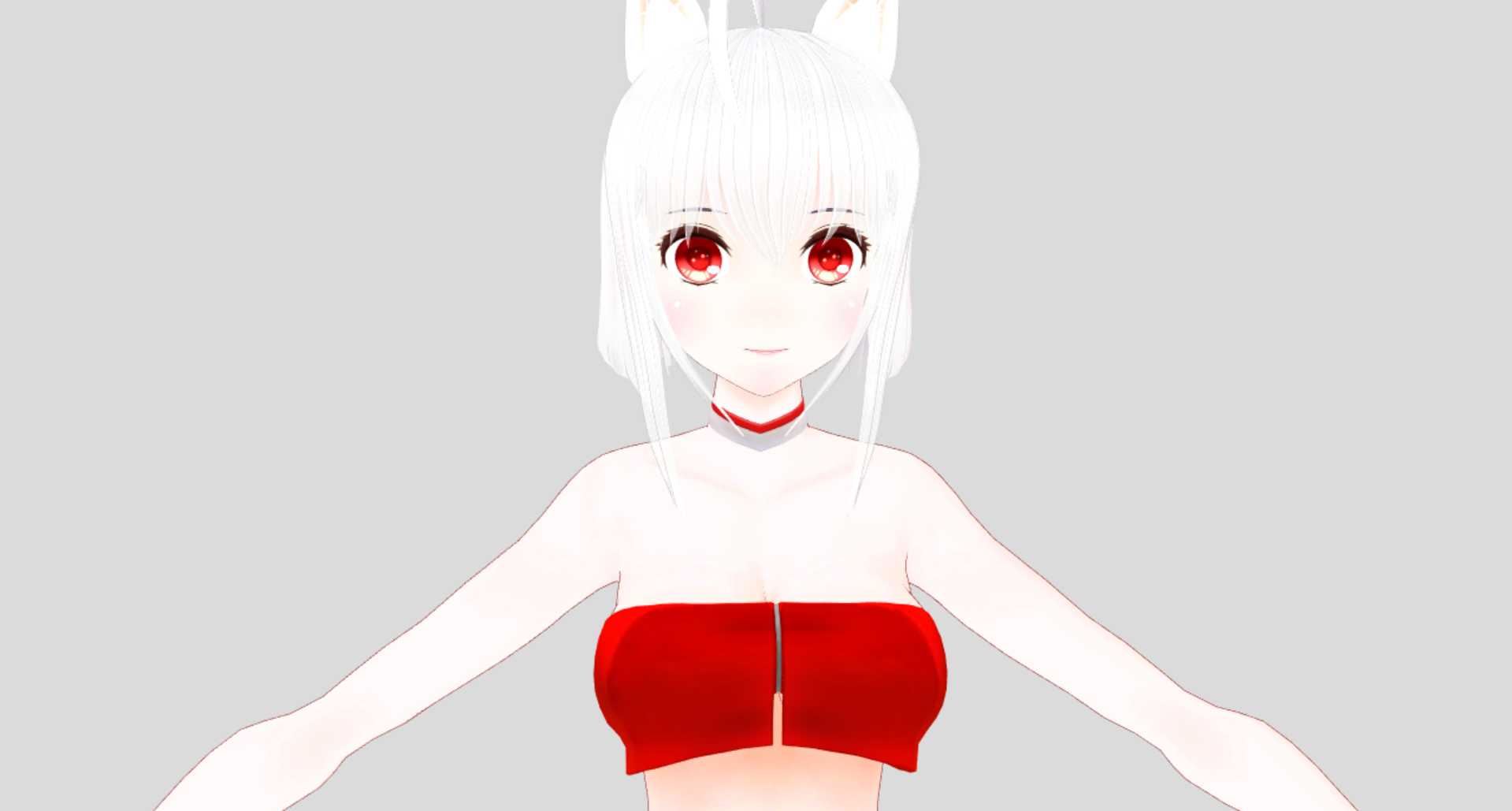
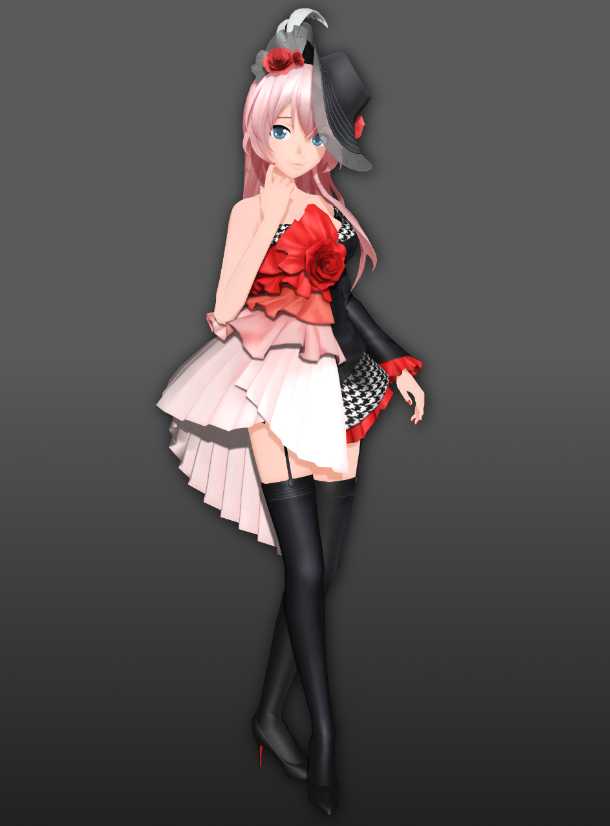
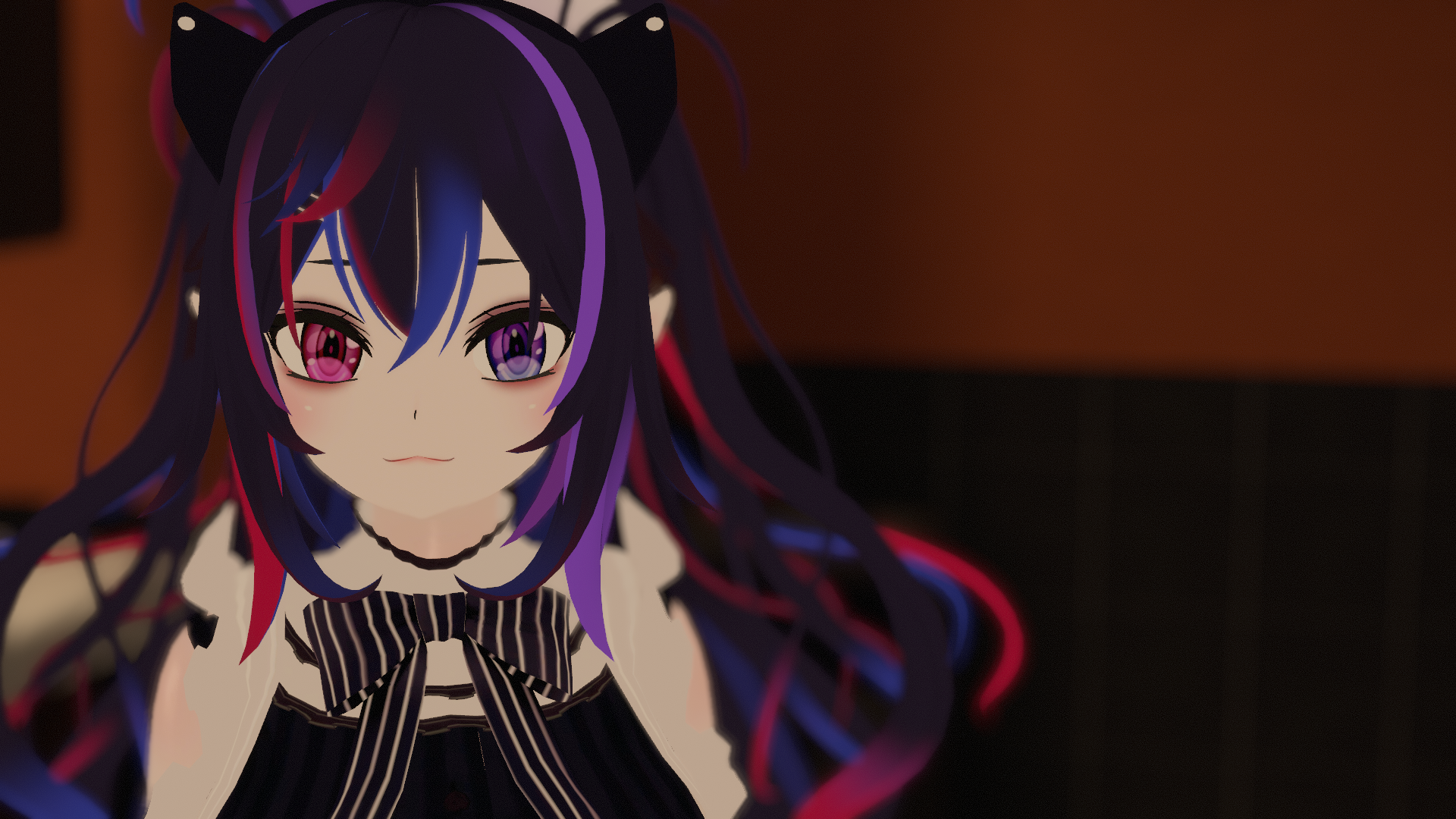
'JusticeWolf (r5).
Assembled and edited by Naelily; see Credits for parts credits.
This model is SFW.
I've been seeing a lot of these wolf girl models around and, dissatisfied with the lack of open distribution, decided to create my own version from base parts. The parts used to make this model are all Free Downloads and I spent about 2-3 days assembling, re-sculpting, and editing the model into the form you see here. Don't sell this model! It's meant to be free!
REQUIRES
The latest VRChat SDK.
Dynamic Bone script.
HOW TO USE
Make a new Unity project, import the Required items (listed above), then import the avatar's unitypackage.
Open the scene (scene0 inside Assets folder) to load the scene up.
FEATURES
Dynamic bones for hair, tail, ears, tongue, breasts, butt, and thighs.
Custom gesture animations.
Three custom emotes (Snake dance, Swipe it + Redbone audio, Hit or Miss + audio).
THIS REVISION
r5: Transparent meshes on the face were doubled, whoops! This is now fixed.
GESTURE GUIDE
Handopen: open hands with closed-eye smile.
Victory: Peace-sign with closed-eye smile & blush & purring.
Fingerpoint: Shocked face.
Rocknroll: Lewd face & move tail to the side & purring.
Fist + Fingerpoint: Run boost (activate, jump, then run forward).
Feel free to edit, redistribute, modify, and use this model. There is no need to credit me, I don't care about that.
MODEL RESOURCES
Blender (.blend) files so you can make your own edits! Images necessary are included and also packed.
When importing your exported FBX files into Unity, use Normals mode "Calculate", "Unweighted", 180°.
(UPDATED: Base model is now anatomically complete with body shapekeys available!)
-Link 1: https://www.mediafire.com/file/ro0tdoaha2os3a9
-Link 2: http://uppit.com/qvlsfp85b5sh
CREDITS
Body: NJXA, MMD3DCGParts
Head: Tda, hentai23326
Hair: Tda, Smol-Hooman, MMDFakewings18, TechArts3D
Ears: 12dandelion12
Tail: Roksi10
Outfit: NJXA, MMD3DCGParts
The stockings were edited by me.
Primary shader used is a modification of Neitri's MMD Shader that incorporates elements of poiyomi's toon shader. This also uses Neitri's digital clock.
Neitri's MMD Shader: https://github.com/netri/Neitri-Unity-Shaders
Neitri's digital clock: https://vrcmods.com/item/2515-Digital-Clock
poiyomi's toon shader: https://vrcmods.com/item/4148-Poiyomi-Toon-Shader-v2-2-5'


Comments
Thank you i would love to see more of what you got done the line
0Wondering if you can help me out here, So, I've opened this in Blender version 2.82 and there are no textures applied (and the previous texture are now gone? I've read it might have something to do with the new version of Blender)...
0The super run mode goes backwards, not sure if that's intentional and also dont know how to fix
0HOW TO FIX JUSTICEWOLF FOR FULLBODY (as of November 2019): https://i.imgur.com/UGhNDlG.png
0amazing
0Came here for lewds
0not gonna lie
@helloiamaperson I'm not quite sure what you mean; it depends on your blender preparation of the fbx export being done proper and how you have the avatar setup in Unity. What do you mean by chest moving up? If you have any screenshots/video to help illustrate I can try to see what's up.
0Hello I tried using the blender files and upload it on unity. I set the settings like you said but the avatars chest keeps moving up when in idle position. Any idea how to fix this?
0Awesome! Thanks for uploading the blender files.
0Just updated the blender files zip to have a more anatomically complete base model. Enjoy!
0So prettyyyy
0Wow well done
0@JapariNeko I've updated the blender links to have .blend files with the images packed, which will fix this issue. You can either re-download them, or you can reassign the textures in Blender's Texture tab and browse to the appropriate image in the included Textures folder. Thanks for pointing this out!
0model's purple in blender. Is there a way I need to import this?
0@MemoMii Updated to have an alternate link (MediaFire). Thank you!
0blender file link isn't working. really nice model btw
0@Mojion Nice catch on the avatar ID, I must have overlooked it. Also restructured the folders as you suggested. I don't recommend folks have multiple avatars in one scene or project, but this should help folks keep their projects organized, as you mentioned. Thanks!
0You should re-upload with the ID detached from the pipeline so people don't get the "Can't upload because blah-blah-blah" prompt.For those getting that error. Click on the model in the Hierarchy and a list of components should be listed in the Inspector tab, scroll down the list of Dynamic Bone scripts and you should find the Pipeline component, click the' detach' button to make a new avatar upload ID.
0Also should move the scene file into the folder with the avatar and making a new folder in your Avatar folder. For me at least would make things cleaner look. Assets/Avatar/Naelily/all folders, files and models associated with the upload
@coolfox24 You don't need the shaders linked on the bottom of the info, those are mentioned for reference/credit. You need Dynamic Bone script and the latest VRChat SDK (and add them to your project *first* before importing the avatar package). Those two things are *not* included in the unitypackage but are pretty easy to find.
0naelily im gonna try that 2 options out. that dynamic bone script. are these included into the unity package actually. i downloaded the unity package and the shader,clock,poiyomi shader. so if i was missing that maybe xD where can i download it from btw i keep you updated if it finally works for me
0I really like and love her. JusticeWolf is the most cute and lewd sexy avatar I've ever seen.
0@Animemadhatter2021 The model should be able to be uploaded per the instructions without issue. Could you make a fresh project for this according to the How to Use instructions and link me a screenshot of the error(s) you're getting?
0@Kassatsu Thank you!
0@coolfox24 Two options for fixing that really. Option 1 is to just make a new project, import vrchat sdk + dynamic bone script, go to VRChat SDK menu -> Settings and make sure you are logged in, import the avatar package, then upload afresh. Option 2 is to click Detach on Pipeline Server component on the avatar (click the avatar in your scene Hierarchy tab, then on the Inspector tab, scroll down to find Pipeline Manager, and click the Detach button).
0@Zevvy That is true and this model could definitely be optimized to allow for the tail/ears and still have Medium. Some editing with the blender files using Cat's bone weight merge tool can really be handy and definitely feel free to make edits!
0If you're already talking optimization, especially when it comes to public models:
0You can super easily use CATS to merge bone weights, resulting in less bones in total. You can easily hit less than 32 db transforms and still have db in hair (even long), tail, ears, chest, ..
i have the latest SDK @Lexicon the issue is still there its an audio issue
0naelily ? can you maybe help me on discord because the new sdk and unity are anoying now and working weird.giving error they never gave. if you please want to help me my discord is coolfox-24#7684
0well now i updates both sdk and unity but it says now that i even can.t upload it because i have no acces to the blueprint associated with my vrc avatar or scene descriptor it says after that please sign in with the correct account or detach. the account is fine but the blueprint it probsbly means the avatar and it says accessible on the vrc pipelinenabager but idk ohow to get there
0Kassatsu that was the best thing i have read all day XD. Naelily is one of a kind :P. a true saint.
0@coolfox24 You might need to reimport the VRChat SDK (make sure you are on Unity 2017.4.15f1 and the SDK is the latest one). To do this, exit Unity, then in Explorer go to your project folder and delete "Plugins" folder, "VRCSDK" folder, "Plugins.meta", and "VRCSDK.meta" in your Assets folder. Open up Unity again, open your project, then immediately import the SDK afresh. If you still have problems you might want to check your internet connection and that there isn't anything causing problems from antivirus software/firewall/etc.
0What. Someone put together a model from free parts and isn't trying to claim it as purely their own OC do not steal? I don't know you but you have my respect.
0after downloading the scene works yes and the upload yes it works but when you type in a avatar name/set it on public or private and then send it to vr chat it keeps hanging at uploading image...… idk why i tried to restart it after sometime but it doestn upload after that part any help?
0try downloading the latest sdk. it uploaded fine for me and i didnt have to do anything
0hi this looks like such a cute ass model...but im having an issue and i hope any one can help me out...so my issue is this model and lots of others tell me about something about the audio..now i then use a acoustic pack but nothing and i cant ever finish the upload do to this audio issue its happen a few time with other models can some one help me out with this issue thx guys
0It's beautiful, thank you so much <3
0Quick guide to making it Medium rank:
0-Delete the dynamic bones for the wolf ears and wolf tail.
-Set the "HideWolftail" and "HideWolfears" blend shapes to 100.
-Remove the colliders from the Chest dynamic bone.
-Add all "++hair" bones on the Head hierarchy to the Exclusions list on the Head dynamic bone.
This should result in 30 dynamic bone transforms and 0 collision checks, making it Medium rank.
It will lack the wolf ears/tail but will otherwise work just fine.