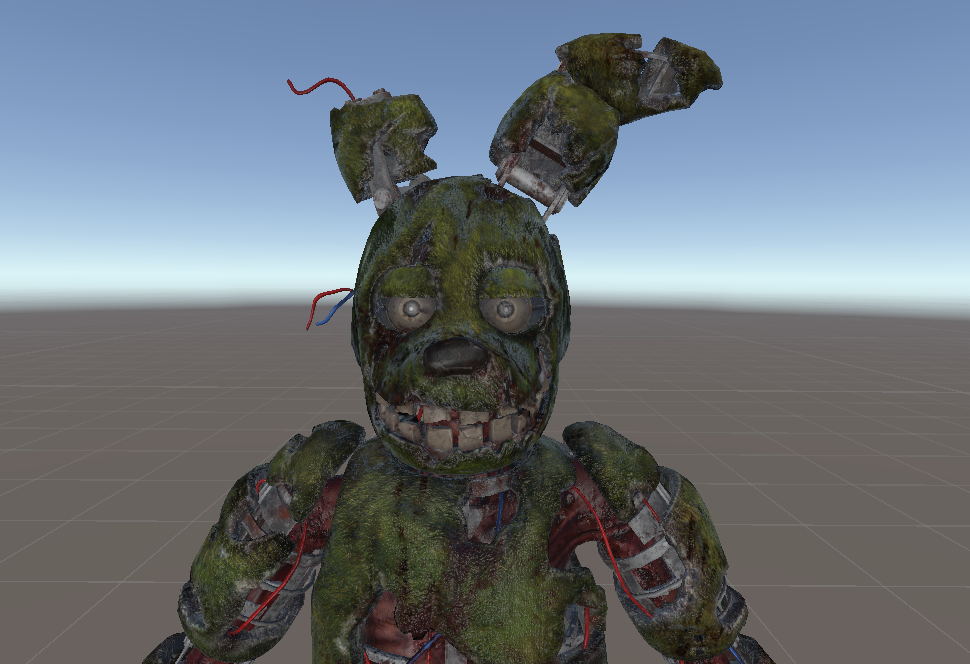
to animate your going to need the shader here https://github.com/thnewlands/unity-surfaceshader-flipbook after downloading shader simply drag its assets folder to the assets click on plane attached game object and in the inspector change the shader to custom>surface sprite sheet click the little arrow on the left of the texture to open the settings for the shader smoothness should be 0 or 0.5 and metallic should be 0 columns should be 9 rows should be 1 frame number 0 total number of frames 9 alpha cutoff 0.9 and animation speed 15 depending on how fast and how smooth you want it you can change that if you have any questions or problems please ask in comments all credit for model goes to akuma kira
Become a Part of the Leading VR Modeling & VRChat Network
Ready to immerse yourself in the exciting world of VRChat and 3D assets? At VRCMods, we're not just a community, we're a vibrant network of creators, innovators, and enthusiasts. Connect with fellow VRChat enthusiasts, access top-tier avatar commission services, comprehensive tutorials, and enjoy a wealth of free downloads — all with regular updates to keep you on the cutting edge.
Create a free account to skip ad checks, leave comments, heart your favorites, follow uploaders, and get notified about new uploads.