Download
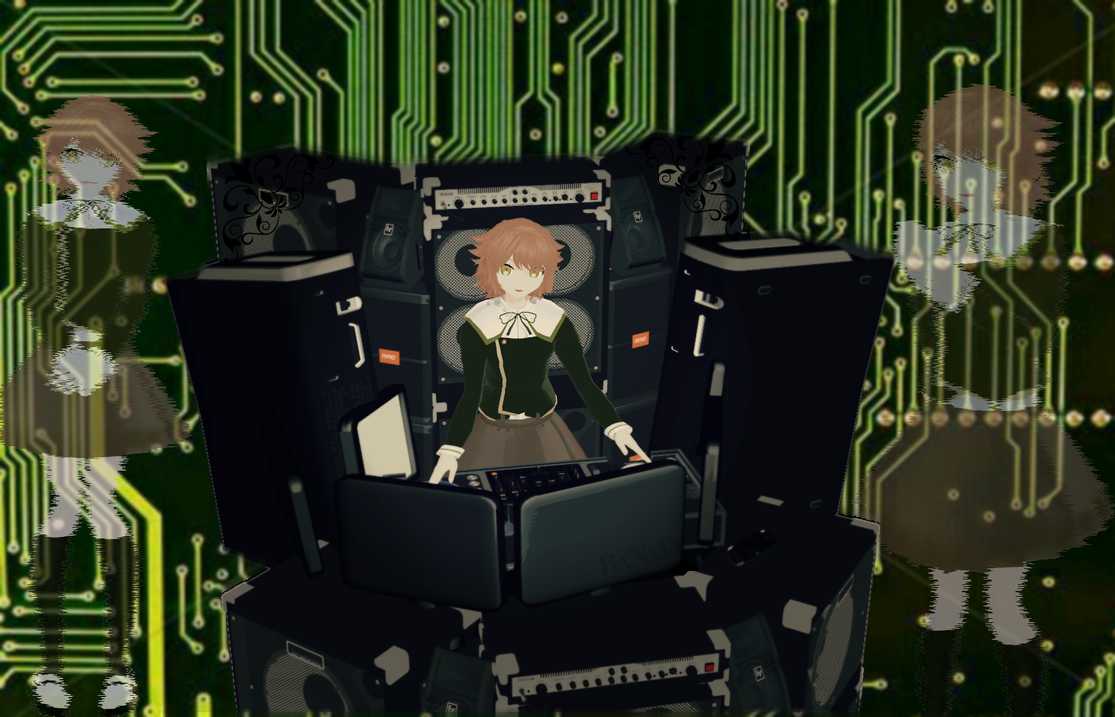
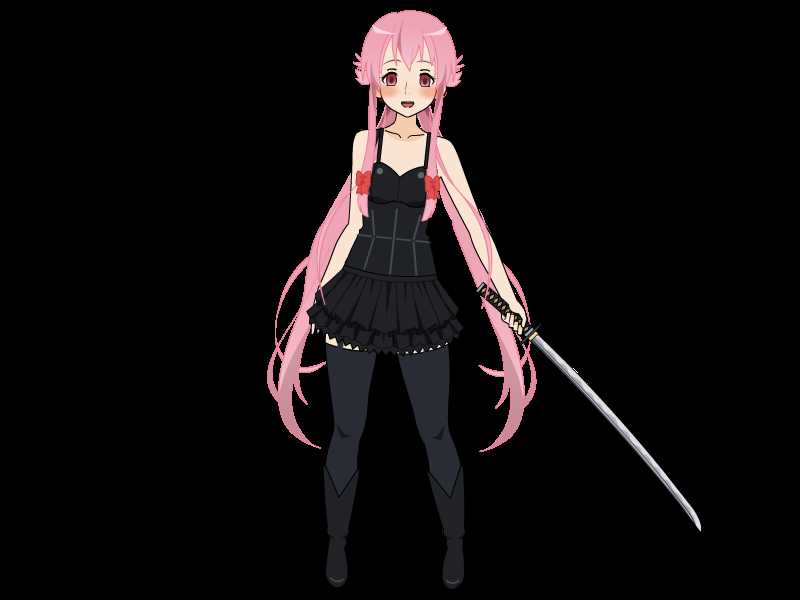
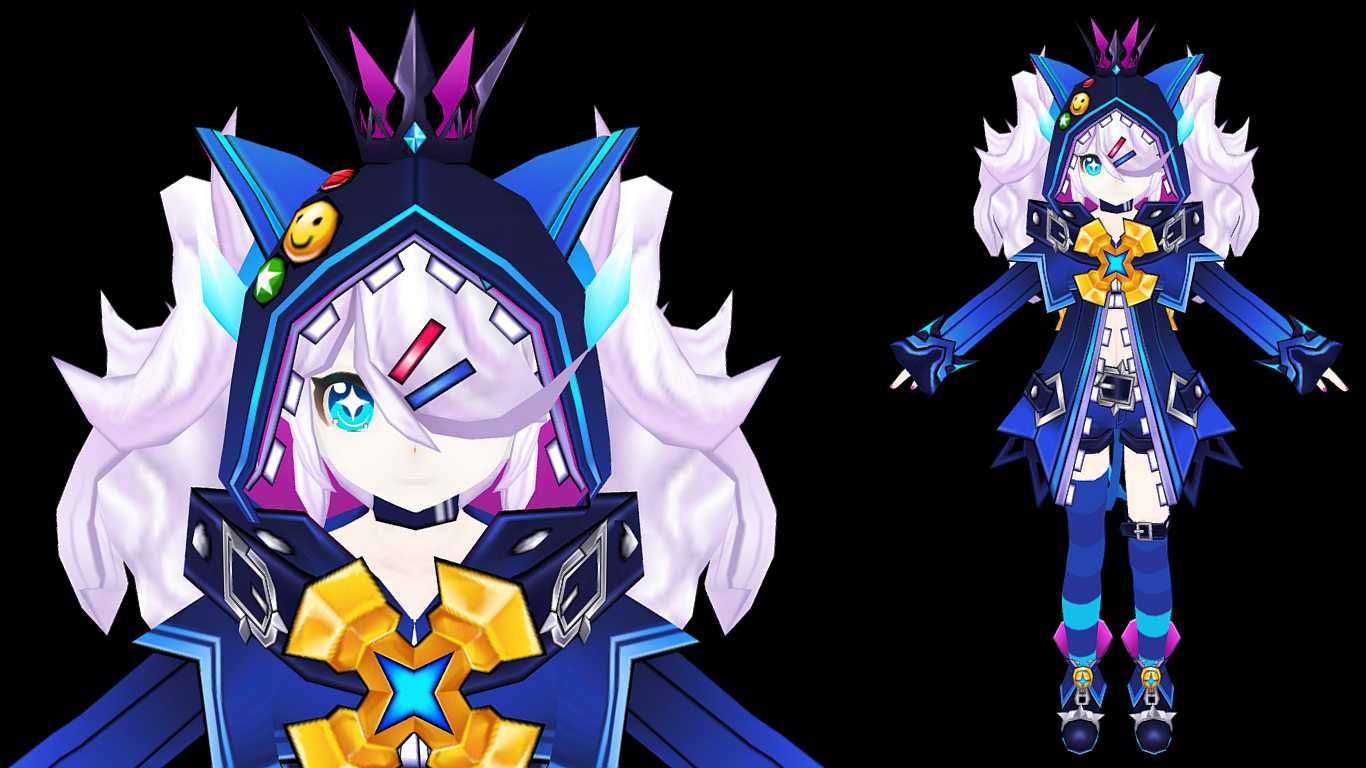
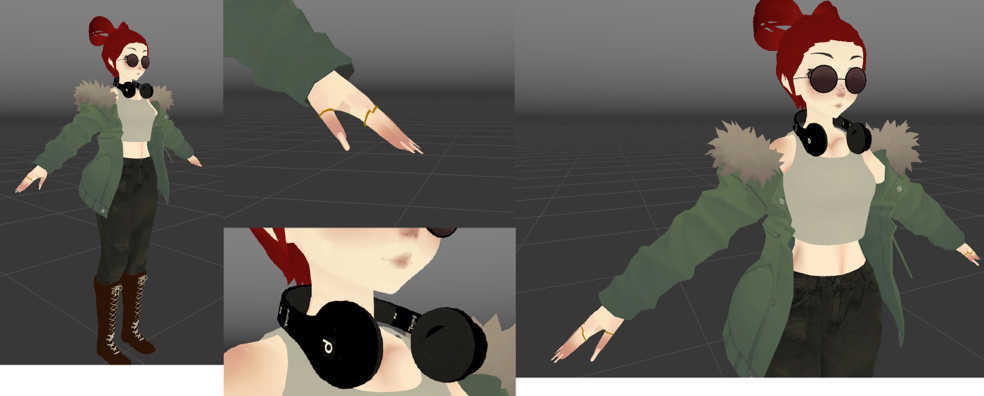
You can upload this avatar to VRChat See tutorial

1.7K Total Downloads

42.6K Total Views

Asset Type VRChat Avatars

File Type Unity Package

Description


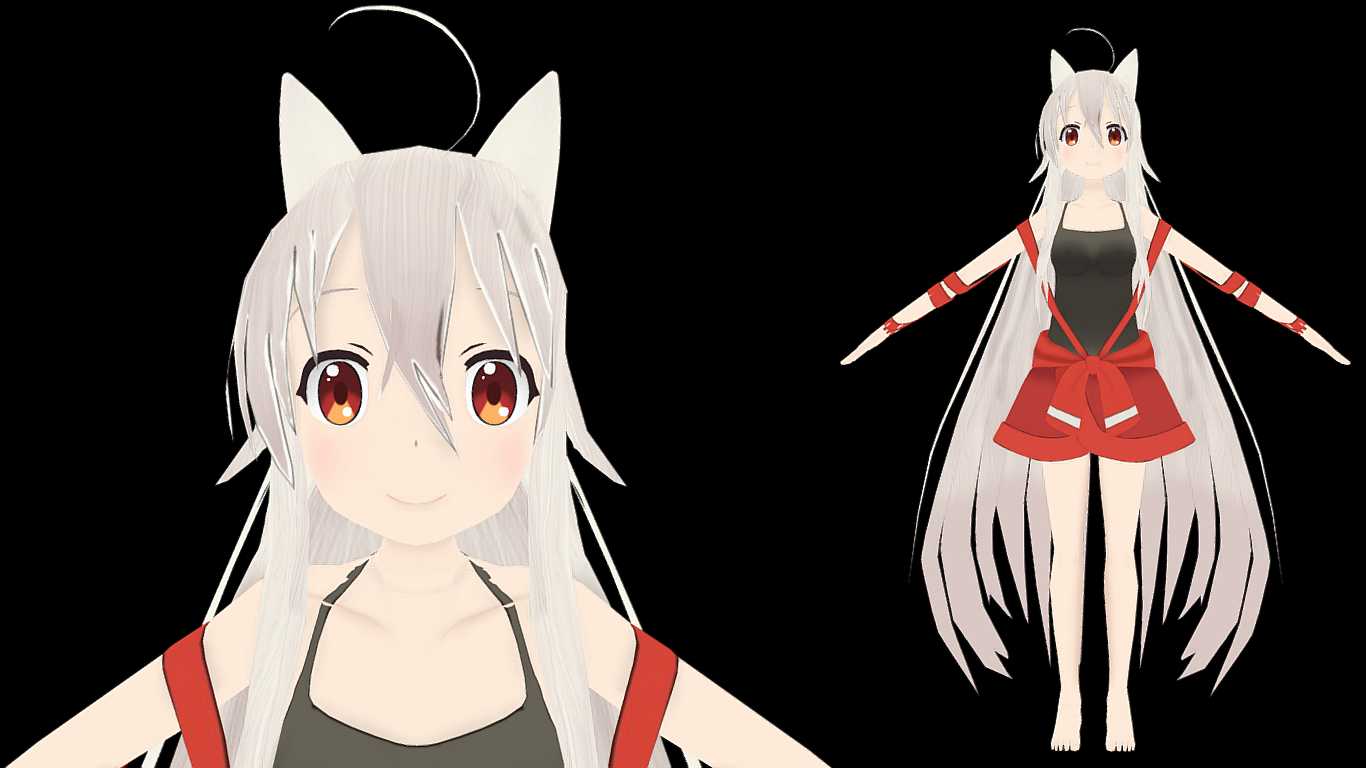
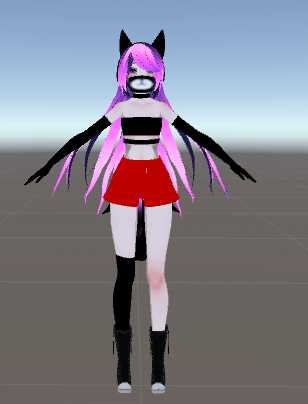
She have:
+ blinking animations
+ eye tracking
+ lip sync
+ dynamic bones
+ dynamic bone colliders.
+ 8 custom standing emotes.
+ 8 custom sitting emotes.

She doesn't have:
- hand gestures.

How to install:
1- Be sure you have Cubed's Unity Shaders and the latest SDK.
2- Open Unity.
3- Open (Racing Miki) file and Import.
4- In Unity go to Avatar/Racing Miki and open the file (Open me).
5- Login on your VRChat account and Upload it.

Gotta go fast ^^

Model made from: https://venussempai.deviantart.com/art/RDxVenus-TDA-Racing-Miki-2015-Download-507402009
Comments
Log in to leave a comment.
Lulu Author 1517928098 ago

@FaceMcShooty1337 Thank you :)I personally like the long hair, it's like it is under water when you move.

0
FaceMcShooty1337 1517925907 ago

Hey, nice model gj.

0

File Tree (54 files inside Unity Package)

Recommended Items

Based on this asset

Tutorials

Join 27,000+ creators

Become a Part of the Leading VR Modeling & VRChat Network

Ready to immerse yourself in the exciting world of VRChat and 3D assets? At VRCMods, we're not just a community, we're a vibrant network of creators, innovators, and enthusiasts. Connect with fellow VRChat enthusiasts, access top-tier avatar commission services, comprehensive tutorials, and enjoy a wealth of free downloads — all with regular updates to keep you on the cutting edge.

Create a free account to skip ad checks, leave comments, heart your favorites, follow uploaders, and get notified about new uploads.