Download
You can upload this avatar to VRChat See tutorial

Description


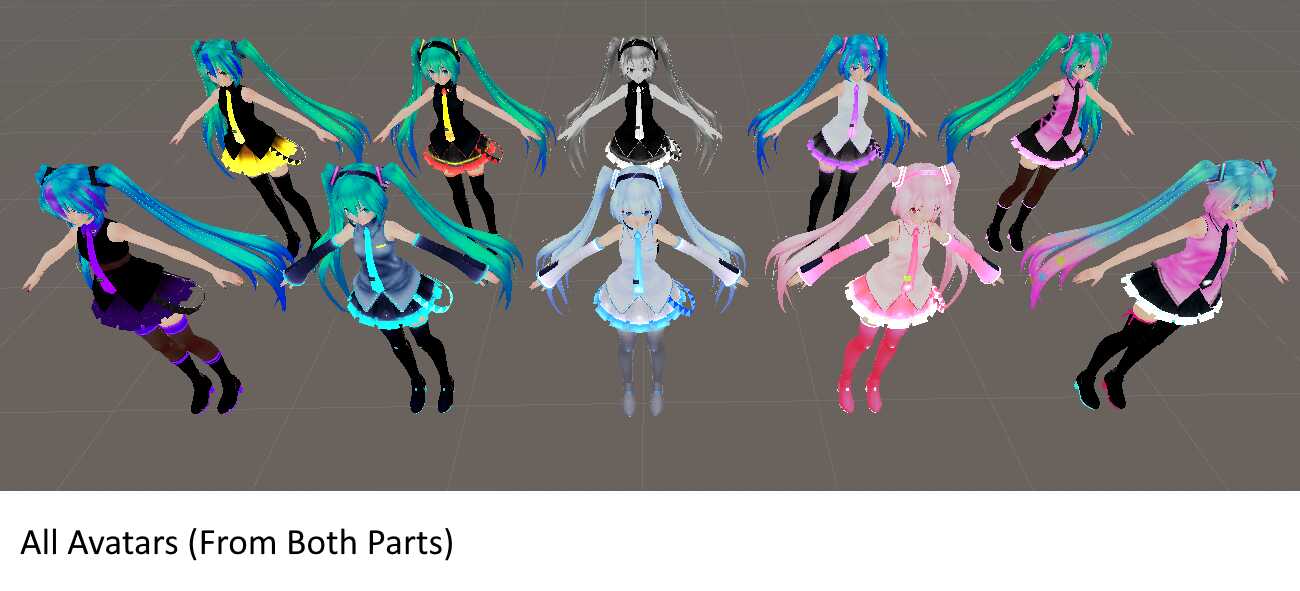
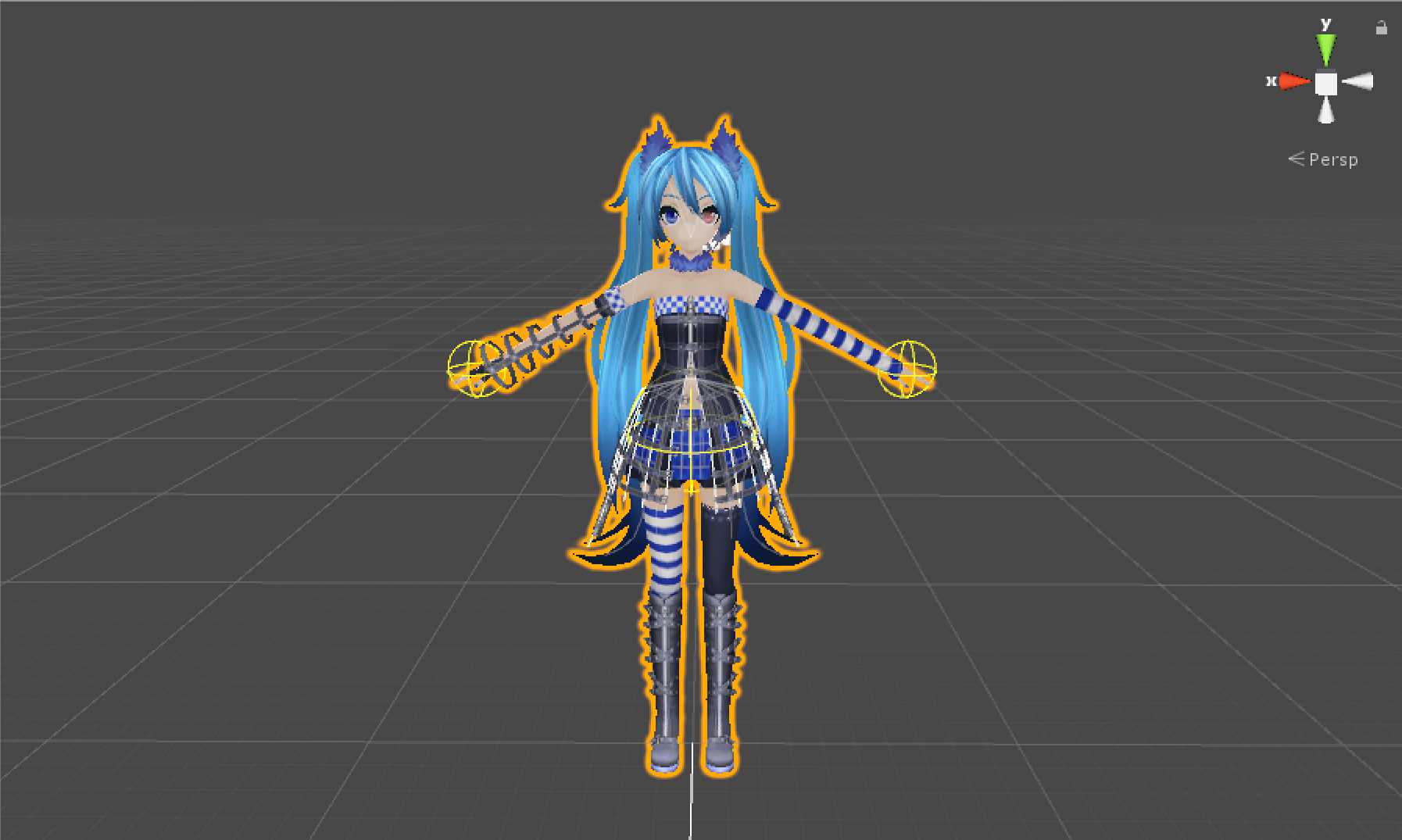
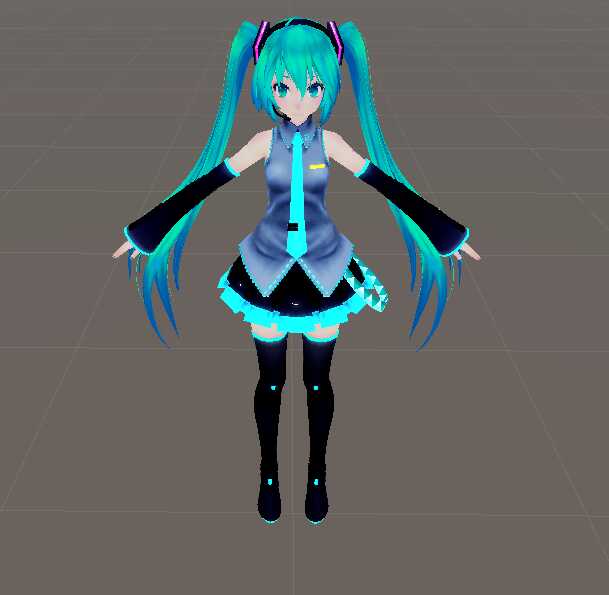
'Original Akuma Miku By Lulu
I just changed the color and some of there stuff on her

She has:
-blinking animations
-eye tracking
-lip sync
-dynamic bones
-dynamic bone colliders.
-8 custom standing emotes
-8 custom sitting emotes.

She doesn't have:

  • hand gestures.

How to install:
1- Be sure you have Cubed's Unity Shaders and the latest SDK.
2- Open Unity.
3- Open (Akuma Miku) file and Import.
4- In Unity go to Avatar/Akuma Miku and open the file (Open me).
5- Login on your VRChat account and Upload it.'

Comments
Log in to leave a comment.

No comments yet... start a discussion to get things started... or join our discord to get help from the community.

File Tree

Loading file tree...
Recommended Items

Based on this asset

Tutorials

Join the VRCMods creator network

Create a free account to skip ad checks, comment, save favorites, follow creators, and get notified about new uploads.