REQUIRED:
NoeNoe Shader, Poiyomi Shader, and a VRCSDK
Instructional Steps:
1. Download the VRCSDK, NoeNoe Shader, and Poiyomi Shader then import them into Unity.
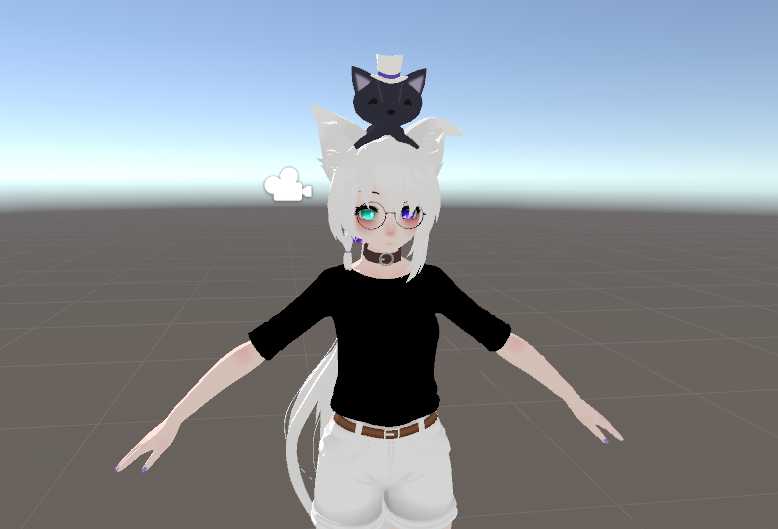
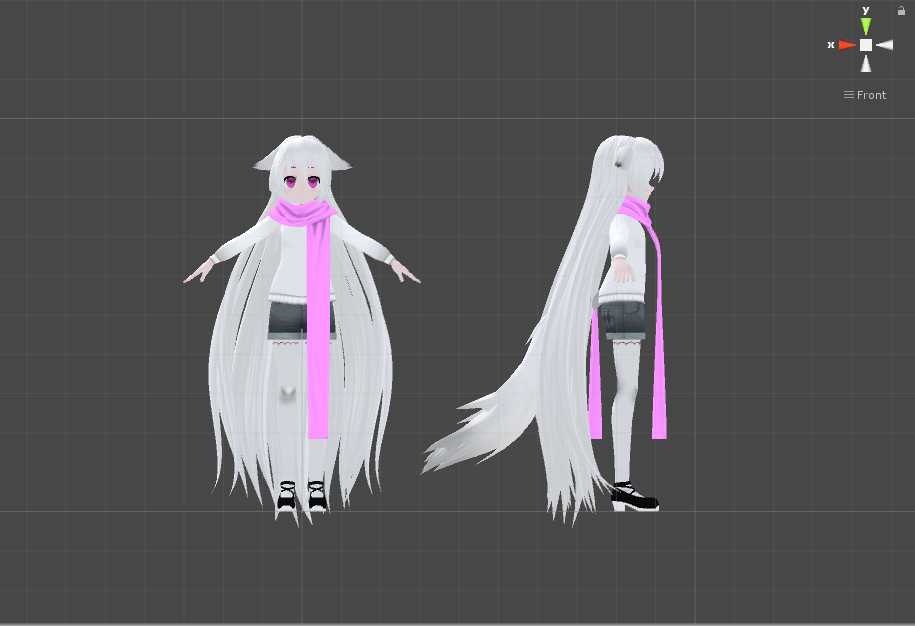
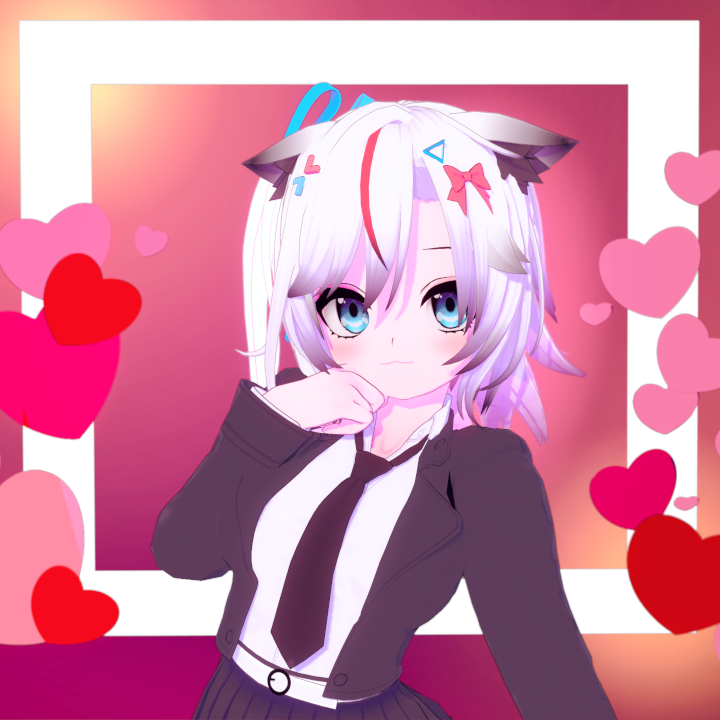
2. Download and import the sweaterfox Unity package.
3. Find and open the sweaterfox scene located in the NewYearGhastly folder.
4. Upload the avatar and done!
Become a Part of the Leading VR Modeling & VRChat Network
Ready to immerse yourself in the exciting world of VRChat and 3D assets? At VRCMods, we're not just a community, we're a vibrant network of creators, innovators, and enthusiasts. Connect with fellow VRChat enthusiasts, access top-tier avatar commission services, comprehensive tutorials, and enjoy a wealth of free downloads — all with regular updates to keep you on the cutting edge.
Create a free account to skip ad checks, leave comments, heart your favorites, follow uploaders, and get notified about new uploads.