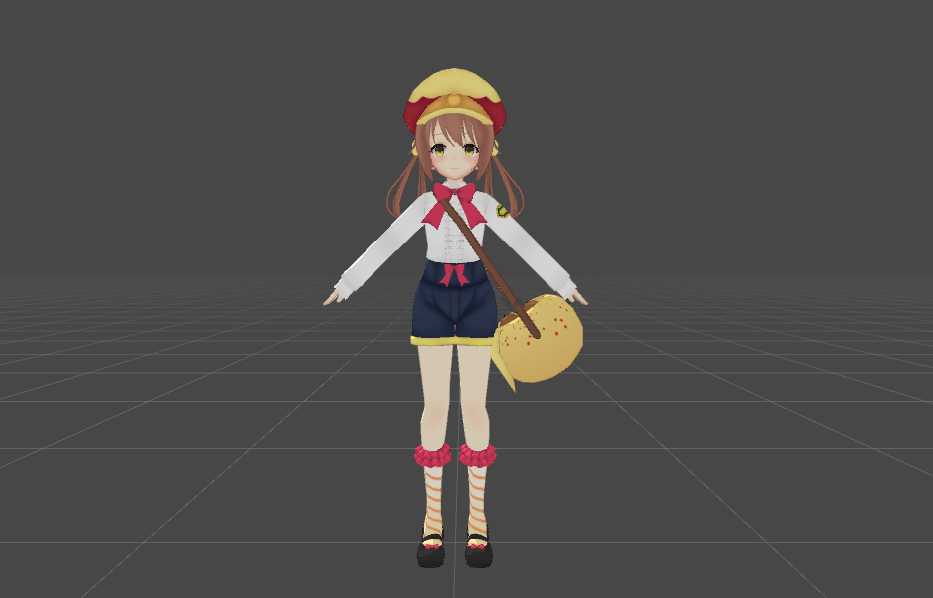
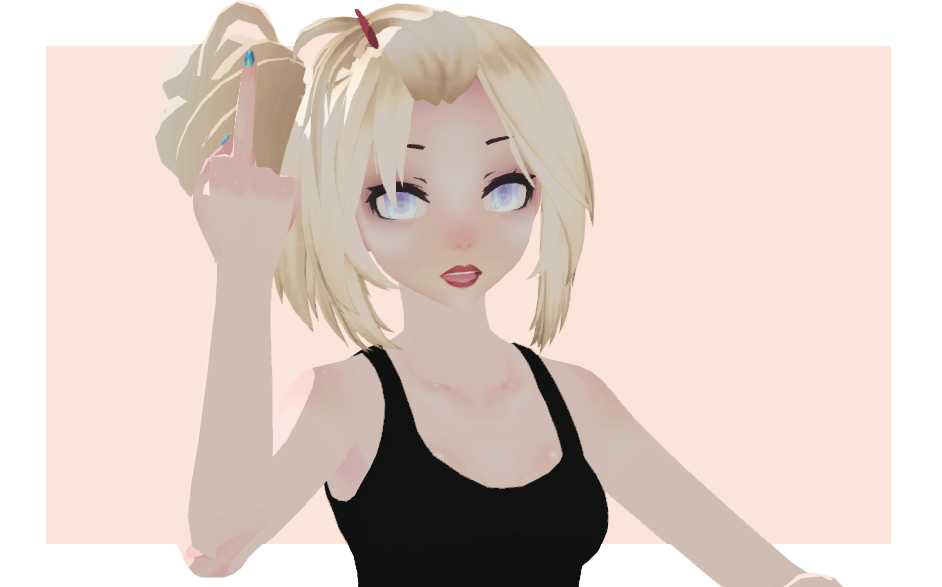
Ooka with Custom Gestures and Camera (31k)
Download
You can upload this avatar to VRChat See tutorial
Description
File Tree
Loading file tree...
Recommended Items
Based on this asset
![Spring Goddess Astolfo [BETA]](https://cdn.vrcmods.com/uploads/items/1551/1761048225/imgs/fa2020bb0f24468ab51eef4bb4a67908.jpg?b=0)

Tutorials


Press ESC or click here to close
Comments
To raise poly limit: (In unity under the project tab) Assets>VRCSDK>Dependencies> Editor(Make sure to right click the folder in unity and choose "Show in explorer")>While in explorer open up the "Editor" Folder and find "VRC_SdkControlPanel" (not the meta file)>Open said file in NotePad> Ctrl+F and look up "20000"> Change that number to how many polys you want to be allowed> save> exit> go back to unity and wait for it to refresh> Upload. This works on the latest sdk so dont worry about needing a modded one, hope this helps, cheers!
0would anyone be so kind to sen me a link to a modified sdk that they use currently
0When i import the model, it turns to a polygon mess. Anyone know a fix
0Alright, I can't find the scene anywhere. Where is it
0Hello, ive changed the console panel to go over the polygon limit but still wont work, can someone drop me a link to a modded one
0Shader Thot. :' )
0Mega Thot
0How far away the Stars Rubba?
0tank u ;3
0You need a modified sdk slappedmonkey, it says it in the description
0it says 2 many polygons....31643 polygons total. How do I lower it?
0Cokey make a new project with a new version of this model
0Well.. I messed up really bad like a **** idiot lmao. I accidentally deleted the avatar folder from the new one. And even in the old one the other stuff is gone. Idk im pretty confused. I mean the avatarfolder is there but the other model seed is gone
0very good model, you did a great job on it!
0@Rogue its an old avatar of mine, back when everyone could see it
0all good, I updated it so if you want just delete the folder named avatarmodel and delete the scene, then import the updated one
0This would have been better to upload when cameras were actually something everyone wanted tbh
0How do I detach the blueprint? Sorry im still kinda new with this..
0Detach the blueprint, ill update it now
0Uhm im having a problem. It says "The Signed in account does not have access to the blueprint associated with your VRC Avatar/screen descriptor.Please sign in with the correct account or detach the blueprint ID associated with the descriptor"
0