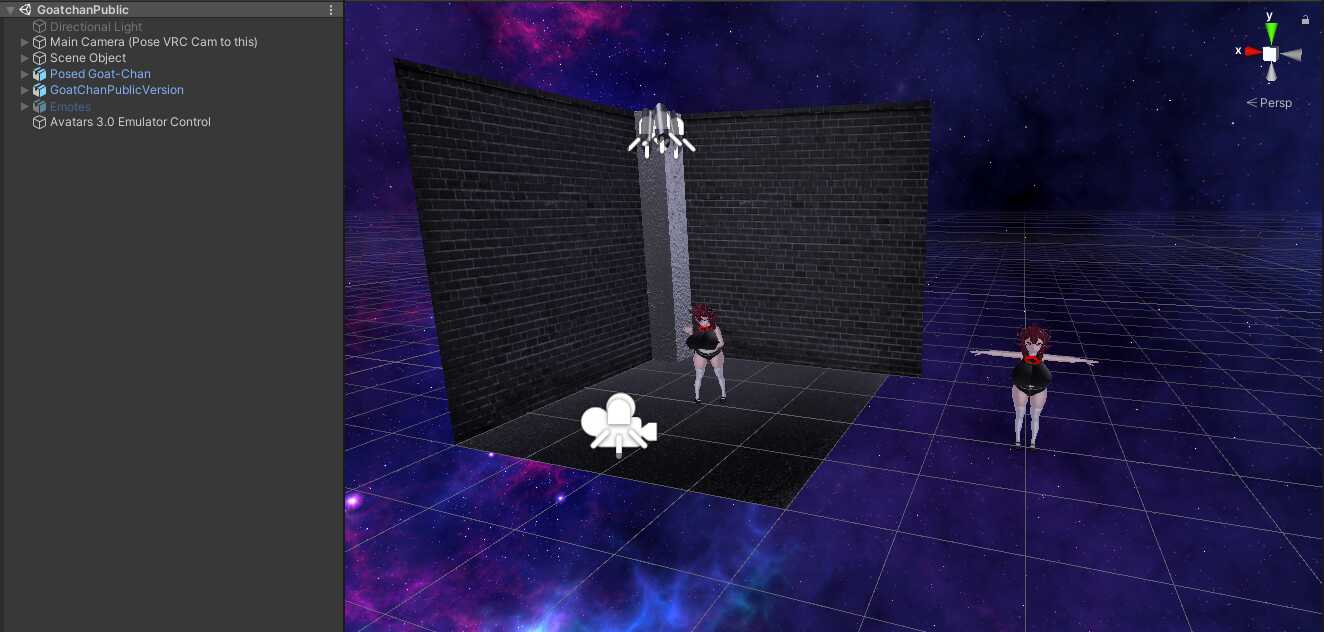
For fixing the pink avatar problem use older version of shader like v0.23.
0
I've recently installed this model so I could import it into VRchat obviously but it seems every time I try to upload the optimized avatar to VRChat it says its proofing it but then it disappears as if it works but the menu to name the avatar before it imports to VRchat doesn't show up and it just makes a prefab in the assets tab. You think it could be fixed or no?
0
Everytime I try to add this model it always turns out pink, how can I get the textures added to the model?
0
awww the only model that I actually think that looks really good and would love to have is not working for me :(
0
apparently this model is not stock compatible with the current vrcsdk. to fix this the included sdk asset file needs to be removed from the model package and only aftyer that the current sdk needs to be imported
0
I fixed the problem, but there appeared another problem:Gui Layout mismatch layoutGroup.repaint
0
Do you have dynamic bones imported?
0
"The associated script can not be loaded. Please fix any compile errors and assign a valid script."What it would be? I double clicked PringlesOtimized and the dynamic bone script say that. I've followed the site instruction and imported the vrchat sdk and cubedparadox before import prinz eugen.
0
@RikoRikoRip Sounds like a problem with the sdk or their servers
0
@Alleycrack I followed all the instructions, and the model is ready to go, but for some reason, the 'build and publish' portion won't finish
0
@RikoRikoRip This is because you need to import Cubeds Shaders before you import the package then the correct textures will be on the two models. Use the latest version https://github.com/cubedparadox/Cubeds-Unity-Shaders/releases I would recommend using the PringlesOptimized the other was for people wanting to change coloring
0
@Zearyen I'm following the default tutorial on uploading custom avatars provided by this site. In the tutorial, clicking on the scene file of the model being used as an example shows the model, complete with textures and all, which is then immediately ready to be uploaded. However, I'm provided with two scene files, none of which have any textures on them. Forgive me if anything I said doesn't make any sense, I have never worked with any of these programs before.
0
@RikoRikoRip what exactly is your problem?
0
The tutorial video isn't very much help for me, and I'm extremely new to this. Any recommendations where I can get in detail help so that I can get this model up and running?
0
i tried importing v0.23 of CubedsShaders first, and it ended up generating the model correctly ^^'
0
Go to Prinz Eugen>Materials and then select just the generatedatlasbake and make sure that the alpha cutoff is above 0 but below .2
0
I tried uplading it today using the "PringlesOptimized" scene, but instead of the eyes i saw a black upper face and red dots on the cheeks (in the lobby mirror).Did i do something wrong? :o
0
Fixed the blinking and added two scenes so one can have its textures edited
0
You need to be using Cubeds Shaders and have it imported first
0
I've got some current issue with this, I can't apply shaders to the avatar in Unity. The avatar says error and it has a missing file error. Please assist me my discord is nathan#7442
0
There were originally all separate textures but I atlased them together for optimization. When I re-upload I'll see if I can make another scene with a version that has separated textures
0
I just noticed that myself I'll put up a new version either tommorrow or the day after that
0
Seems like only the left Eye is blinking and the other is just open but only the pupil moves within it
0
![Spring Goddess Astolfo [BETA]](https://cdn.vrcmods.com/uploads/items/1551/1761048225/imgs/fa2020bb0f24468ab51eef4bb4a67908.jpg?b=0)