Find something specific or jump into a category.
3.7K Total Downloads
89.1K Total Views
Asset Type VRChat Avatars
File Type Unity Package
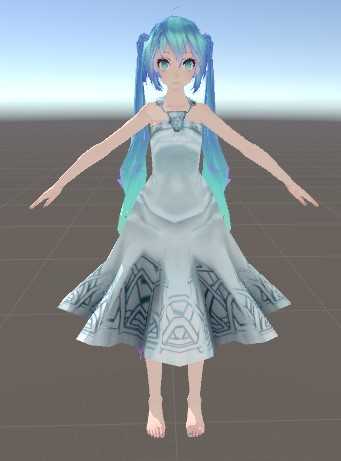
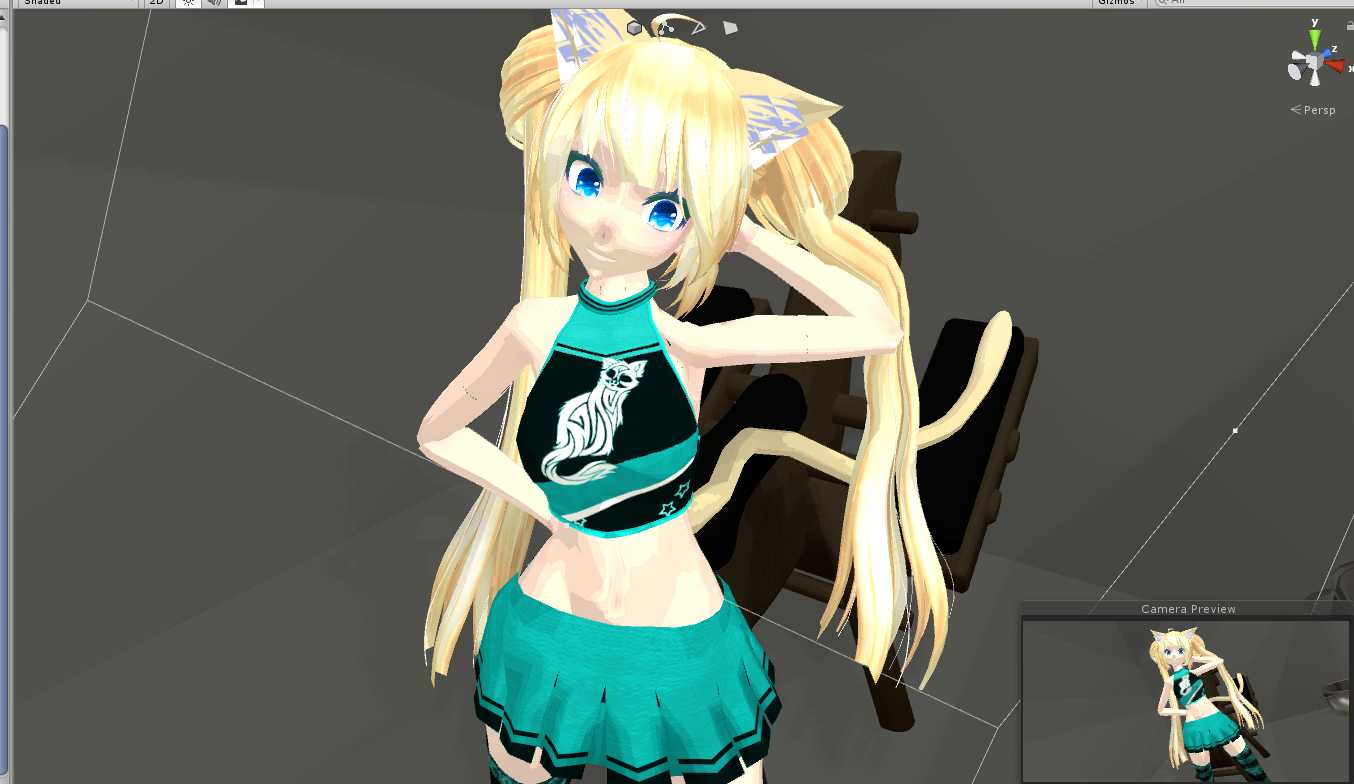
Eyes are error.
@Finn199 you act like youve never seen one. calm down.
in the 3d model viewer she has a pussy modeled 0_0
Thanks for the advice storm! I'll mess around with it and try out what you suggested then re-upload the edit
thats the way the original model was imported. Thanks!
Something nice: why is the characters butt line at her spine? Just a heads up.
Loading file tree...
Create a free account to skip ad checks, comment, save favorites, follow creators, and get notified about new uploads.