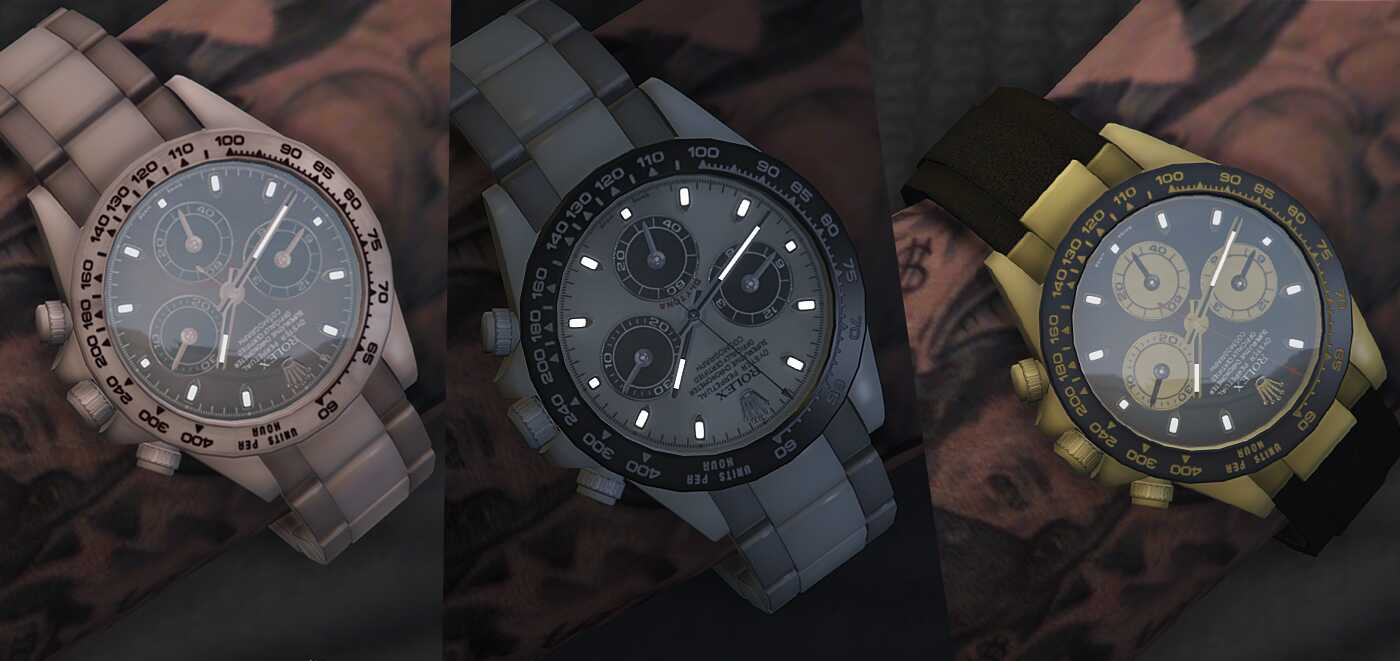
'Uses only one material.
Usable on avatars and in worlds.
Shows local time since last world join.
Local means everyone sees different time, time is client side only, not synchronized between players.
I tried to put this clock in the world as a timer. But I tried several ways and don't know how to reset the time. Can you please let me know or Discord tag?
5 of 5 free downloads left today.Sign up to get 100 downloads per day for free.
Auto-fixed version available2 fixes applied1.3 MB
Optional. The download above is the original file, unchanged. This copy is generated automatically with the VRChat setup problems we could fix already applied.
Upgraded SDK2 to SDK3Replaced the retired Avatars 2.0 descriptor with an Avatars 3.0 descriptor, viewpoint at 142.28 m in world (eye level) (the measured model height). Animation layers and expressions are at SDK3 defaults and may need manual setup.
Resized the avatar to 1.8 mRoot scale changed from 200 to 2.368 (a 0.012x adjustment) so the avatar stands 1.8 m tall. In Unity, tweak the scale to your preference - we default to 1.8 m (about the size of an average human male). The viewpoint is stored in root-local space, so eye height scales with it.


Comments
i tried it and its not working for me for some odd reason
0Is there a way you can make the local timer start after a button is pressed
0dose it work or nah
0why realtime not work?
0Realtime clock doesn't work for me.
0hey can i get it to work for quest or no
0I tried to put this clock in the world as a timer. But I tried several ways and don't know how to reset the time. Can you please let me know or Discord tag?
0it does count up, they are just memeing
0thx man
0is it not counting up
0lime teft dntil i uie
0die until left time i
0time left until i die
0time left until i die
0Time left until I die.
0time left until i die
0