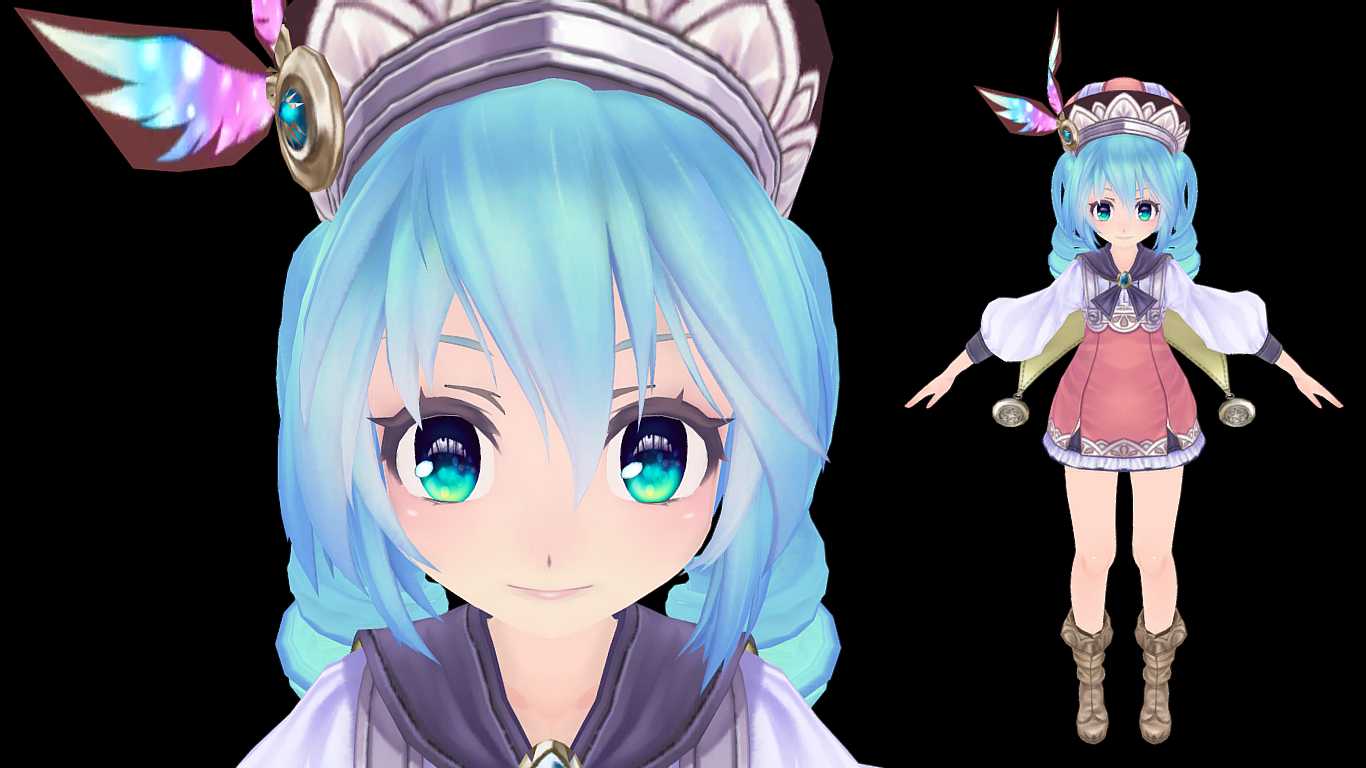
Download
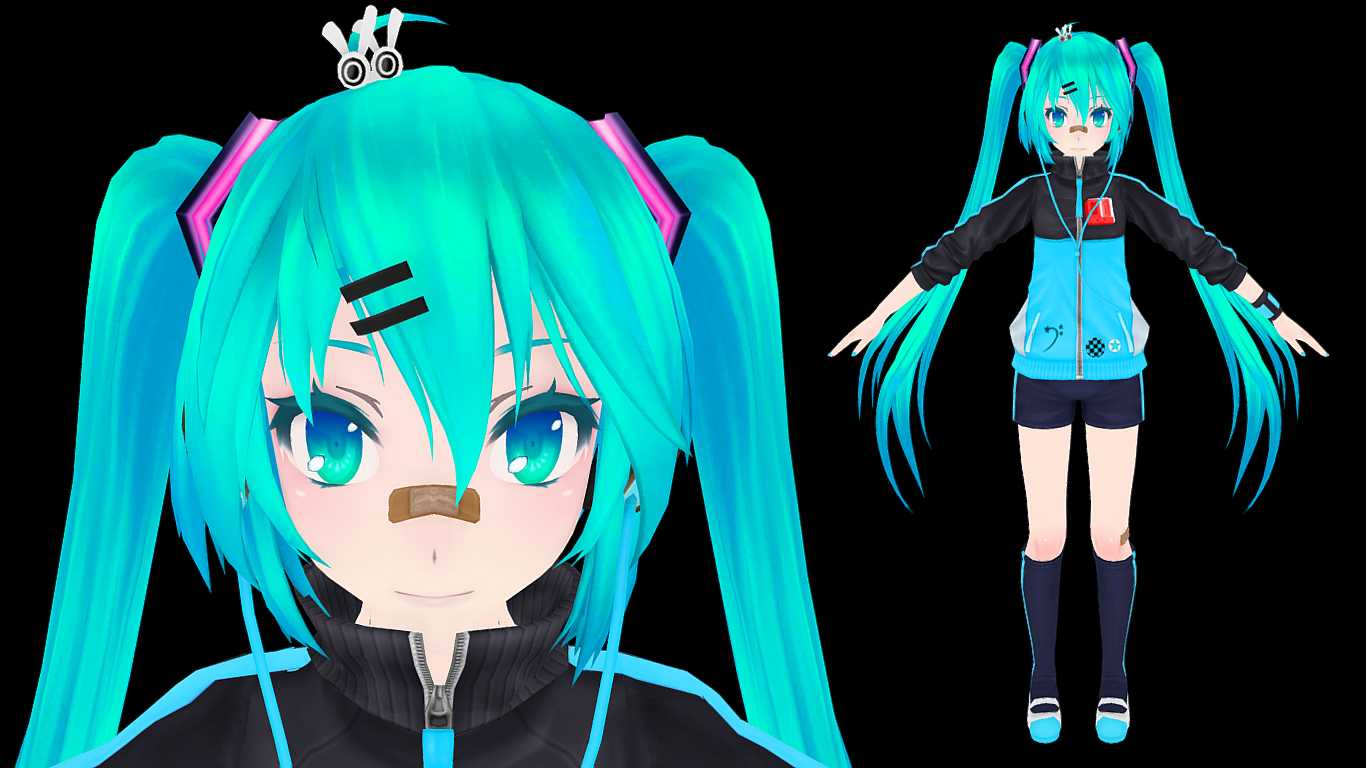
You can upload this avatar to VRChat See tutorial

Description


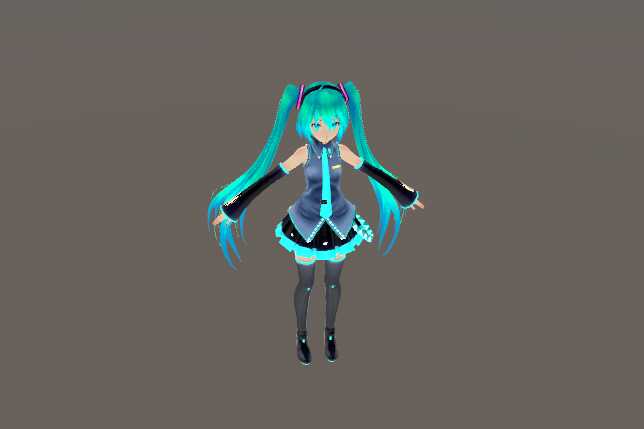
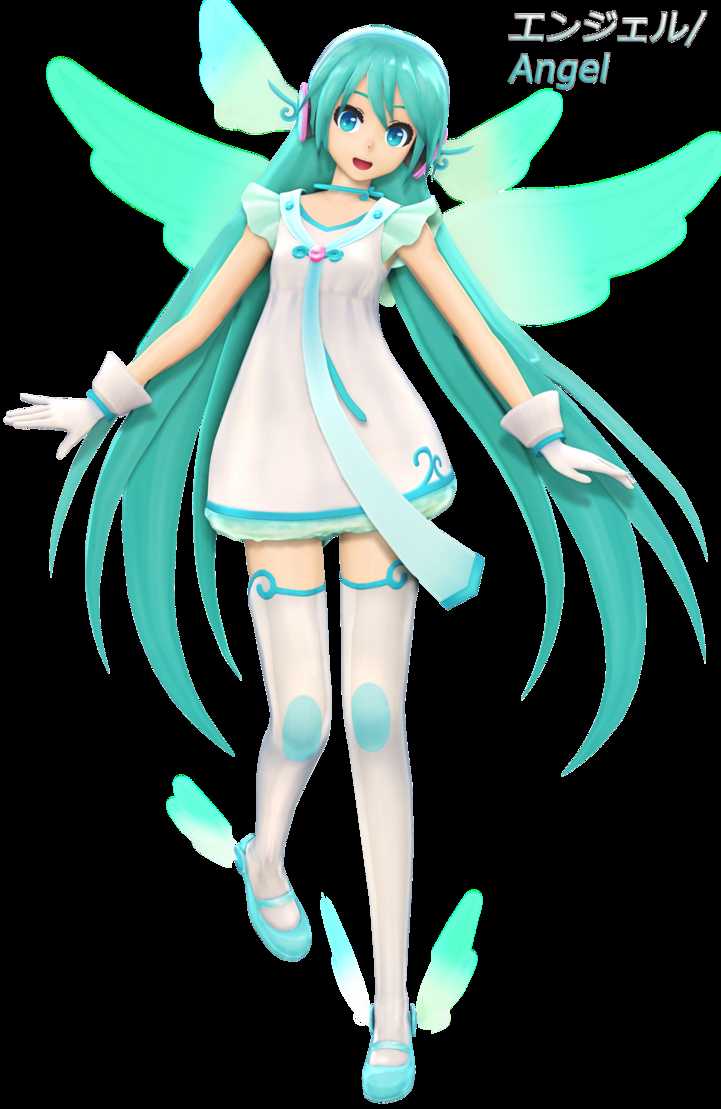
First Thing, This Description Is Similar To: TDA Default Miku,
Because Yes I Copied Most Of Default Miku Description, I'm Too Lazy to write something new :p

I Was Doing this Edit For A Month
Differences with Default Miku:
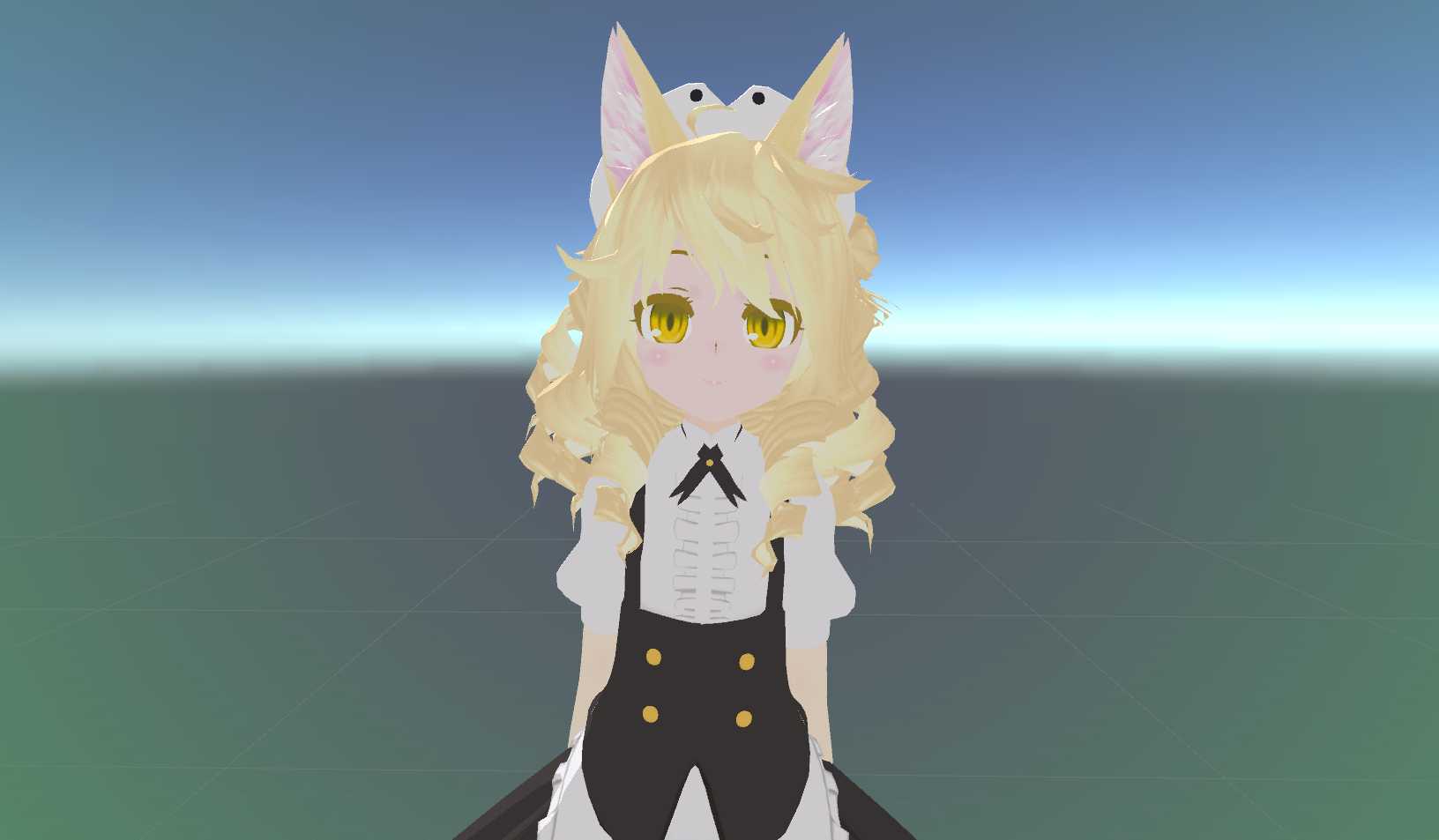
Shorter Hands And Legs
Chibi Head
Modified Hair
she have:
MMS3 Shader,
Dynamic Bones,
Dynamic Bone Colliders
Lip Sync (Viseme Blend Shapes),
Eye Tracking And Blinking,
Finger Trails,
Glowing Blue Parts of clothing,
Glowing Eyes,
Glowing Hair tips.
Info:
I Gave Her Sit Pose And Crawling Animation,
Info2:
Everything (Shader, Finger Trails, Dynamic Bone settings) Is Copied From My Unity Project,
So It Should Work With No Problems,
Info3:
There Is Controller With Sit Pose And Crawling
Animation, No Other Animations Included!
Note:
Before Importing My Unitypackage Make Sure You imported VRCSDK!
Note2:
When You go to armature>hips>spine there is Collider!
It's named 2nd spine collider it must be there!
And Don't change it's name!
Credits:
Original Model: Xoriu, TDA
Child Edit: Me
Textures: Xoriu, TDA, Me (I Edited Textures to make glow effect)
Finger Trail: Lugia01 (I Was Too Lazy to do My own)
Shader: https://miniscape.booth.pm/items/1627422 (i dont know how to write this, so have a link)
Dynamic Bone Settings: Me
Shader Configuration: Me (It Took me so long to make it look like now)
Converting: Me (With Help of "CATS Blender Plugin")
Fixing: Me (Again, With Help of "CATS Blender Plugin")
Material and Texture Renaming: Me
There is no MMD Version So There will be No Link

Comments
Log in to leave a comment.
ShadKid 1656707461 ago

Who created this model?

0
corndog 1606470661 ago

corn

0
NeganVR 1601580380 ago

***

0

File Tree

Loading file tree...

Recommended Items

Based on this asset
Tutorials

Join the VRCMods creator network

Create a free account to skip ad checks, comment, save favorites, follow creators, and get notified about new uploads.