REQUIRED: NoeNoe Shader, a VRCSDK, and Dynamic Bones
Instructional Steps:
1. Download the VRCSDK, NoeNoe Shader and Dynamic Bones then import them into Unity.
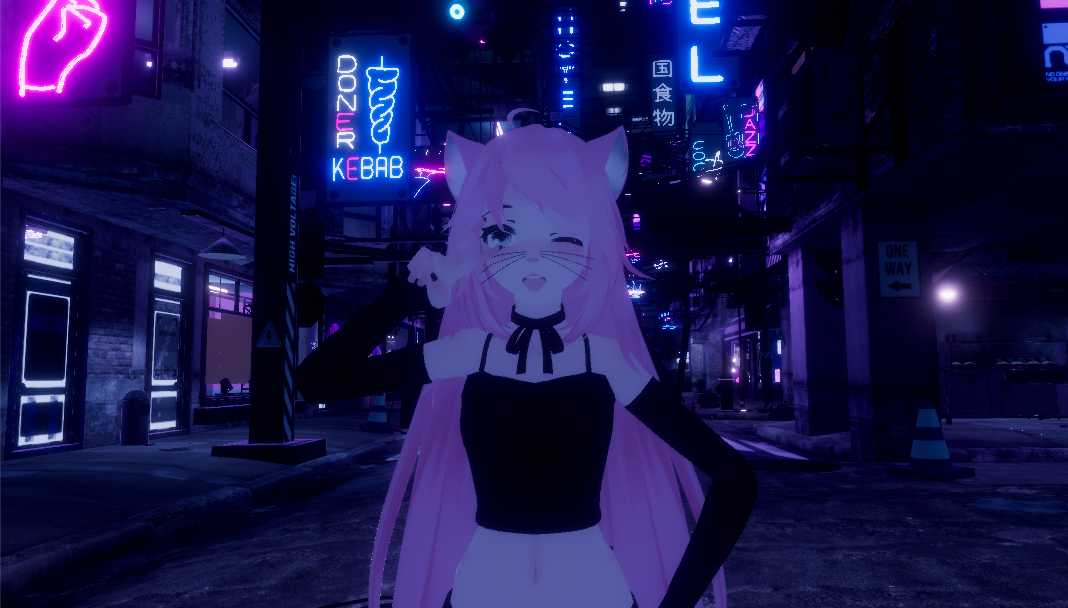
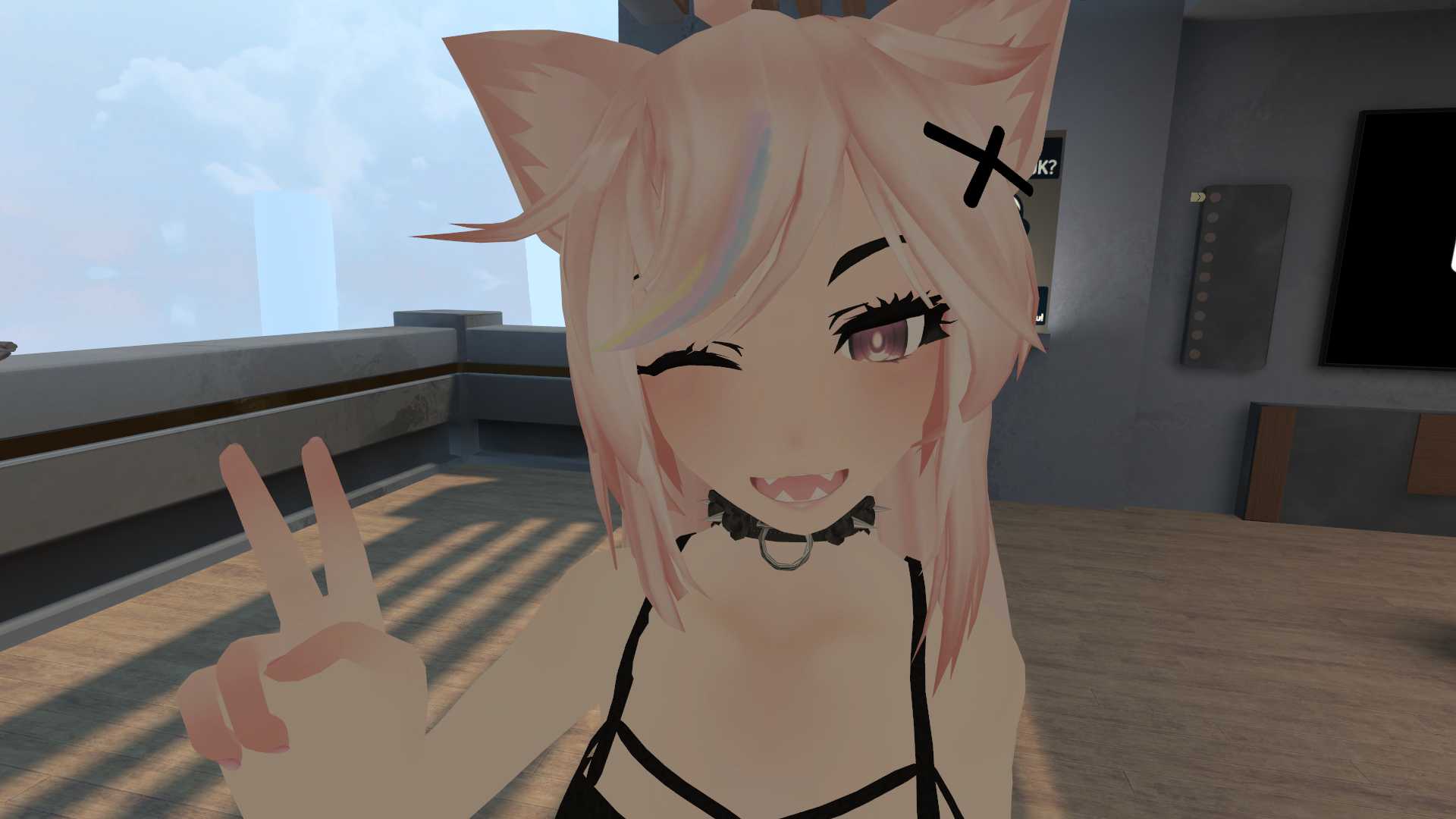
2. Download and import the FarmGrill Unity package.
3. Find and open the Farm Girly scene located in the Farm Girl folder.
4. Upload the avatar and done!
Become a Part of the Leading VR Modeling & VRChat Network
Ready to immerse yourself in the exciting world of VRChat and 3D assets? At VRCMods, we're not just a community, we're a vibrant network of creators, innovators, and enthusiasts. Connect with fellow VRChat enthusiasts, access top-tier avatar commission services, comprehensive tutorials, and enjoy a wealth of free downloads — all with regular updates to keep you on the cutting edge.
Create a free account to skip ad checks, leave comments, heart your favorites, follow uploaders, and get notified about new uploads.